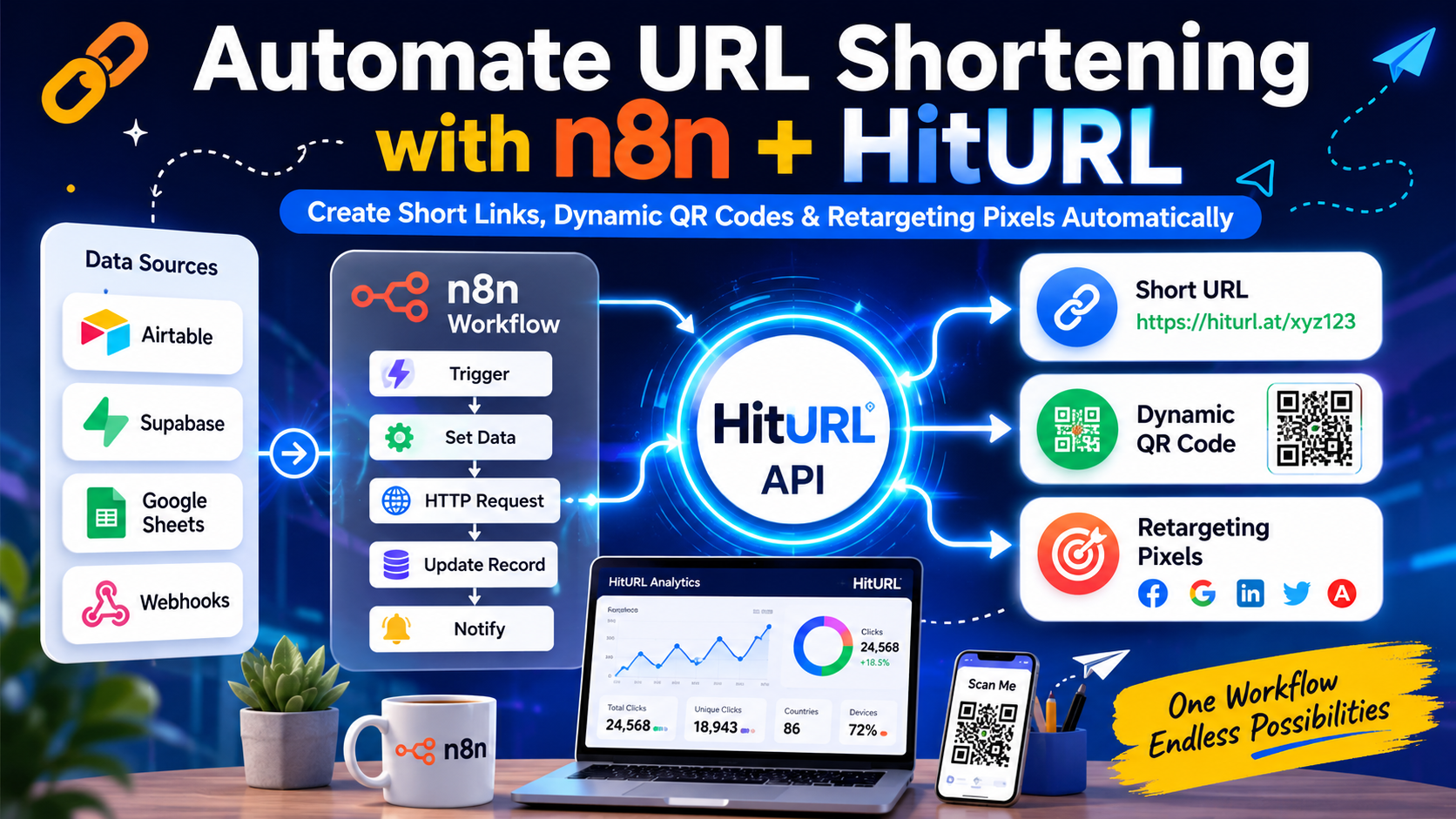
Every time a new product row lands in your Airtable base or a new user signs up in Supabase, someone on your team manually creates a short link. That is a workflow tax you pay every single day. With n8n url shortener automation, you can eliminate it entirely: trigger link creation, fire a retargeting pixel, and generate a QR code without touching a dashboard.
This guide walks you through building a production-ready n8n workflow that calls HitURL's REST API to shorten URLs and generate dynamic QR codes automatically from database events.
Why Automate URL Shortening Inside n8n?
n8n is a self-hostable workflow automation platform that connects hundreds of apps and services using a visual node editor. It gives you full control over your automation logic without locking you into per-task pricing models.
Most teams hit the same wall: their URL shortener charges per API call, per workspace seat, or per custom domain after a low free tier. When you route those calls through n8n instead, you batch them, log them, and control exactly when and how they fire. You cut costs and gain observability at the same time.
Routing link creation through an automation workflow means every short URL is logged, timestamped, and traceable back to the exact database record that triggered it. That is the kind of audit trail manual dashboards cannot give you.
The combination of n8n and a capable URL shortener API covers three real needs: creating short links at scale, attaching retargeting pixels to those links, and generating QR codes that can be updated after printing. HitURL handles all three from a single API endpoint.
What You Need Before You Start
Before building the workflow, confirm you have the following:
- An n8n instance (cloud or self-hosted). Check the n8n integrations documentation for setup guidance.
- A HitURL account with an API key. You can get one free at the HitURL developer portal.
- A data source: Supabase, Airtable, Google Sheets, or any trigger node that emits a URL field.
- Basic familiarity with n8n's HTTP Request node.
You do not need to write server-side code. Every step here uses n8n's visual nodes and a single HTTP Request node pointed at HitURL's REST API.
How Does the HitURL API Work for Programmatic Link Shortening?
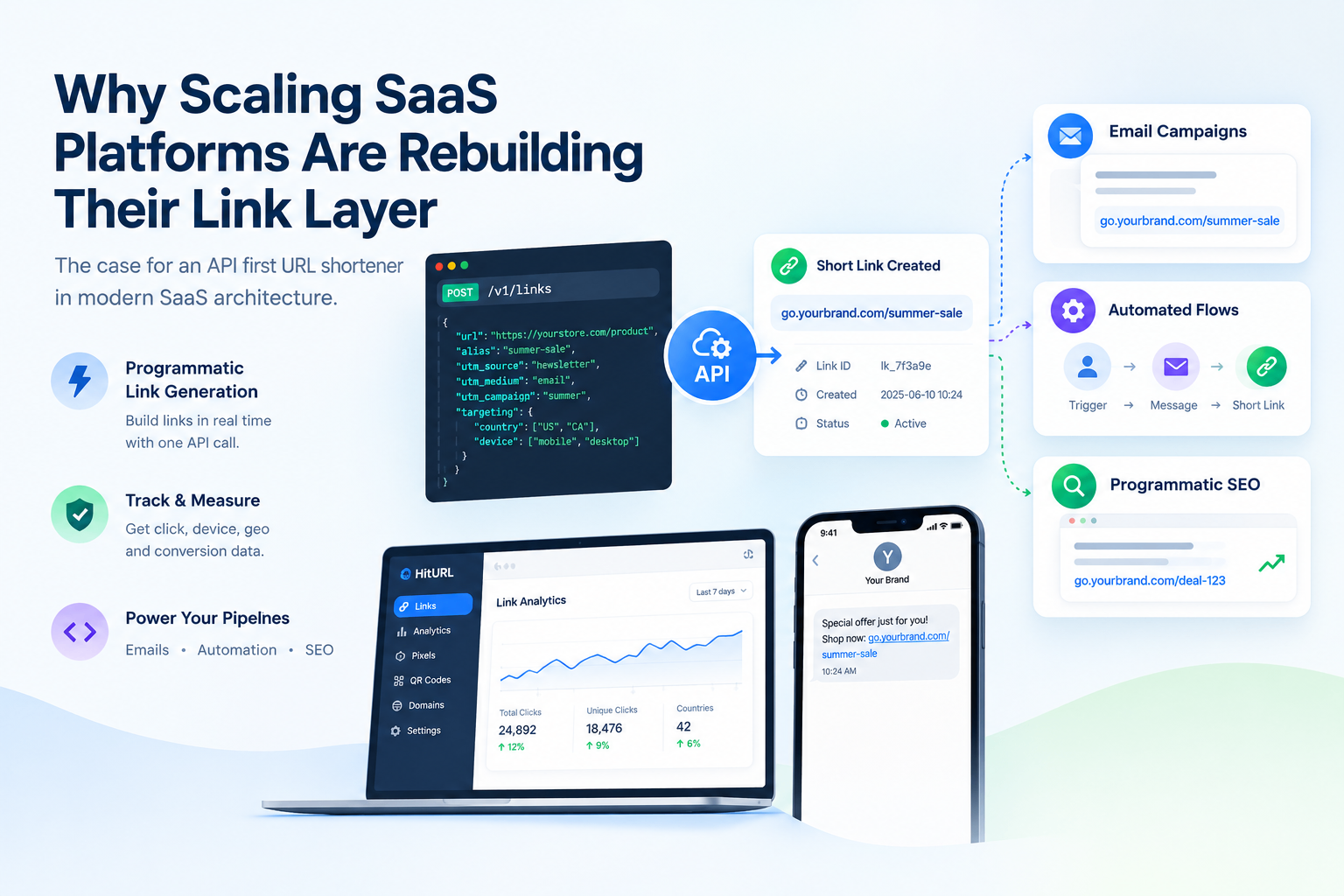
HitURL's API accepts a long URL and returns a short link, an optional custom alias, and a QR code URL in one response. You authenticate with a Bearer token passed in the request header.
The core endpoint is a POST request to https://hiturl.at/api/v1/links. The minimum required payload is a url field. Optional fields include alias, domain, geo_targeting, and pixels. For full parameter references and code examples in JavaScript, Python, and cURL, see the HitURL API code examples guide.
A single POST request to HitURL's API can create a branded short link, attach a retargeting pixel, and return a scannable QR code URL simultaneously. That means one workflow node replaces what used to be three separate manual steps.
The response object looks like this:
{
  "short_url": "https://hiturl.at/your-alias",
  "qr_code_url": "https://hiturl.at/qr/your-alias.png",
  "alias": "your-alias",
  "original_url": "https://yoursite.com/long-page"
}
You can map short_url and qr_code_url directly to fields in your database record, send them to Slack, or attach them to an outgoing email, all within the same n8n workflow.
Building the n8n Workflow: Step by Step
Here is the full workflow structure. Each numbered step corresponds to a node in n8n.
- Trigger Node (Airtable or Supabase): Watch for new records or row inserts. In Airtable, use the "Airtable Trigger" node set to "New Record". In Supabase, use the "Postgres" node with a polling query or a webhook trigger via Supabase Edge Functions.
- Set Node: Extract the fields you need. Map the long URL field to a variable called
longUrland any desired alias tolinkAlias. This keeps your HTTP Request node clean and readable. - HTTP Request Node (Create Short Link): Configure as follows:
- Method:
POST - URL:
https://hiturl.at/api/v1/links - Authentication: Header Auth, key
Authorization, valueBearer YOUR_API_KEY - Body (JSON): see snippet below
- Method:
- Set Node (Map Response): Extract
short_urlandqr_code_urlfrom the HTTP response for downstream use. - Update Record Node: Write the short URL and QR code URL back to the originating Airtable or Supabase record.
- Optional: Slack or Email Node: Send the short link and QR code to a team channel or to the end user directly.
JSON Workflow Snippet for the HTTP Request Node
Paste this into the "Body Parameters" section of your HTTP Request node when using JSON body mode:
{
  "url": "{{ $json.longUrl }}",
  "alias": "{{ $json.linkAlias }}",
  "pixels": [
    {
      "type": "facebook",
      "pixel_id": "YOUR_FB_PIXEL_ID"
    }
  ],
  "geo_targeting": [
    {
      "country": "US",
      "redirect_url": "https://yoursite.com/us-landing"
    },
    {
      "country": "DE",
      "redirect_url": "https://yoursite.com/de-landing"
    }
  ]
}
The pixels array fires your Facebook (or Google, LinkedIn, Twitter, AdRoll, or Quora) retargeting pixel on every click through that short link. The geo_targeting array redirects visitors to country-specific pages automatically. For a deeper look at geo redirect strategies, read the guide on geo-targeting links and redirecting by country.
Handling the QR Code Response
A dynamic QR code is one where the destination URL can be changed after the code has been printed or distributed, without reprinting the QR image itself. HitURL generates dynamic QR codes by default for every short link. The qr_code_url field in the API response is a direct image link you can embed in PDFs, emails, or store in your database for later use.
In n8n, add a second HTTP Request node after your Set node and use a GET request to download the QR image as a binary. You can then pass it to a Google Drive node, an email attachment, or a Slack file upload. For a full breakdown of dynamic QR code options including branding and color customization, see the article on creating free dynamic branded QR codes.
Because HitURL QR codes are dynamic, you can update the destination URL at any time from the dashboard or via API without generating a new QR image. For campaigns printed on physical materials, this eliminates the cost of reprinting entirely.
Triggering from Supabase vs. Airtable: Key Differences
Both Supabase and Airtable work well as triggers, but they behave differently inside n8n.
Supabase: Use the Postgres node with a polling interval, or configure a Supabase webhook that calls your n8n webhook URL directly. The webhook approach is real-time. The polling approach checks every N seconds and is simpler to set up. Map your URL column directly from the returned row JSON.
Airtable: The Airtable Trigger node polls for new records. You set the table name and a filter formula to avoid re-processing existing rows. A common pattern is to add a boolean field called link_generated and filter for records where it is false. After the workflow runs, update that field to true.
Both approaches scale to hundreds of records per hour without hitting rate limits on HitURL's free tier for typical marketing and content workflows.
What Is the UTM Tagging Method for Automated Links?
Appending UTM parameters before shortening ensures your analytics data stays clean even when you share short links. The method is straightforward: build the UTM-tagged long URL in a Set node, then pass it as the url value to HitURL's API.
Use a formula in your Set node like this:
{{ $json.baseUrl }}?utm_source={{ $json.source }}&utm_medium=link&utm_campaign={{ $json.campaignName }}This approach, sometimes called the UTM Stack Method, means every programmatic short link carries full attribution data from the moment it is created. HitURL then tracks every click on the short link itself, giving you two layers of analytics: UTM data in Google Analytics and click data in HitURL's dashboard.
The UTM Stack Method pairs UTM-tagged destination URLs with a short link layer so you get both campaign attribution in your analytics platform and click-level data from your link shortener. Running them together closes nearly every tracking gap in a content or paid campaign.
See how HitURL tracks every click, fires your pixels, and generates QR codes, free at hiturl.at.
How Do You Handle Errors and Duplicate Links in n8n?
Duplicate aliases will return a 409 error from the API. Build a simple error handling branch in n8n using the "IF" node after your HTTP Request node. Check if $node["HTTP Request"].error is not empty, and if so, route to a fallback path that either generates a random alias or logs the error to a Google Sheet for review.
For random alias fallback, add a second HTTP Request node that sends the same payload without the alias field. HitURL generates a unique alias automatically when none is provided.
A clean error handling setup also protects your workflow from halting on transient network issues. Enable "Continue On Fail" on the HTTP Request node and always log both successes and failures to a central record. This is especially important for high-volume workflows processing thousands of records.
Going Further: Pixels, Geo Targeting, and Branded Domains
Once your basic n8n url shortener automation is running, extending it costs almost no extra effort. HitURL supports retargeting pixels for Facebook, Google Ads, LinkedIn, Twitter, AdRoll, Quora, and Google Tag Manager. You include the pixel configuration in the same POST payload shown above.
Geo targeting redirects visitors from different countries to different landing pages, all from a single short link. This is particularly useful for product launches or content that has localized versions. The API accepts a geo_targeting array as shown in the workflow snippet above.
Branded domains, custom aliases, and link-in-bio pages are also available through the API. For a complete look at every available parameter and response format, visit the HitURL developer documentation.
FAQ
Can I use HitURL's API on the free tier?
Yes. HitURL is free to start and the API is accessible on the free tier. You can create short links, generate QR codes, and track clicks without entering a credit card.
Does n8n have a native HitURL node?
Not yet as a dedicated node, but you do not need one. The HTTP Request node in n8n handles all API calls to HitURL fully. You authenticate with a Bearer token and POST JSON, which the HTTP Request node supports natively.
How do I get my HitURL API key?
Log in to your HitURL account and navigate to the developer section. Your API key is displayed there and can be regenerated at any time. The HitURL developer portal has the full authentication reference.
What happens if the same alias already exists?
HitURL returns a 409 Conflict error. Handle this in n8n with an IF node that catches errors and re-submits the request without an alias, letting HitURL auto-generate a unique one.
Can I generate QR codes for existing short links via the API?
Yes. Every short link created through HitURL automatically has a QR code available at a predictable URL pattern. Dynamic QR codes can also be updated via API without changing the printed image. See the full guide on dynamic branded QR codes for details.
Start building your workflow today. Create your free account and connect n8n to HitURL in minutes at hiturl.at. No credit card needed.