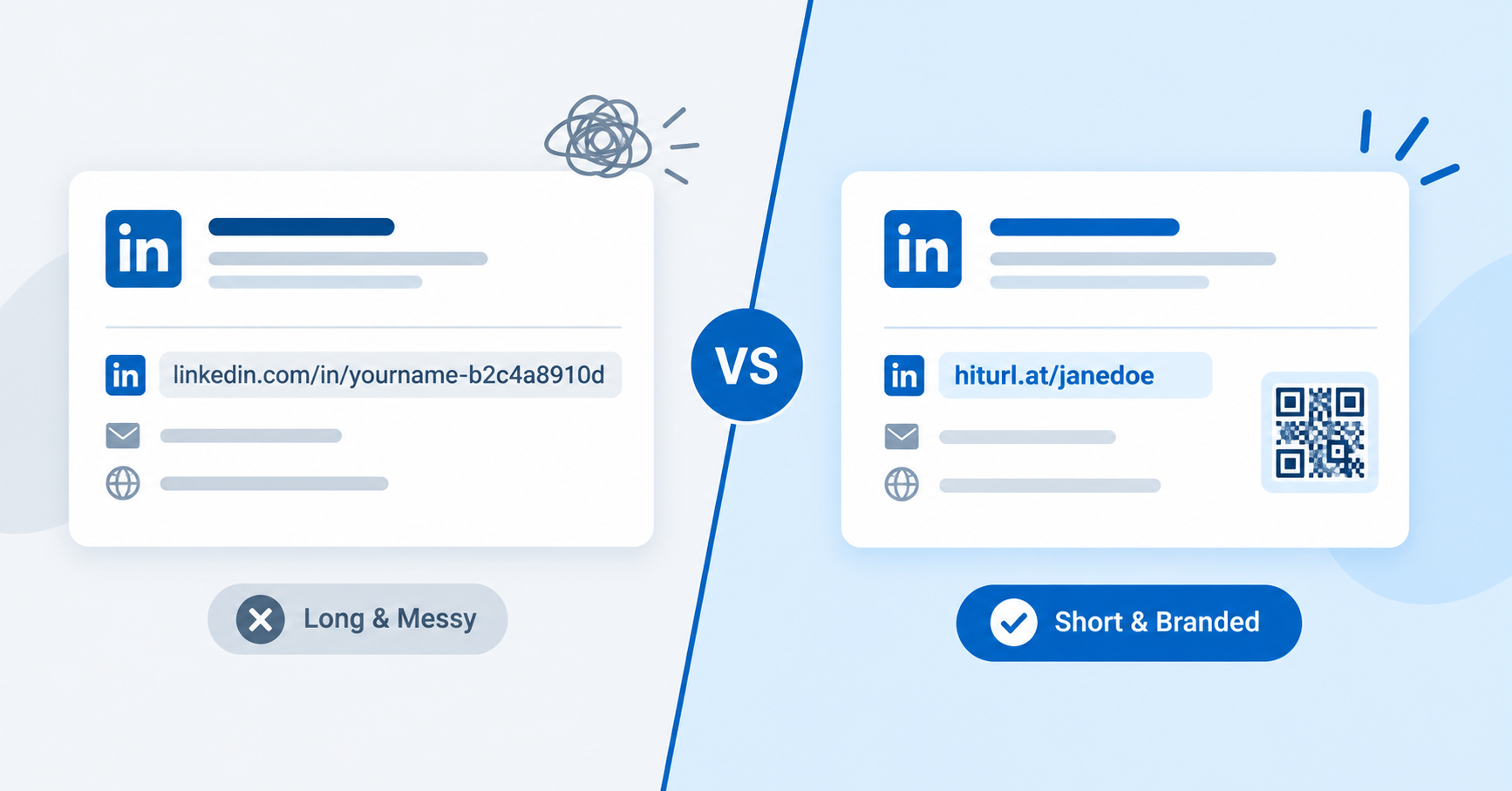
Your LinkedIn profile URL looks something like linkedin.com/in/yourname-b2c4a8910d. If you have ever typed that into an email signature or printed it on a business card, you already know the problem. A clean LinkedIn short link fixes this in under two minutes, and it makes a real difference in how professional your profile appears.
This guide covers two approaches: LinkedIn's built-in vanity URL and a branded short link you fully control. You will know which one to use, when to use it, and exactly how to set it up.
Why Your LinkedIn Profile URL Matters More Than You Think
A messy URL signals carelessness. When a recruiter, client, or collaborator sees a string of random numbers after your name, it raises a subtle question: does this person pay attention to details?
Beyond appearances, a shorter URL is also more practical. It fits cleanly in email signatures, prints legibly on business cards, and converts into a scannable QR code without becoming a dense block of dots. According to LinkedIn's official help documentation, every member can customize their public profile URL to include their name, making it easier to share and find.
A clean, recognizable LinkedIn URL is one of the smallest profile changes you can make, and one of the most immediately visible to anyone you send it to.
LinkedIn Vanity URL vs. a Branded Short Link: What Is the Difference?
There are two distinct tools here, and they solve slightly different problems.
LinkedIn's vanity URL is a free built-in feature. It lets you change the end of your profile URL from a random ID to something like linkedin.com/in/yourname. It is tied to LinkedIn's domain, so you do not control the branding beyond the slug itself.
A branded short link (created through a URL shortener) is a completely separate URL that redirects to your LinkedIn profile. You control the domain, the alias, and any tracking attached to it. Something like hiturl.at/janedoe works anywhere, regardless of what LinkedIn's URL structure looks like.
- LinkedIn vanity URL: Best for your LinkedIn profile itself, Google search visibility, and sharing your profile directly on LinkedIn.
- Branded short link: Best for business cards, email signatures, printed materials, and any channel where you want click tracking or a custom alias.
Use LinkedIn's vanity URL to clean up your profile. Use a branded short link when you need to track who clicks, update the destination without reprinting, or keep the URL consistent across multiple channels.
How to Set Up Your LinkedIn Vanity URL
This takes about 60 seconds. Start on your LinkedIn profile page.
- Click Edit public profile & URL in the top right of your profile page (on desktop).
- Under "Edit your custom URL" in the right panel, click the pencil icon.
- Type your preferred URL slug. Use your first and last name with no spaces. If your name is taken, try adding a middle initial or your industry (e.g.,
janedoe-marketing). - Click Save.
Your profile URL is now linkedin.com/in/yourslug. Share this version everywhere on LinkedIn itself, and update your resume if you have your old URL listed there.
How to Create a Branded Short Link for Your LinkedIn Profile
The vanity URL is a good start, but a branded short link gives you more flexibility. You can track every click, update the destination at any time, and use a URL that reflects your personal brand rather than LinkedIn's domain.
Here is how to set one up using HitURL:
- Go to HitURL's link shortener and create a free account. No credit card needed.
- Paste your full LinkedIn profile URL into the destination field.
- In the custom alias field, enter a clean slug. Use your name, initials, or a phrase that matches your brand. For tips on picking a strong alias, read the guide on how to shorten a URL with a custom alias.
- Click Create link. Your branded short link is live immediately.
- Copy the link and place it wherever you need it: email signature, business card, resume header, or bio.
Every click on your short link is tracked. You can see when people clicked, where they came from, and which device they used. That data is useful if you are actively job searching, running a personal brand campaign, or trying to understand which channels drive the most profile views.
HitURL is free to start at hiturl.at, and creating a link takes less than a minute.
Start shortening links for free at hiturl.at. No credit card needed.
Pair Your LinkedIn Short Link with a QR Code for Print
A dynamic QR code, one where the destination URL can be changed after printing, is the smartest way to put your LinkedIn profile on any physical material. Print it once, and if your LinkedIn URL ever changes, you update the destination in your dashboard without reprinting anything.
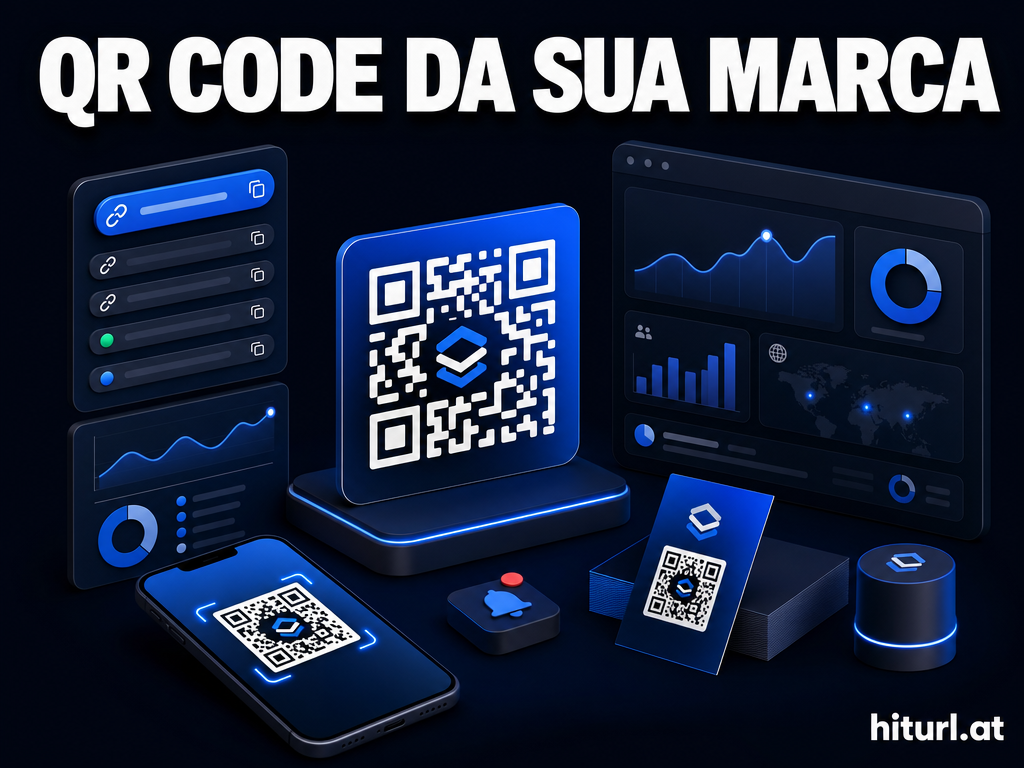
HitURL generates dynamic QR codes for every short link you create. Once your LinkedIn short link is set up, download the QR code and drop it onto your business card, portfolio, or conference badge. For a complete walkthrough on sizing, placement, and design, the guide on QR codes for business cards covers everything you need.
A dynamic QR code tied to your LinkedIn short link means you print once and update forever. Change your LinkedIn URL, change jobs, or point the link to a new page entirely without touching the card design.
How to Use Your LinkedIn Short Link in an Email Signature
Your email signature is one of the highest-frequency touchpoints you have. Every email you send is a chance for someone to visit your profile.
Place your LinkedIn short link as hyperlinked anchor text rather than a raw URL. Instead of pasting the full link, use text like "Connect on LinkedIn" or "View my LinkedIn profile" and hyperlink it to your short link. This keeps the signature clean and the link clickable.
If you want to go further and add a QR code directly to your signature, the article on short links and QR codes in email signatures walks through exactly how to do it without making your signature look cluttered.
Does Shortening a LinkedIn URL Affect SEO?
No. Shortening your LinkedIn URL does not hurt your LinkedIn profile's search ranking or your personal SEO. Search engines index your LinkedIn profile's public URL directly. A short link is a redirect, and search crawlers generally follow it to the destination.
The SEO benefit of LinkedIn's vanity URL comes from having your name appear cleanly in the URL slug. That is a LinkedIn-side optimization, not something a short link affects. For best results, set up both: the LinkedIn vanity URL for your profile's own search presence, and a branded short link for everything you share externally.
Shortening a LinkedIn URL for external sharing does not affect how LinkedIn itself ranks in search results. The two things operate independently: your profile's SEO lives on LinkedIn's domain, while your short link is a redirect layer on top of it.
When to Use Each Approach: A Quick Decision Guide
Not every situation calls for the same tool. Here is a fast reference:
- Sharing your profile on LinkedIn itself: Use your LinkedIn vanity URL.
- Business cards or printed materials: Use a branded short link with a dynamic QR code.
- Email signature: Use a branded short link so you can track clicks and update the destination without changing the signature.
- Social media bios: Use a branded short link. For a broader approach to managing links across platforms, the guide on URL shortener best practices for social media is worth reading.
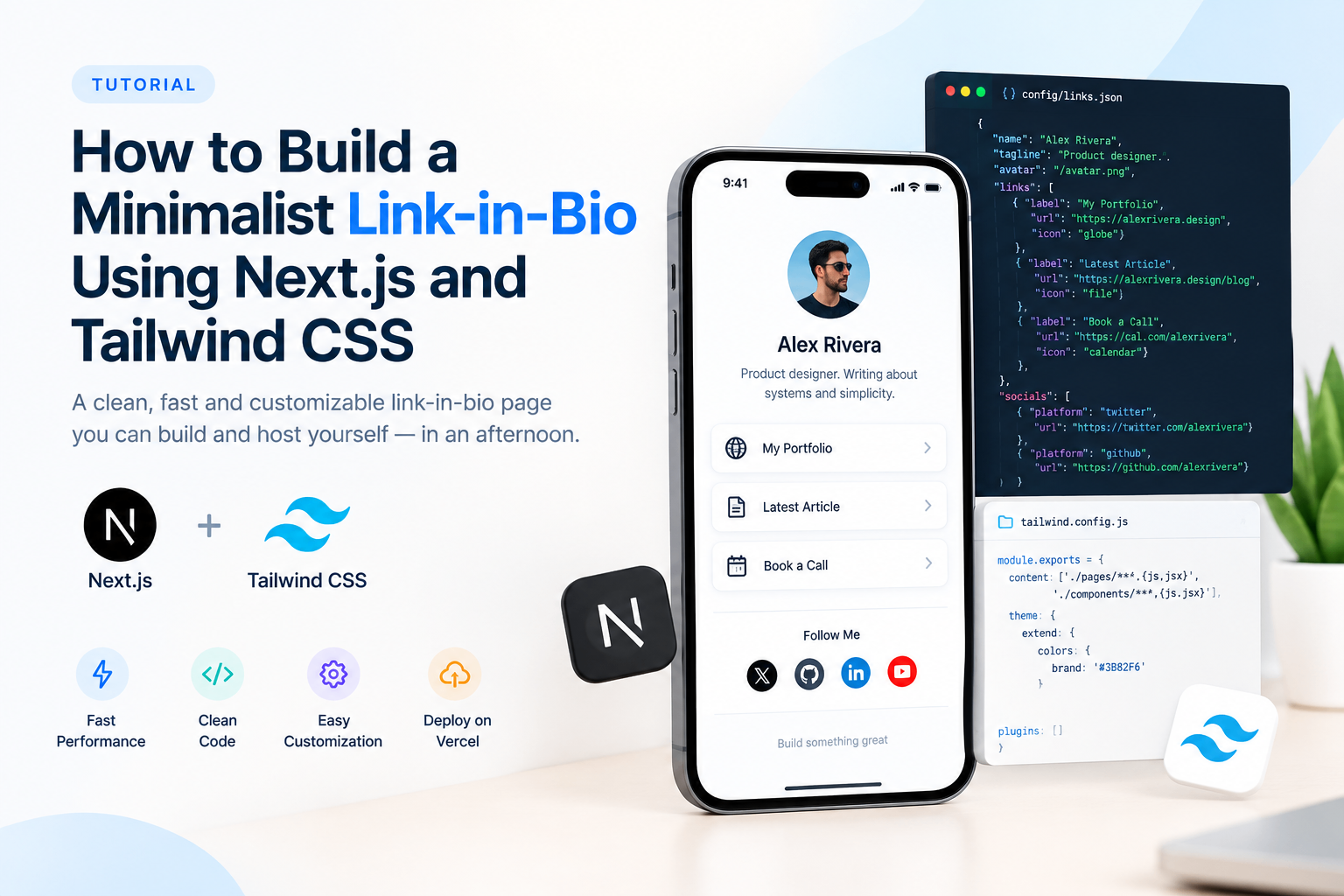
- Link-in-bio page: If you want your LinkedIn profile to be one of several links in your bio, learn how to make a link-in-bio page that pulls everything together.
- Resume or CV: Either works. The vanity URL looks native; a branded short link tracks whether anyone actually visits it.
According to a LinkedIn help article on custom profile URLs, members who customize their URL make their profile easier to find and share. That is the baseline. A branded short link takes it further by giving you control over the analytics and the alias.
Frequently Asked Questions
What is a LinkedIn short link?
A LinkedIn short link is a shortened URL that redirects to your LinkedIn profile. It can be LinkedIn's own vanity URL (e.g., linkedin.com/in/yourname) or a branded short link created through a URL shortener that points to your profile from a custom domain or alias.
Can I use a custom alias for my LinkedIn short link?
Yes. When you create a short link through a URL shortener like HitURL, you choose the alias yourself. You can use your name, initials, or any available slug. LinkedIn's built-in vanity URL also lets you customize the slug, but it is always on the linkedin.com/in/ domain.
Does shortening a LinkedIn URL affect SEO?
No. Shortening your LinkedIn URL for external sharing does not affect your LinkedIn profile's search ranking. Your profile's SEO is determined by LinkedIn's own domain and the content of your profile, not by which URL you share externally.
How do I track who clicks my LinkedIn short link?
Create a short link through HitURL and your dashboard shows click counts, device types, geographic data, and referral sources for every link you create. LinkedIn's built-in vanity URL does not include click tracking.
Can I put my LinkedIn short link on a business card with a QR code?
Yes, and this is one of the most practical uses. Create a short link, generate a dynamic QR code for it, and print both on your card. If your LinkedIn URL changes later, update the short link destination in your dashboard. The QR code and the printed short link keep working without any reprinting.