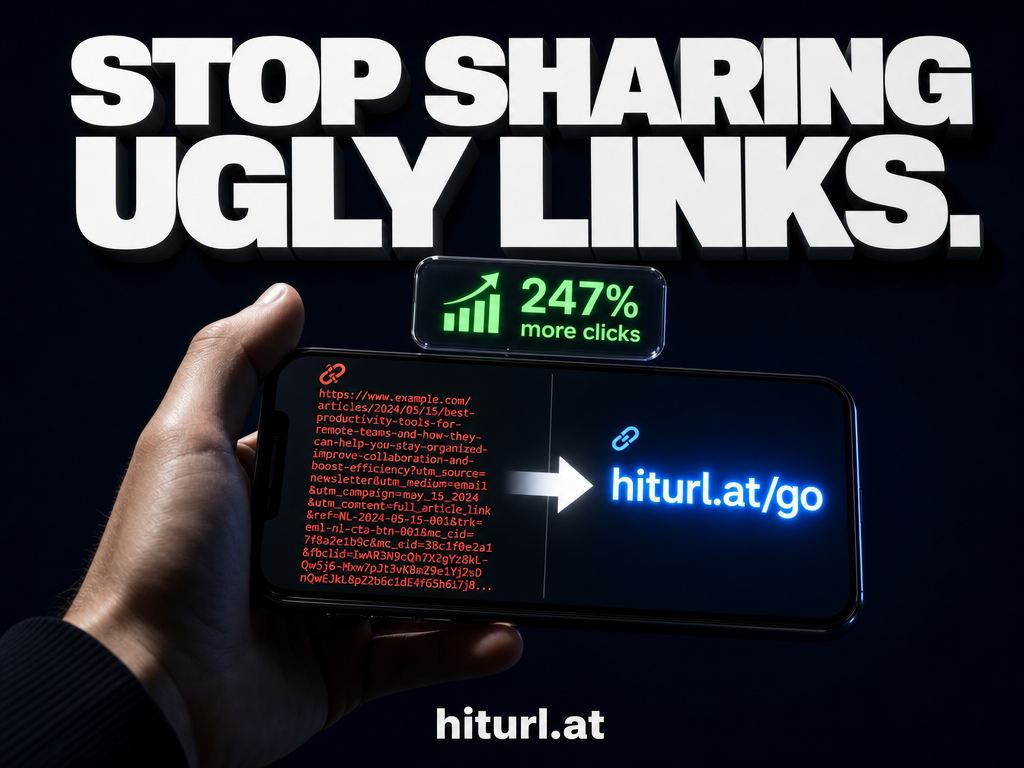
A long, cluttered URL loses clicks before anyone even reads it. If you have ever pasted a 120-character link into a social post or email and watched engagement drop, you already know the problem. Learning how to shorten a URL with a custom alias fixes that instantly, and this guide walks you through every step.
By the end, you will know how to create a short link, choose a memorable custom alias, and configure settings like expiry dates and password protection so your links work exactly the way you need them to.
Why the Alias Matters More Than the Shortener
Most people focus on the tool. The smarter focus is the slug, which is the part of the short link that comes after the domain (for example, hiturl.at/summer-sale). A random string like hiturl.at/xK3mP9 tells the reader nothing. A custom alias tells them exactly where they are going.
Custom aliases outperform auto-generated slugs because they signal context before the click. A reader who sees
hiturl.at/free-trialalready knows what to expect, and that expectation reduces hesitation.
Research on link click-through rates consistently shows that recognizable, descriptive URLs earn more trust than opaque strings. Google's own guidance on URL structure confirms that readable, descriptive paths improve ad quality and user experience alike. The same principle applies to every short link you share.
If you are new to the concept, it helps to first understand what a URL shortener actually does and how it works before diving into the settings.
What You Need Before You Start
You need three things: the long URL you want to shorten, a clear idea of where you will share the link, and a free account on a link management platform. That third item takes about 60 seconds to set up.
A free account gives you access to custom aliases, click tracking, and advanced settings like expiry dates and password protection. Paid plans add features like custom branded domains and retargeting pixels, but for this guide, the free tier is enough to follow every step.
How to Shorten a URL: Step-by-Step
Follow these steps in order. Each one builds on the last.
Step 1: Create Your Free Account
Go to HitURL's link shortener page and sign up for a free account. No credit card is required. You will get access to the full dashboard immediately after confirming your email.
Step 2: Enter Your Long URL
In the dashboard, find the URL input field and paste your destination URL. This is the full, original link, including the https:// prefix. HitURL validates the URL automatically, so you will see an error if anything looks wrong before you proceed.
Step 3: Choose a Custom Alias or Use the Auto-Generated Slug
This is the most important decision in the process. By default, the platform generates a short random string. To set a custom alias, look for the "Custom Alias" or "Back Half" field and type your preferred slug.
Good aliases are short, descriptive, and free of special characters. Bad aliases are long, vague, or copied from the original URL path. The section below on The 5-Point Alias Formula covers this in detail.
Step 4: Configure Visibility Settings
You can mark a link as public or private. Public links are visible in any link directory or shareable reports. Private links are accessible only to you and anyone with the direct URL. For sensitive campaigns or internal tools, always choose private.
Step 5: Set an Expiry Date (Optional)
If your link is tied to a time-limited offer, a product launch, or a seasonal campaign, set an expiry date. After that date, the link either stops redirecting or shows a custom expiry page. This prevents outdated links from reaching your audience and protects your brand from stale destinations.
Step 6: Add Password Protection (Optional)
Password protection gates access to your destination URL. Only visitors who enter the correct password get redirected. This is useful for sharing early-access content, internal resources, or gated downloads without setting up a full login system.
Step 7: Save and Copy Your Short Link
Click save. Your short link is ready. Copy it from the dashboard and share it anywhere: social media, email, print, SMS, or your bio link.
A short link is not a one-time tool. Every click on every link you create is a data point. Checking your click analytics after sharing tells you which channels drive traffic and which ones need a different approach.
Start shortening links for free at hiturl.at. No credit card needed.
The 5-Point Alias Formula for Memorable Slugs
Picking a custom alias at random defeats the purpose. The 5-Point Alias Formula gives you a repeatable method for creating slugs that are easy to remember, easy to type, and accurate to the destination.
- Keep it under 20 characters. Shorter slugs are easier to type on mobile and look cleaner in print. Aim for 10 to 15 characters as your target range.
- Describe the destination, not the campaign. Use
/free-trialinstead of/spring2025promo. The destination is evergreen; the campaign date is not. - Use hyphens, not underscores or spaces. Hyphens read naturally in URLs and are easier to recognize in printed formats like QR codes and business cards.
- Match the alias to the action. If the link leads to a download, use
/download-guide. If it leads to a booking page, use/book-call. The verb signals intent. - Avoid numbers unless they are meaningful. A slug like
/report-2025is fine. A slug like/link42is confusing and forgettable.
Apply this formula every time you create a link and your short URLs will build recognition over time, especially when you use a branded short link with your own custom domain.
Why Custom Aliases Outperform Random Strings
The gap in performance between custom aliases and auto-generated strings is not small. Descriptive slugs increase click confidence because they reduce uncertainty. When a reader sees a recognizable alias, they make a faster decision to click.
Random slugs hide the destination. Custom aliases reveal it. In a trust economy where readers are trained to spot suspicious links, transparency in your URL is a competitive advantage.
There is also a practical recall benefit. If you share a link verbally, in a podcast, or on a slide deck, a custom alias is the only option. Nobody is typing /aB7xQz2 from memory.
For campaigns tracked with UTM parameters, custom aliases also make your analytics cleaner. Your link report shows recognizable slugs instead of a wall of random strings. Learn how to combine short links with UTM tracking in the guide on tracking link clicks with UTM parameters.
Where to Use Your Short Links
A short link works in any context where a long URL would be awkward, untrustworthy, or ugly. Here are the highest-value placements:
- Social media bios and posts: Character limits and visual clutter make short links essential on platforms like Instagram, X, and LinkedIn. See the full breakdown in this guide on URL shortener best practices for social media.
- Email campaigns: Long URLs in email clients often break across lines or trigger spam filters. A branded short link keeps formatting clean and click data accurate.
- Email signatures: A short link or QR code in your signature turns every email you send into a passive marketing touchpoint. The guide on adding short links and QR codes to your email signature covers this in detail.
- Print and out-of-home: Flyers, business cards, and banners cannot carry a 90-character URL. A short alias is the only practical option.
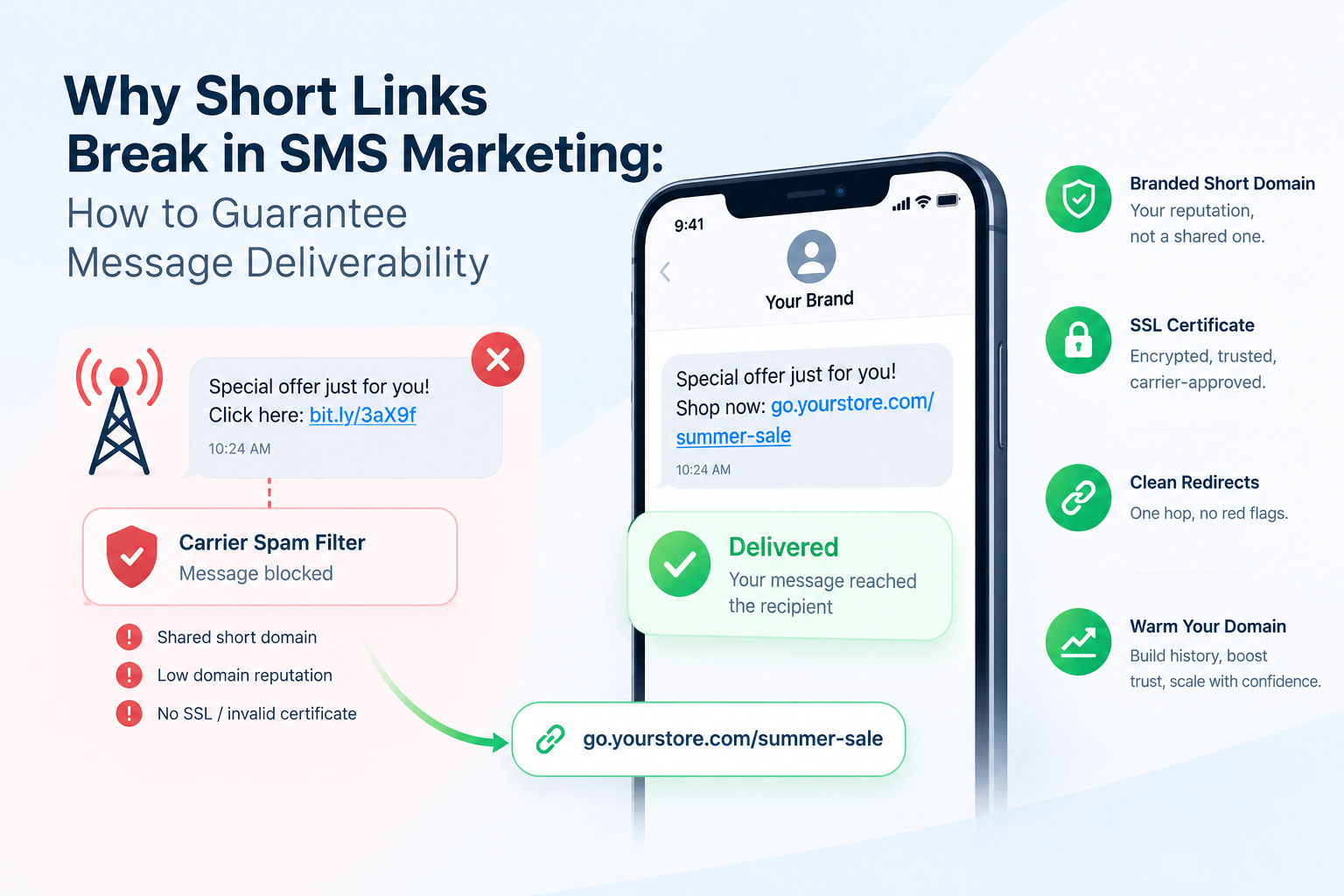
- SMS and messaging apps: Short links prevent messages from looking like spam and keep your copy focused on the call to action.
- Presentations and webinars: A readable slug on a slide is one the audience can actually type in after the session ends.
How Do I Know If My Short Link Is Working?
Check your link dashboard. Every click on a HitURL short link is recorded with data on the time, location, device, and referral source. You do not need a separate analytics tool to understand basic traffic patterns.
If you want deeper data, combine your short links with UTM parameters before shortening. That way, the data flows into Google Analytics and your link dashboard simultaneously, giving you two sources to cross-reference.
Knowing that a link received 400 clicks is useful. Knowing that 340 of those clicks came from mobile users in Germany on a Thursday afternoon is actionable. Link analytics turn sharing into a feedback loop.
What Are the Best Settings for Different Use Cases?
Not every link needs the same configuration. Here is a quick reference by use case:
- Evergreen content links: Custom alias, no expiry, public visibility, no password. Set it once and track it indefinitely.
- Time-limited promotions: Custom alias, expiry date set to campaign end, public visibility. Prevents clicks after the offer expires.
- Internal team resources: Custom alias, private visibility, password protection optional. Keeps internal links organized without a separate intranet.
- Event registrations: Custom alias, expiry date set to event date, public visibility. Clean up automatically after the event passes.
- Gated downloads or early access: Custom alias, password protection enabled, private or public depending on distribution method.
For teams managing large volumes of links across multiple campaigns, the HitURL pricing page outlines what each plan includes, from free to pro.
Frequently Asked Questions
Can I change a custom alias after I create it?
Yes. In the HitURL dashboard, you can edit the alias on any link you have created. The new alias takes effect immediately, and the old alias stops working. Always update any published locations where the old link appeared.
Does a short link affect SEO?
Short links use a 301 redirect, which passes link equity to the destination URL. For most use cases, there is no meaningful SEO impact on the destination page. However, avoid using short links as your primary internal links within a website; use them for sharing and external distribution instead.
What happens when a short link expires?
When an expiry date passes, HitURL stops redirecting the link. Depending on your settings, visitors either see a default expiry message or a custom page you configure in advance. This is useful for limited-time offers where you do not want outdated content to reach new visitors.
Is there a limit on how many links I can create on the free plan?
The free plan on HitURL allows you to create short links with custom aliases and access basic click analytics. Higher-volume needs and advanced features like retargeting pixels and custom branded domains are available on paid plans. Check the current limits on the pricing page.
Do short links work in QR codes?
Yes. A dynamic QR code, which is one where the destination URL can be changed after the QR code is printed, is generated from a short link. Because you can update the short link destination at any time, the printed QR code stays current without needing to be reprinted. HitURL generates dynamic QR codes for every link you create.
Short links are one of the simplest, highest-leverage tools in a marketer's toolkit. A well-named alias builds trust, earns clicks, and gives you data that helps you improve every campaign that follows. Start shortening links for free at hiturl.at. No credit card needed.