Your email open rate is a vanity metric. What actually matters is which links your subscribers click, how often, and what they do next. If you are using raw, untracked URLs in your campaigns, you are flying blind. A url shortener for email marketing gives you per-link click data, cleaner visuals, and the ability to retarget anyone who engages with your content.
This guide covers everything you need to use short links in email campaigns the right way: tracking, deliverability, expiring links, and a practical audit framework you can run on your next send.
Why Short Links in Email Campaigns Actually Matter
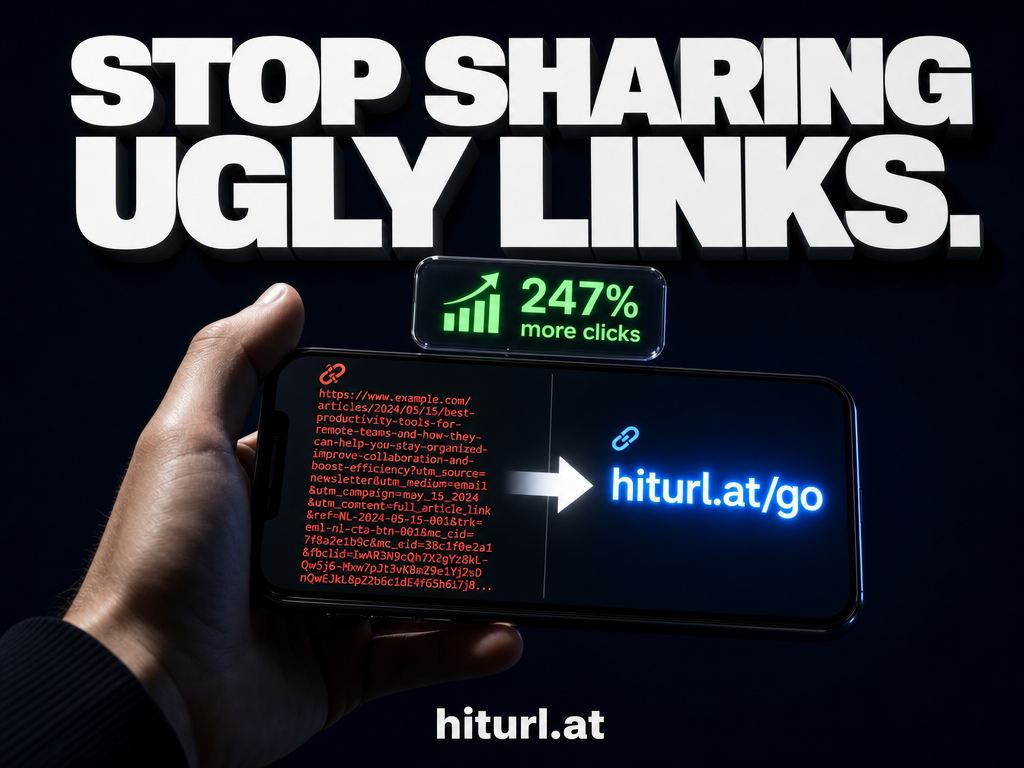
Long, messy URLs break in plain-text emails, look untrustworthy in HTML renders, and give you zero granular data on their own. Most email service providers (ESPs) tell you total clicks per email, but they do not tell you which specific link inside that email drove the action.
Short links solve both problems at once. They look intentional and clean, and every click passes through a redirect you control, so you capture the data. According to Mailchimp's email marketing benchmarks, average click-through rates across industries hover between 1.5% and 3%. Knowing which link in your email drives that rate up is the difference between guessing and optimizing.
Short links in email campaigns are not a cosmetic choice. They are a data infrastructure decision. Every untracked link is a gap in your analytics that compounds across every send.
How Email Click Tracking Works With a URL Shortener
Your ESP tracks total clicks by wrapping your links in its own redirect. That gives you aggregate data. A dedicated short link layer sits on top of that and gives you something more precise: per-link performance, independent of your ESP.
Here is what happens on a single click when you use a properly configured short link:
- The subscriber clicks your short URL in the email.
- The shortener logs the click, timestamps it, and records device and geographic data.
- If you have a retargeting pixel attached to the link, it fires at this moment, adding the subscriber to your ad audience.
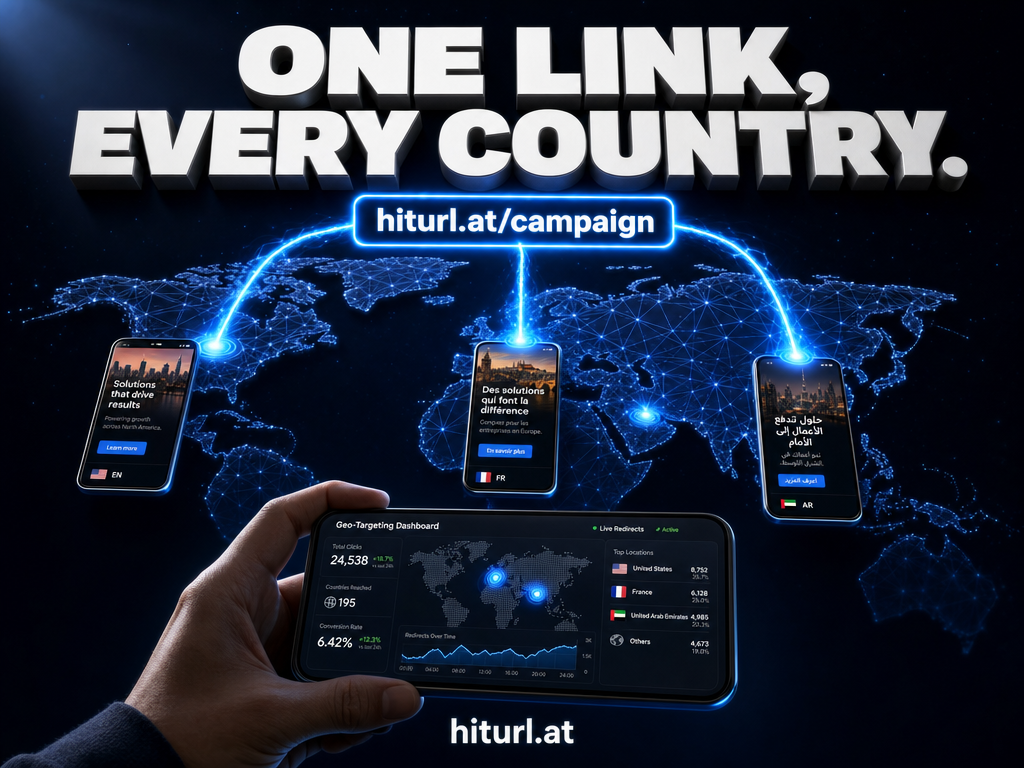
- The shortener checks any geo or device targeting rules you have set.
- The subscriber lands on the destination URL.
That single click contains more intelligence than most marketers ever extract. When you stack UTM parameters on top of your short link, you also pass campaign data directly into Google Analytics or whatever attribution tool you use. For a deeper look at how to set that up, read this guide on tracking link clicks with UTM parameters and a URL shortener.
Attaching a retargeting pixel to an email link means every subscriber who clicks becomes a targetable ad audience automatically. No separate pixel setup required per campaign.
The Deliverability Debate: Are Short Links Safe for Email?
This is the most common concern, and it deserves a straight answer: generic short link domains can hurt deliverability. Branded short link domains are safe.
Spam filters flag shared redirect domains like bit.ly or tinyurl.com because they have historically been used in phishing and spam campaigns. When your link redirects through one of those shared domains, your email inherits that domain's reputation, which you do not control.
A branded short domain changes the equation entirely. When your links redirect through your own domain (for example, go.yourbrand.com), spam filters evaluate your domain's reputation, not a shared pool. You control that reputation by sending clean, permission-based email. For a full walkthrough on setting up your own branded short links, see this guide on creating a branded short link with a custom domain.
Two additional deliverability rules to follow:
- Never use more than one redirect hop. Short link to ESP tracking link to final URL creates a chain that filters distrust.
- Match your short domain to your sending domain. If you send from @yourbrand.com, your short links should also live on a yourbrand subdomain.
What Is the Email Link Audit Framework?
The Email Link Audit is a structured review you run before and after every campaign to ensure every link is tracked, intentional, and clean. Run it in three phases.
Phase 1: Pre-Send Audit (15 minutes)
- List every link in your email, including footer links, social icons, and images.
- Confirm each link has UTM parameters attached before shortening.
- Verify that every short link resolves correctly to its intended destination.
- Check that branded short domain links are not flagged by a spam tester such as Mail-Tester.
Phase 2: Post-Send Review (48 hours after send)
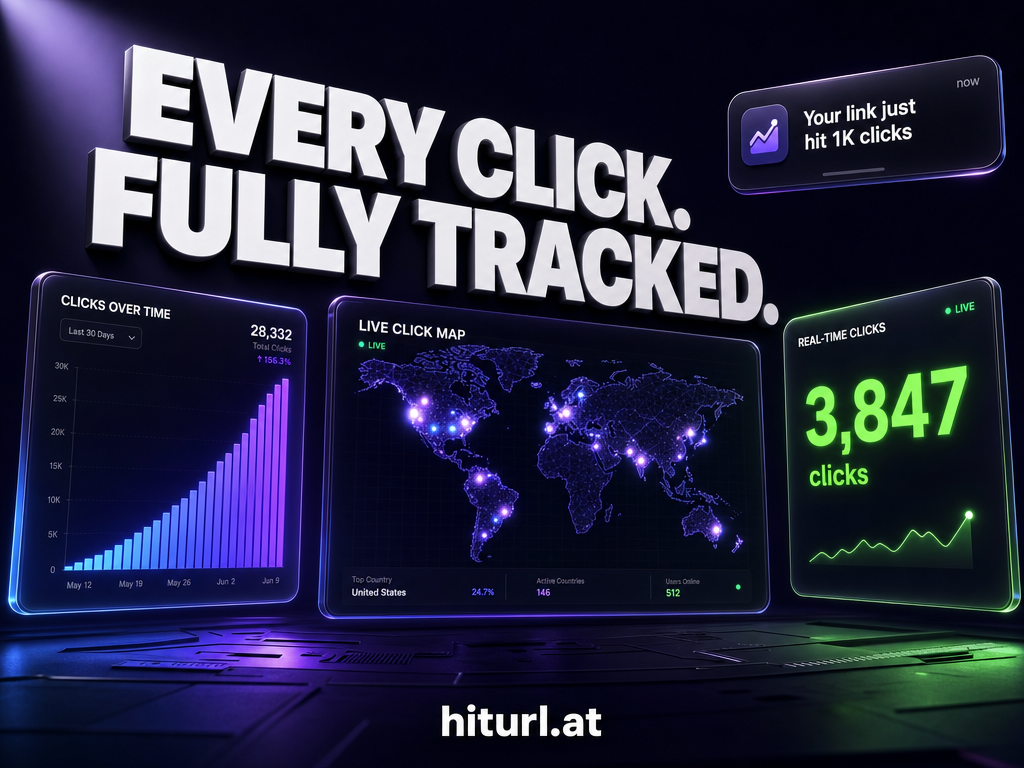
- Pull per-link click data from your shortener dashboard.
- Identify your top-clicked link and your zero-click links.
- Compare click distribution to your intended conversion path. Did subscribers click what you wanted them to click?
Phase 3: Iterative Optimization
- Rewrite anchor text or reposition the top-clicked link in your next email.
- Remove or replace zero-click links that are adding noise without value.
- Build a benchmark: track your per-link CTR over time, not just per-email CTR.
The Email Link Audit treats every link in an email as a hypothesis. Each send is a test, and the click data is your result. Marketers who run this review consistently outperform those who only look at open rates.
If you also use short links in your email signature, the audit framework applies there too. Check out this article on using short links and QR codes in your email signature for a complementary setup.
How to Use Expiring Links for Time-Limited Campaigns
Flash sales, webinar registrations, and limited-offer promotions have a deadline. Your links should reflect that.
An expiring short link redirects to your offer page while the campaign is active, then automatically redirects to an expired-offer or alternative page after your cutoff. This prevents two costly mistakes: subscribers clicking a dead link after the sale ends, and you manually updating every link across archived emails.
Set expiring links up with a specific destination swap, not a 404. Send expired traffic to a waitlist page, a related product, or an "offer closed" page that still captures intent. You keep the click data, and you do not waste the traffic.
For campaigns running across email and paid social simultaneously, combining expiring short links with retargeting pixels is especially effective. Anyone who clicked the email link but did not convert can be retargeted with a follow-up ad. This is covered in detail in the guide on using a URL shortener to fire Facebook Pixel retargeting.
Should You Use a URL Shortener in Email Marketing for Affiliate Links?
Yes, with conditions. Raw affiliate links are long, contain obvious tracking parameters that can look untrustworthy, and are sometimes blocked by ESPs that flag affiliate network domains. Shortening them through a branded domain masks the affiliate parameters while keeping your tracking intact.
The important caveat: check the affiliate program's terms of service. Some programs prohibit cloaking affiliate links. If yours allows it, a branded short link is the cleaner approach for both aesthetics and deliverability. For a complete strategy, the article on using a URL shortener for affiliate marketing walks through the rules and best practices.
See how HitURL tracks every click, fires your pixels, and generates QR codes — free at hiturl.at.
Setting Up Your First Tracked Email Link With HitURL
You do not need a complex tech stack to get per-link email analytics. Here is the practical setup:
- Create your short link. Go to HitURL's link shortener, paste your destination URL, and set a custom alias that matches your campaign (for example, hiturl.at/spring-sale).
- Add UTM parameters. Before shortening, append utm_source=email, utm_medium=newsletter, and utm_campaign=your-campaign-name to the destination URL.
- Attach your retargeting pixel. In the HitURL dashboard, connect your Facebook, Google, LinkedIn, or other pixel to the link. It fires on every click without any changes to your landing page code.
- Set geo or device targeting if relevant. If your offer is region-specific, configure the link to send mobile users to a mobile-optimized page and desktop users elsewhere.
- Copy the short link into your email. Use descriptive anchor text, not the raw URL, in your HTML email.
The entire setup takes under five minutes per link. The free tier at HitURL includes tracked short links, custom aliases, and pixel support, so there is no cost barrier to starting.
The Litmus blog is a strong ongoing resource for email rendering, accessibility, and design best practices that complement the tracking setup described here.
Using a branded short domain for email links is the single highest-impact deliverability decision a marketer can make when adding URL shortening to their stack. Generic redirect domains share reputations with bad actors. Branded domains build their own.
Frequently Asked Questions
Do URL shorteners hurt email deliverability?
Generic shorteners (bit.ly, tinyurl.com) can trigger spam filters because those shared domains carry mixed reputations. Branded short link domains that you control do not carry that risk and are safe to use in email campaigns.
Can I track which link in an email gets the most clicks?
Yes. Use a separate short link for each unique URL in your email. Each link gets its own click count in your shortener dashboard, giving you per-link performance data rather than just a total-click figure from your ESP.
What is the best way to use UTM parameters with short links in email?
Add UTM parameters to the destination URL before you shorten it. Use utm_source=email, utm_medium=newsletter, and a campaign-specific utm_campaign value. The short link preserves those parameters through the redirect, and your analytics tool captures them on the landing page.
Are expiring links difficult to manage across large email lists?
No. You set the expiry and the fallback destination once in your shortener dashboard. The link automatically redirects all traffic to the fallback page after the deadline, regardless of when a subscriber clicks. You do not need to update anything in your archived emails.
Should I shorten every link in my email or just the main CTA?
Shorten every link you want to track individually. That typically means your primary CTA, any secondary content links, and links inside image blocks. Footer links like unsubscribe and social icons are managed by your ESP and do not usually need a separate shortener layer.