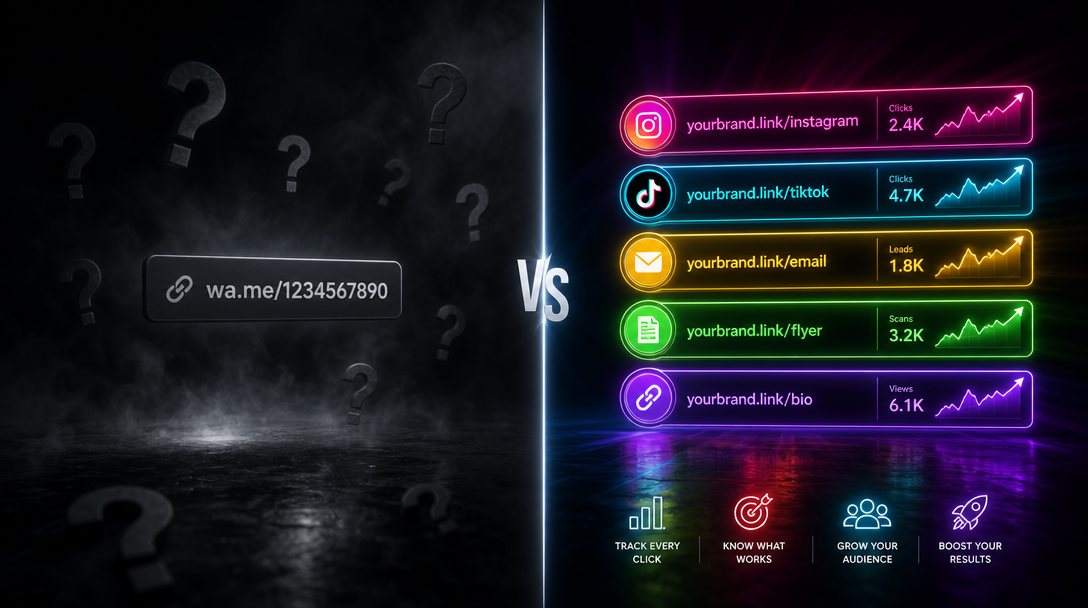

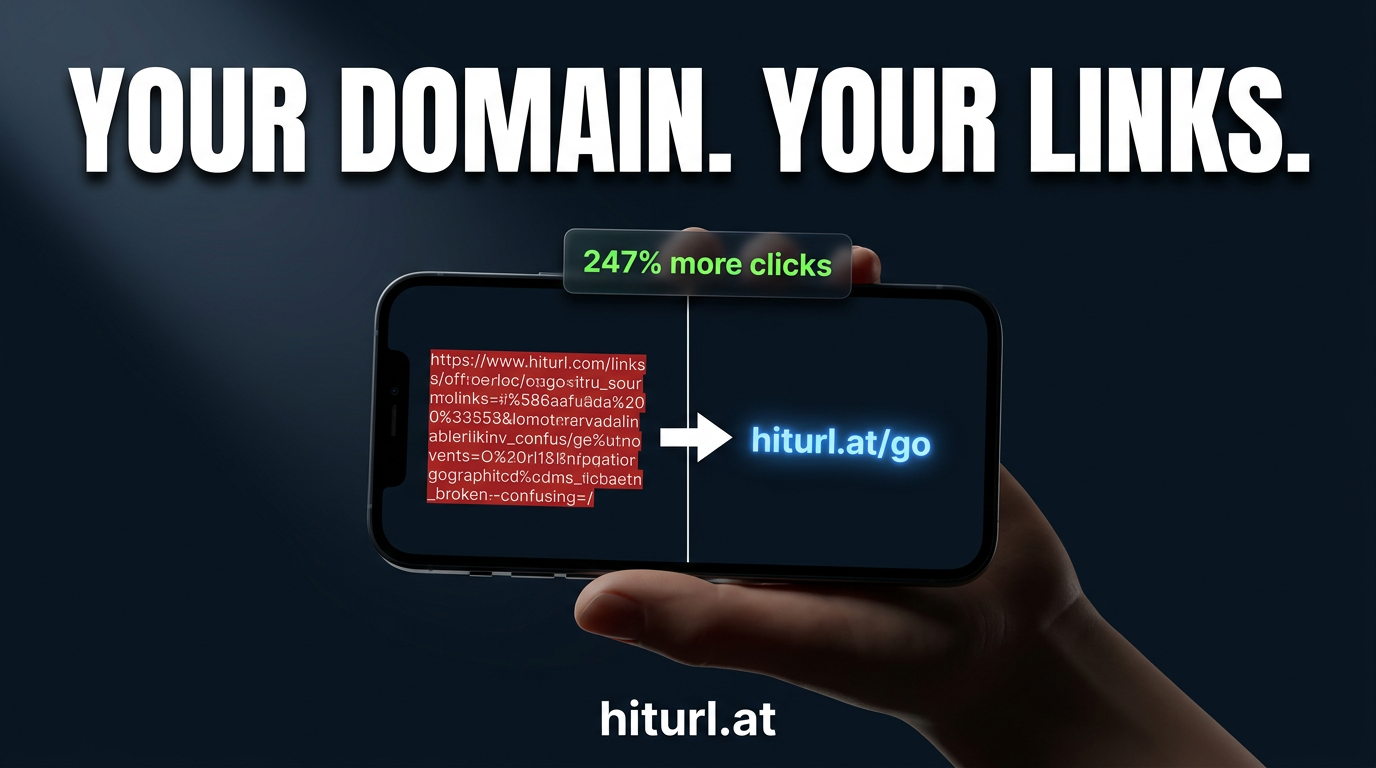
A generic short link like bit.ly/x7kqp2 tells your audience nothing. A branded short link like go.yourbrand.com/summer-sale tells them exactly who is sending them somewhere — and gives them a reason to click. Studies show branded links can increase click-through rates by up to 34% compared to generic short URLs. That is not a small difference when you are running paid campaigns or sending emails to thousands of subscribers.
This guide walks you through every step of setting up a branded short link on your own custom domain: choosing the right domain, configuring DNS records, verifying your domain in HitURL, and creating your first links.
Why Branded Short Links Outperform Generic Ones
Trust is the currency of clicks. When a recipient sees an unfamiliar short domain, their first instinct is caution. When they see your brand name in the URL, that friction disappears.
Three measurable areas where branded links win:
- Click-through rate: Recipients recognize the sender before they even read the message.
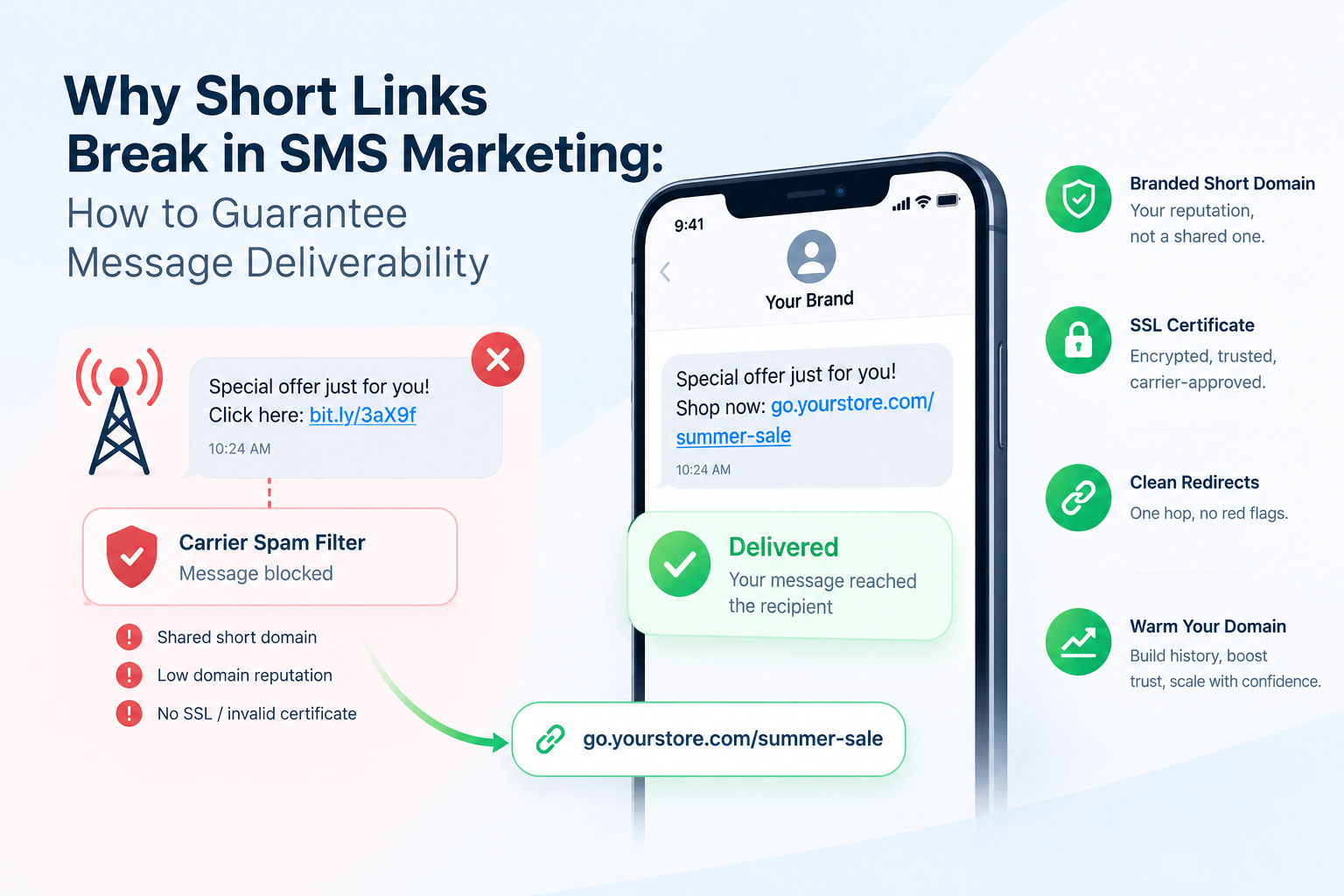
- Email deliverability: Spam filters flag shared short domains. Your own domain has its own reputation, which you control.
- Brand recall: A link like
news.acme.com/launchreinforces your brand name every time it is shared or forwarded.
A branded short link does three jobs at once: it shortens the URL, it signals the sender's identity, and it builds brand familiarity with every impression — even before a click happens.
If you are new to the concept and want to understand what URL shorteners do at a foundational level, start with this primer on what a URL shortener actually is before continuing here.
Step 1: Choose and Buy a Short Domain
Your branded domain should be short, readable, and tied to your brand. The goal is something a person can type from memory and recognize at a glance.
Practical rules for picking your short domain:
- Keep it under 12 characters total. The shorter the domain, the more characters you save in the final link.
- Use a recognizable brand word. A subdomain like
go.yourbrand.comorlinks.yourbrand.comworks well if a short root domain is unavailable. - Consider country-code TLDs. Extensions like
.co,.io, or.linkare common for branded link domains. - Avoid hyphens and numbers. They create friction when someone reads the link aloud or types it manually.
You can buy a domain through any major registrar: Namecheap, GoDaddy, Google Domains (now Squarespace Domains), or Cloudflare Registrar. Once you have the domain, do not set up any hosting. You only need DNS access.
Step 2: Understand CNAME vs A Record Setup
This is where most people get tripped up. You have two options for pointing your domain to HitURL, and the right choice depends on whether you are using a root domain or a subdomain.
CNAME Record (Recommended for Subdomains)
A CNAME record — short for Canonical Name record — maps one domain name to another domain name rather than to an IP address. Cloudflare's DNS documentation explains CNAME records in detail if you want to go deeper.
If you are using a subdomain like go.yourbrand.com, create a CNAME record pointing to HitURL's target hostname (provided inside your HitURL dashboard after you add the domain). Example:
- Type: CNAME
- Host / Name:
go(or whatever subdomain you chose) - Value / Points to:
cname.hiturl.at - TTL: 3600 (or Auto)
A Record (Required for Root Domains)
A root domain like acme.co cannot use a CNAME record at the apex level — this is a DNS limitation, not a HitURL restriction. Instead, you point the root domain to HitURL's IP address using an A record.
- Type: A
- Host / Name:
@ - Value / Points to: The IP address listed in your HitURL dashboard
- TTL: 3600 (or Auto)
Some DNS providers support ALIAS or ANAME records, which behave like a CNAME at the root level. If your registrar offers this, you can use it instead of an A record.
Use a CNAME record for subdomains and an A record (or ALIAS) for root domains. Getting this wrong is the most common reason a custom domain fails to verify — double-check which type your registrar supports before saving.
Step 3: Add and Verify Your Domain in HitURL
Once your DNS records are saved at your registrar, the next step is telling HitURL to expect traffic from your domain.
- Log in to your HitURL link shortener dashboard.
- Navigate to Settings → Custom Domains.
- Click Add Domain and enter your custom domain (e.g.,
go.yourbrand.com). - HitURL will show you the exact CNAME target or IP address to use in your DNS records. Copy these values.
- Return to your registrar, create the DNS record as described in Step 2, and save.
- Back in HitURL, click Verify Domain.
Verification checks that the DNS record is live and pointing to HitURL's servers. If it fails on the first attempt, wait 15 to 30 minutes and try again. DNS changes do not propagate instantly.
HitURL also provisions an SSL certificate for your custom domain automatically, so every link you create will use HTTPS by default.
Step 4: Create Your First Branded Short Link
With your domain verified, you are ready to build links. This is where the setup pays off.
From the HitURL dashboard, create a new short link and select your custom domain from the domain dropdown. Then add a custom alias — the readable slug after the slash — that describes the destination.
For a detailed walkthrough of custom aliases and naming strategies, read how to shorten a URL with a custom alias. A good alias turns a forgettable link into a memorable one.
The alias is not decoration. A link like
go.brand.com/spring-salecommunicates destination and context in the URL itself, which reduces hesitation before clicking.
The Brand Link Formula
The Brand Link Formula is a three-part naming convention that makes every branded short link consistent and scannable across all your channels.
The formula: [short domain] / [channel or campaign] / [descriptor]
Examples in practice:
go.acme.com/email/welcome-seriesgo.acme.com/ig/summer-launchgo.acme.com/ads/retarget-cart
This structure gives you two immediate benefits. First, anyone on your team can read a link and understand where it goes and what campaign it belongs to. Second, when you review click data in HitURL, links are grouped logically by channel without needing to filter by UTM parameters alone.
For teams managing multiple campaigns and contributors, this kind of naming discipline scales well. See how link management for teams works in practice to build on this foundation.
See how HitURL tracks every click, fires your pixels, and generates QR codes — free at hiturl.at.
How Do Branded Short Links Perform in Email Campaigns?
Branded links in email are one of the highest-impact places to use a custom domain. The payoff is immediate and measurable.
Shared short domains used by millions of senders accumulate spam signals over time. Your own domain starts clean and builds its own sender reputation based solely on your behavior.
Three specific gains in email:
- Inbox placement: Links on your own domain are less likely to trigger spam filters than links on overused public shortener domains.
- Preview text trust: Many email clients show the link destination on hover. A branded domain reassures the reader.
- Unsubscribe protection: If a shared shortener domain gets blacklisted, every sender using it suffers. You are insulated when you own your domain.
For a full breakdown of link strategy in email, read how to use a URL shortener for email marketing. It covers placement, tracking, and avoiding deliverability pitfalls in detail.
Using a branded short link in email is not just a cosmetic choice. It directly affects inbox placement, click-through rates, and how your domain reputation builds over time. Own your domain, own your deliverability.
What About Social Media and QR Codes?
Branded links work across every channel, but two deserve specific attention: social media and physical print.
On social platforms, a branded short link stands out in a feed full of anonymous URLs. It signals that the link is official and intentional, not a scraped or reposted link from an unknown source. Read URL shortener best practices for social media for channel-specific tips on LinkedIn, Instagram, and X.
For print materials — packaging, flyers, business cards, event signage — HitURL generates a dynamic QR code for every branded short link. A dynamic QR code is one where the destination URL can be changed after the code is printed, without reprinting the physical material. This means you can update the campaign landing page the code points to without touching the printed asset.
Both use cases reinforce the same principle: your brand name appears in the link, in the QR code redirect, and in every click report.
HitURL Pricing: What Is Free and What Is Paid
Custom domain support is available on HitURL's paid plans. Before you commit, review the full HitURL pricing page to see exactly which features are included at each tier.
The free tier gives you access to the platform's core shortening features so you can test the workflow before adding your domain. When you are ready to connect your branded domain, upgrading is straightforward and keeps all the links you have already created.
Frequently Asked Questions
How long does DNS propagation take?
DNS propagation typically takes between 15 minutes and 48 hours. Most records update within 1 to 2 hours. If your domain fails verification immediately after saving the record, wait 30 minutes and try again before troubleshooting further.
Can I use a subdomain of my existing website as my branded link domain?
Yes. Using a subdomain like go.yoursite.com or links.yoursite.com is one of the most common setups. You add a CNAME record for that subdomain only, which has no effect on your main website's DNS records.
What is the difference between a CNAME and an A record for this setup?
A CNAME record maps a subdomain to another domain name (HitURL's hostname). An A record maps a domain directly to an IP address. Use CNAME for subdomains and A record (or ALIAS) for root domains, because DNS rules do not allow CNAME records at the root level.
Will my existing short links break if I switch to a custom domain?
No. Links you created before adding a custom domain continue to work on their original domain. After you connect your custom domain, all new links you create will use it. You can also retroactively update existing links in the HitURL dashboard.
Do I need technical knowledge to set up a branded short link domain?
You need to be able to log in to your domain registrar and add a DNS record. That is a form with three or four fields. No coding is required. The HitURL dashboard shows you the exact values to enter, so there is no guesswork involved.