Your Short Links Are a Mess. Here Is How to Fix That.
Most marketing teams start the same way: one person shortens a link, pastes it into a Slack message, and moves on. Six months later, nobody knows which links are live, which campaigns they belong to, or whether the pixels are still firing. If your team is past 50 short links, you need a link management tool with real structure behind it, not a folder of bookmarks.
This guide walks you through a scalable framework for organizing short links across channels, campaigns, and team members. You will get a naming convention system, an auditing process, and a clear picture of what good link architecture actually looks like in practice.
Why Link Organization Breaks Down at Scale
The problem is not the number of links. It is the absence of a system.
When teams grow, everyone creates links independently. Sales uses one shortener, marketing uses another. The social team names slugs whatever comes to mind. By the time someone tries to audit Q3 campaigns, half the links are untraceable and the other half have conflicting UTM parameters.
Unorganized link libraries cost teams time on every campaign review. When you cannot trace a link back to its campaign, channel, or pixel configuration, you lose the ability to make decisions based on real click data.
According to Nielsen Norman Group, clear information architecture is the foundation of any navigable system. The same logic applies to your link library. Without hierarchy, every link is an orphan.
The Link Architecture System: Channels, Campaigns, Links, Pixels
The framework teams need is called The Link Architecture System. It has four layers, and every short link you create lives inside all four simultaneously.
- Channel: Where the link will be distributed. Email, paid social, organic social, SMS, podcast, or affiliate.
- Campaign: The specific initiative the link belongs to. A product launch, a seasonal promotion, a webinar series.
- Link: The individual short URL, including its slug, destination, and UTM parameters.
- Pixel: The retargeting audiences the click should feed. Facebook, Google, LinkedIn, Twitter, AdRoll, Quora, or GTM containers.
Every link your team creates should be classifiable across all four layers before it goes live. If you cannot answer "which channel, which campaign, and which pixel" for a given link, it is not ready to publish.
The Link Architecture System treats every short URL as a data asset, not a routing shortcut. Each link carries channel, campaign, and audience-building information the moment someone clicks it.
This is the structural difference between teams that get clean campaign reports and teams that spend two hours digging through spreadsheets before every quarterly review.
Naming Conventions: The Slug Is Not an Afterthought
Your slug is the human-readable part of the short link. It should be readable by any team member without additional context. Random slugs like hiturl.at/xG4k2 are fine for one-off personal links. They are not acceptable in a team environment.
Use this naming pattern for all campaign links:
[channel]-[campaign-name]-[content-type]-[variant]
Examples:
em-launch24-hero-a— Email, 2024 launch campaign, hero CTA, variant Aig-summerpromo-bio-v1— Instagram, summer promotion, link-in-bio, version 1pd-webinar-reg-main— Paid, webinar campaign, registration link, main ad set
Keep slugs lowercase, use hyphens not underscores, and cap them at 30 characters. Brevity matters because these slugs appear in reports, spreadsheets, and API responses. You want them scannable at a glance.
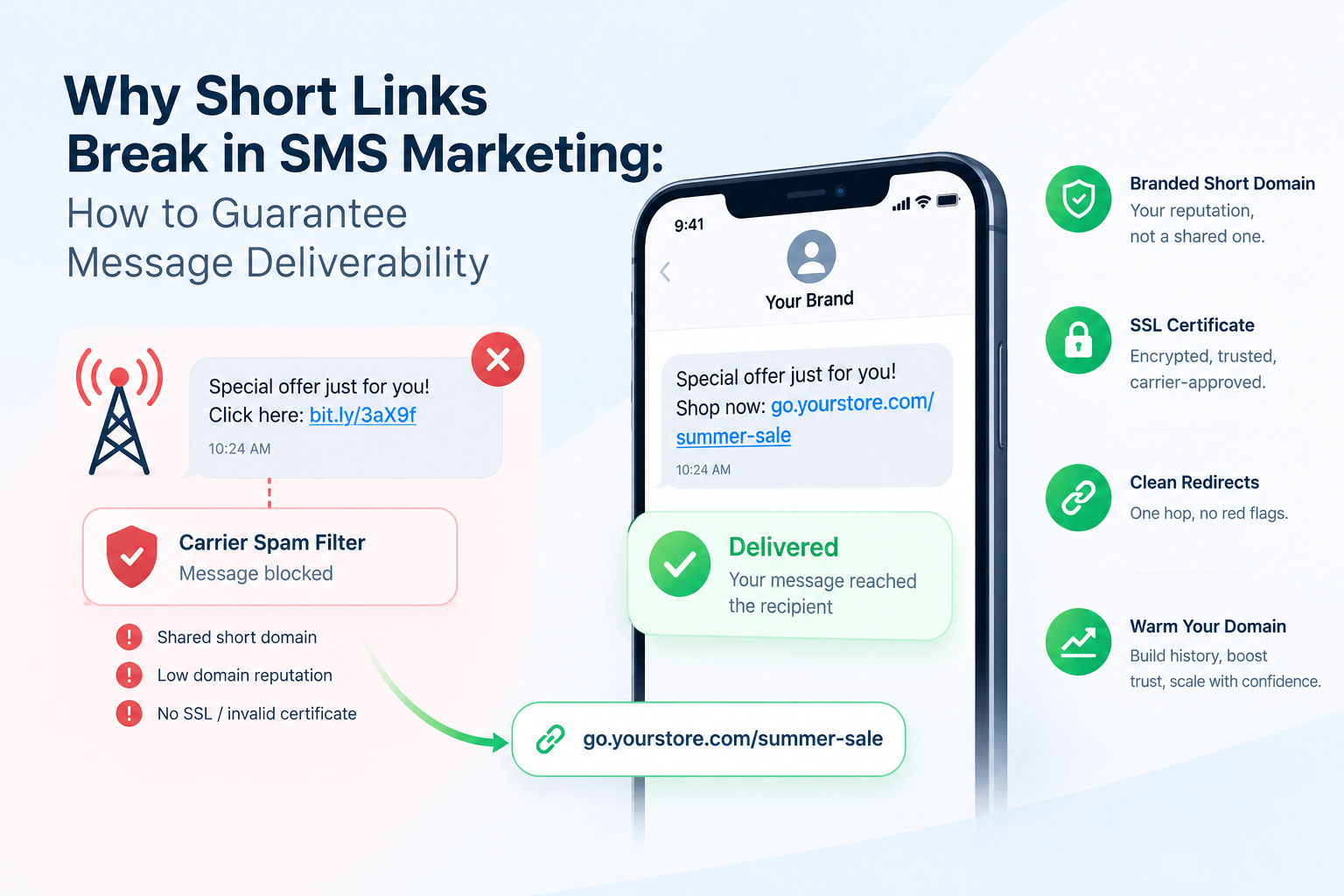
For teams building branded short links on custom domains, a consistent slug convention also reinforces brand trust. A link like go.yourbrand.com/em-launch24-hero-a looks intentional and professional in every placement. Learn more about setting up a branded short link with a custom domain to give your links a polished, consistent identity.
How to Organize Short Links Inside a Link Management Tool
Good tooling reinforces good systems. The way you configure your link management tool determines how much your naming conventions actually help you at audit time.
Here is a step-by-step setup approach for teams using HitURL:
- Create a campaign folder for each initiative. Name folders using the same campaign slug you use in your links. If your campaign is
launch24, your folder is namedlaunch24. - Tag every link with its channel. Use consistent tags:
email,paid-social,organic-social,sms,affiliate. This makes filtering instant. - Attach pixels at link creation, not after. Adding your Facebook or LinkedIn retargeting pixel at the moment you build the link ensures no clicks fall through without audience data. HitURL fires your retargeting pixel on click across Facebook, Google, LinkedIn, Twitter, AdRoll, Quora, and GTM.
- Set destination URLs with UTM parameters baked in. Never rely on the shortened URL alone to carry tracking. The destination URL needs its own UTM stack. See how to track link clicks with UTM parameters for a complete walkthrough.
- Assign link ownership before publishing. Every link should have a named team member responsible for it. This makes auditing straightforward.
If your team works across regions or devices, geo and device targeting adds another layer of precision. A single short link can route users to different landing pages based on their country or device type. Read the full breakdown of geo-targeting links to redirect by country to see how this works in practice.
Ready to bring structure to your team's link library? See how HitURL tracks every click, fires your pixels, and generates QR codes — free to start at hiturl.at.
What Is the Best Way to Manage Links Across Multiple Campaigns?
The best approach is campaign isolation: each campaign has its own folder, its own slug prefix, and its own pixel configuration. Never share a short link across two different campaigns.
Teams that reuse links across campaigns corrupt their attribution data. When a single link appears in both a paid campaign and an email newsletter, you lose the ability to isolate performance by channel. Create a new link for each placement, always.
Campaign isolation is the single most important structural rule in link management. One campaign, one set of links, one pixel configuration. Mixing placements into a single link produces attribution data you cannot trust.
For teams running affiliate programs, this discipline is especially important. Affiliates need their own dedicated links so you can track performance per partner without overlap. The guide to using a URL shortener for affiliate marketing covers the full attribution setup.
Link Auditing: Finding Dead Links, Updating Destinations, and Sunsetting Campaigns
A link audit is not a one-time cleanup. Build it into your team's regular workflow on a quarterly basis, at minimum.
Finding Dead Links
A dead link is any short URL pointing to a destination that no longer exists: a 404 page, a deleted product, an expired offer. Dead links damage your brand and waste any ad spend still driving traffic to them. In HitURL, you can update the destination URL of any existing short link without changing the slug. This is called a redirect update, and it takes seconds.
Updating Destinations Without Changing the Slug
This is one of the most underused features in any link management tool. Printed materials, bio links, podcast mentions, and QR codes all carry a fixed short URL. If the underlying destination changes, you do not reprint or re-record anything. You update the destination inside HitURL, and every existing instance of that link now routes correctly.
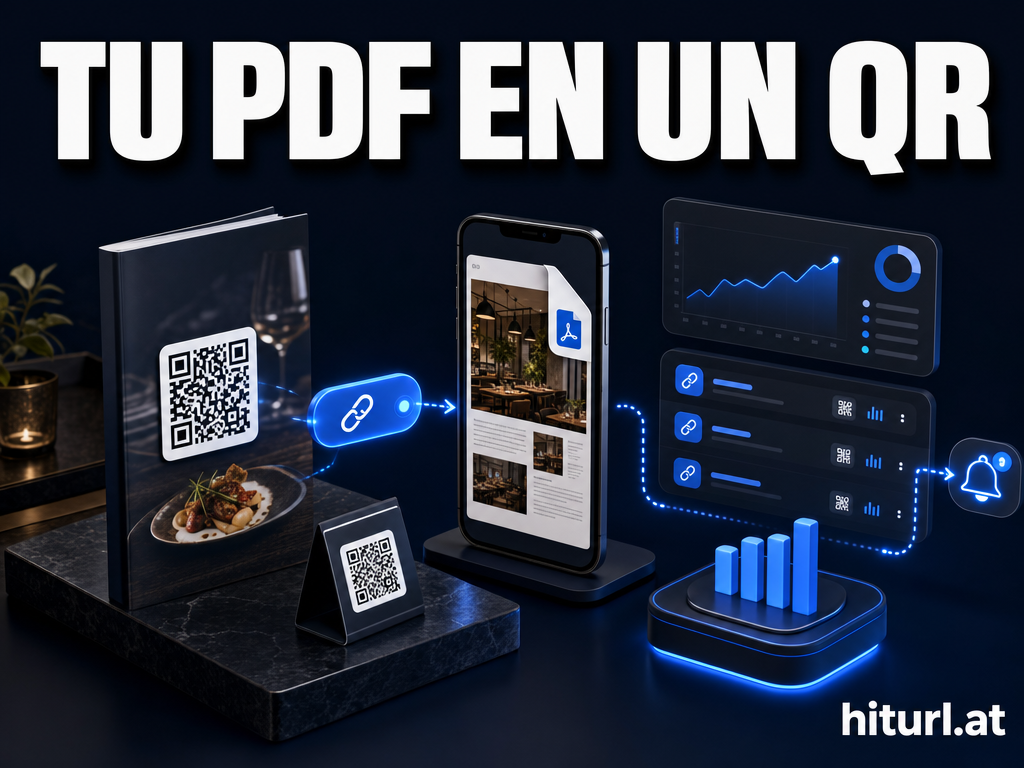
A dynamic QR code, which is a QR code where the destination URL can be changed after the code is printed or published, works on exactly this principle. HitURL generates dynamic QR codes that stay current no matter how many times you update the destination.
Sunsetting Campaigns
When a campaign ends, do not delete its links. Archive them instead. Deleting links breaks any external reference that still points to that slug. Archiving preserves the data and keeps historical click reports intact. Tag archived links with the campaign end date so any team member who encounters them understands the context immediately.
Deleting short links is almost always a mistake. A short URL that has been shared externally — in an email, a social post, or a printed piece — continues to receive traffic long after the campaign ends. Archive, redirect, or update. Never delete.
How Do Teams and Developers Access and Automate Link Management?
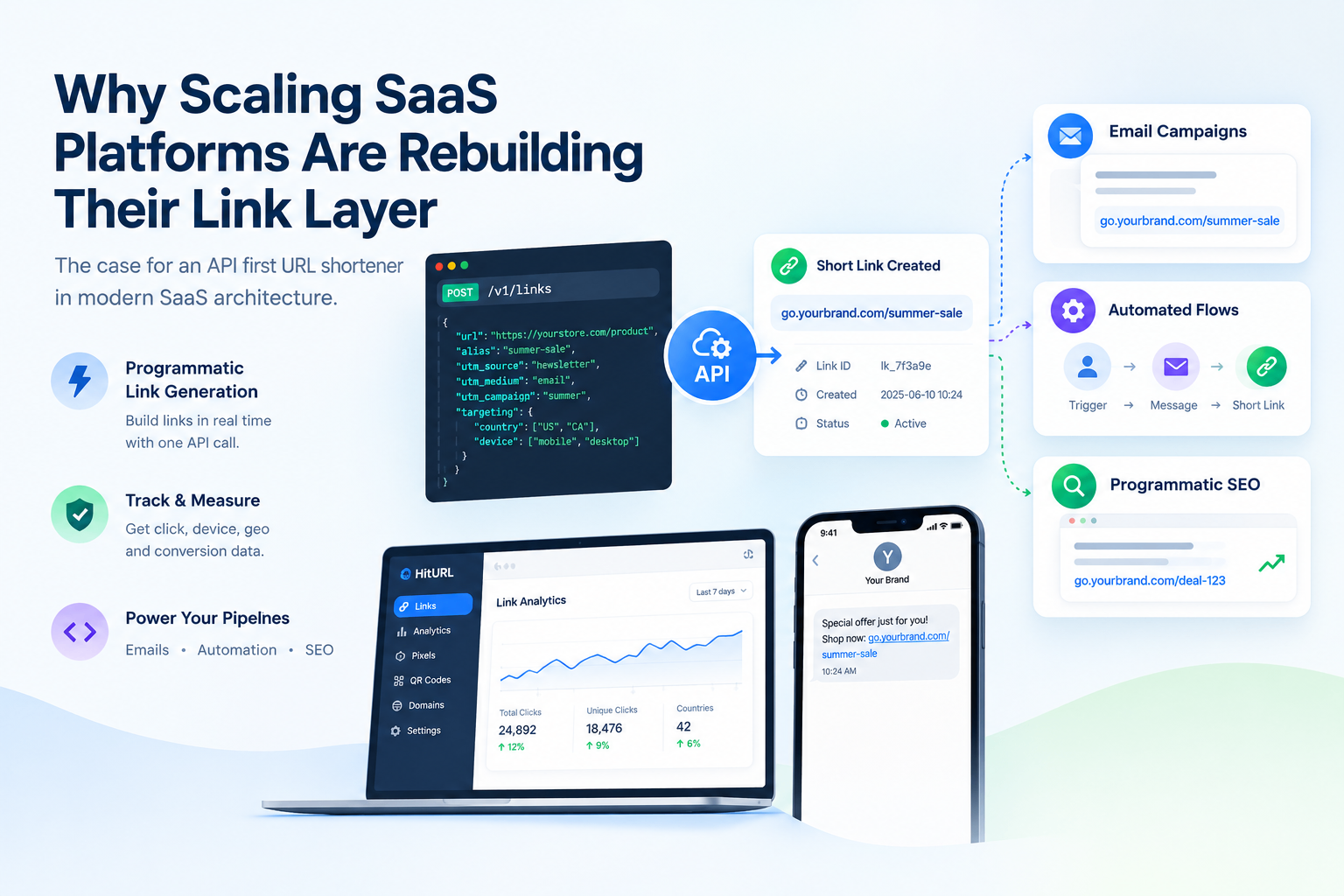
For marketing operations teams and developers, manual link creation does not scale. At a certain volume, you need programmatic link creation tied directly to your campaign management workflows.
HitURL's REST API lets you create, update, and retrieve short links in bulk. You can build links with custom slugs, attach pixels, set geo-targeting rules, and retrieve click analytics, all via API call. The HitURL developer documentation covers the full endpoint reference. For implementation examples, see the guide to URL shortener API code examples.
Teams that connect their link creation to a CRM or marketing automation platform stop creating links by hand entirely. Every campaign asset generates its own tracked short link automatically, with the right UTM parameters, the right pixel, and the right folder assignment from the start.
Scaling Your Link Library Without Losing Control
The teams that scale well are the ones that treat link management as infrastructure, not admin. They document their naming conventions in a shared handbook. They run quarterly audits. They own a consistent pixel setup across every link from day one.
The tools matter, but the discipline matters more. A good link shortener gives you the features. The Link Architecture System gives your team the framework to use those features consistently.
Start with the four-layer framework: Channel, Campaign, Link, Pixel. Apply the naming convention to every new slug from today forward. Run your first audit before the end of the quarter. The complexity you have now will not grow faster than your ability to manage it, as long as the system is in place.
For teams that need role-based access, collaboration controls, and volume pricing, review the HitURL pricing page for current plan details.
See how HitURL tracks every click, fires your pixels, and generates QR codes — create your free account at hiturl.at. No credit card needed.
Frequently Asked Questions
How do I give team members access to our short links?
Inside HitURL, you can invite team members to your workspace and assign them access to specific campaigns or the full link library. Each member gets their own login, so link creation and edits are attributed to the right person. Check the pricing page for details on team seat limits per plan.
Can I update a short link destination after it has been shared?
Yes. You can change the destination URL of any existing short link at any time without changing the slug. The updated destination takes effect immediately for all new clicks.
How many short links can one team manage in HitURL?
Link limits depend on your plan. HitURL is free to start, and paid plans scale to higher link volumes and additional team seats. See the pricing page for current limits.
What is the best naming convention for short link slugs in a team setting?
Use the pattern [channel]-[campaign]-[content-type]-[variant], all lowercase with hyphens. Keep slugs under 30 characters so they remain readable in reports and API responses.
Should we delete short links when a campaign ends?
No. Archive them instead. Deleting a link breaks any external reference pointing to that slug. Archiving preserves click history and prevents broken links in any content that already published the URL.