

Why Scaling SaaS Platforms Are Rebuilding Their Link Layer
Your messaging pipeline sends 400,000 transactional emails a month. Every one of them contains a link. If that link is raw, untracked, and un-branded, you are flying blind on one of the highest-intent touchpoints you own. That is the exact problem an api first url shortener solves.
This article shows you the architecture behind programmatic link generation: how SaaS platforms wire up a low-latency URL shortener API into their messaging pipelines, automated email flows, and programmatic SEO pages. You will walk away with a real framework you can implement today.
What Does "API First" Actually Mean for a URL Shortener?
"API first" means the product is designed around its API, not bolted on afterward. According to Zapier's overview of APIs, an API (Application Programming Interface) is a set of rules that lets two software applications talk to each other. In the context of link management, an API-first approach means every feature available in the dashboard is also available via HTTP request.
For engineers, this is the difference between a tool and infrastructure. A dashboard-only shortener forces a human in the loop. An API-first shortener becomes a service your code calls at runtime, the same way you call a payment processor or an SMS gateway.
An API-first URL shortener is not a dashboard with an export button. It is a low-latency web service your application calls programmatically, at the moment a link needs to exist, without any human interaction.
The practical result: your application generates, tracks, and manages short links as a native part of its own workflow, not as an afterthought.
The Three Pipelines That Break Without Programmatic Link Generation
Most engineering teams do not think about link management until one of three systems starts causing problems. Here is where the cracks appear first.
1. Transactional Messaging Pipelines
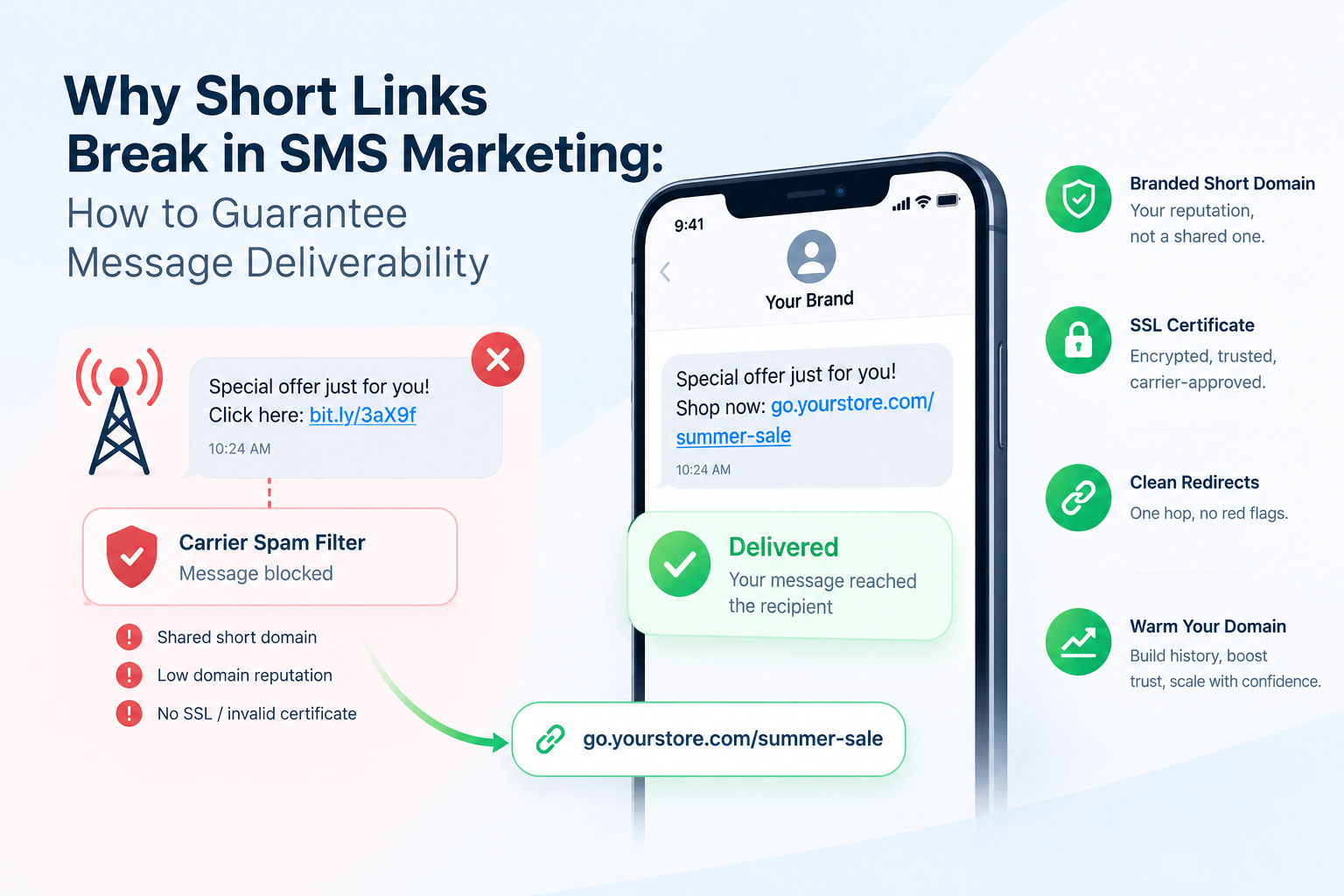
Transactional emails (password resets, order confirmations, account alerts) are sent programmatically by definition. If you are inserting a long, redirect-heavy URL into those emails, you are adding friction, breaking mobile rendering, and losing click attribution. A low-latency URL shortener API lets your email service generate a clean, tracked short link at send time, for every recipient, with zero manual work.
2. Automated Marketing Sequences
Drip campaigns and lifecycle sequences run on schedules. When a user hits a trigger, your automation platform fires a message. If that message contains a static long URL, you cannot retarget the people who clicked it, you cannot swap the destination without rebuilding the sequence, and you cannot measure which step in the funnel converted. A programmatic link generation approach fixes all three.
3. Programmatic SEO Landing Pages
Programmatic SEO means generating thousands of landing pages from a data template. Each page targets a specific keyword cluster. If each page links out to a product, a resource, or a partner, those outbound links need to be tracked individually. Generating them by hand at the scale of 10,000 pages is not a workflow. It is a bottleneck. The API removes it.
Programmatic SEO at scale requires programmatic link generation at scale. If your page-generation pipeline is automated but your link-creation step is manual, you have introduced a hard ceiling on how fast you can grow.
How to Use an API First URL Shortener for Automated Content Distribution
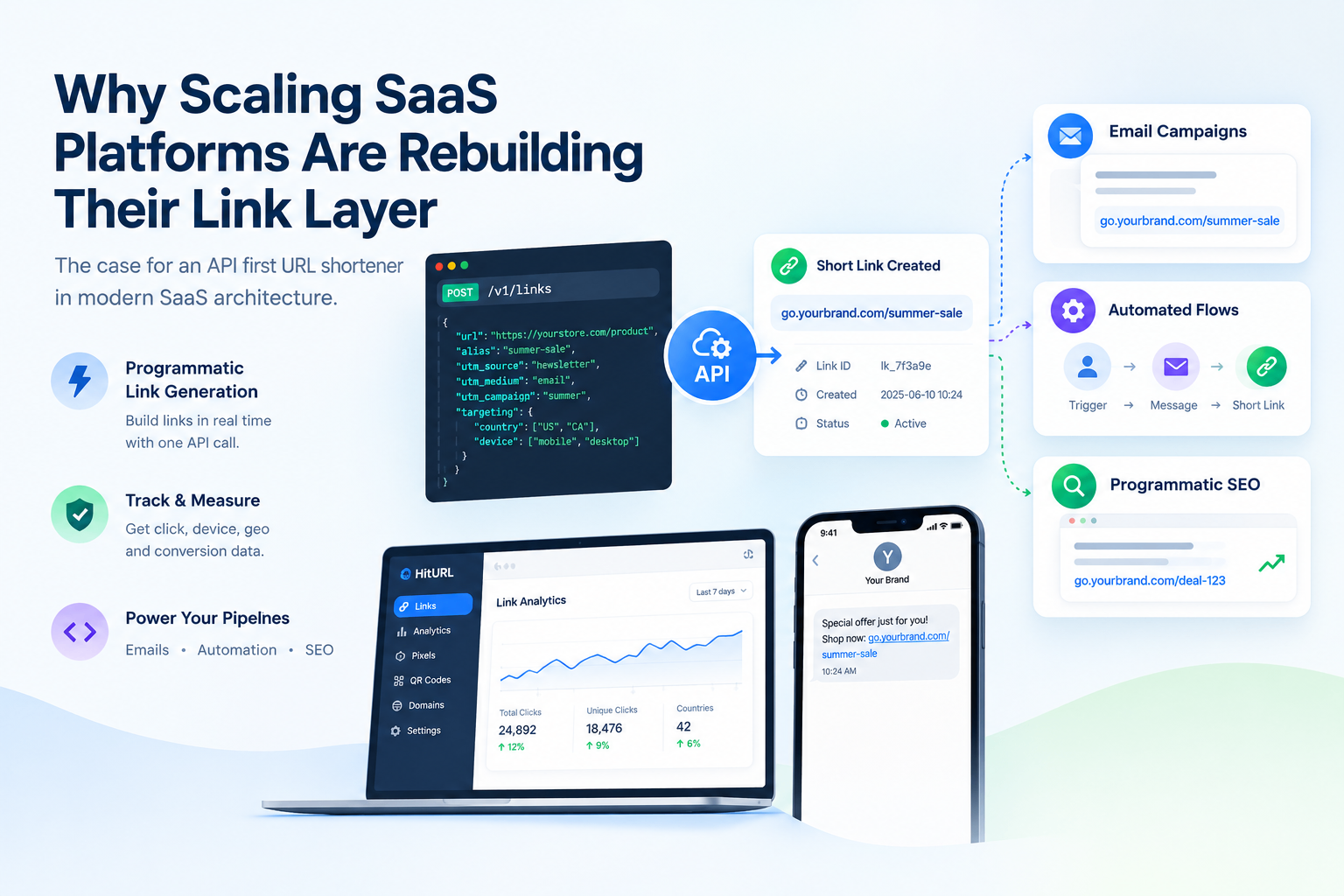
The core integration pattern is straightforward. Your application makes a POST request to the shortener API, passes a long URL (and optional parameters like alias, UTM tags, or targeting rules), and receives a short URL in the response. That short URL goes directly into your content, email, or page at runtime.
Here is the skeleton of that flow using a REST pattern:
- Authenticate: Your server holds an API key as an environment variable. Every request sends this key in the Authorization header.
- Build the payload: Pass the destination URL, an optional custom alias, UTM parameters, and any geo or device targeting rules.
- POST to the endpoint: The API responds in milliseconds with the short URL, the link ID, and metadata.
- Inject the short URL: Your template engine, email renderer, or page builder inserts the short URL directly into the output.
- Track asynchronously: Click data, device data, and geo data accumulate in the link management dashboard without any further action from your application.
For detailed code examples in Python, Node.js, and PHP, see the HitURL API code examples guide. If your use case involves generating hundreds or thousands of links in a single operation, the bulk URL shortening via JSON API guide covers the batch endpoint architecture in full.
See how HitURL tracks every click, fires your pixels, and generates QR codes — free at hiturl.at.
Latency Requirements: What "Low Latency" Actually Means at Scale
If your application generates short links synchronously during a request-response cycle, API latency becomes user-facing latency. A shortener that takes 800ms per call is unacceptable in a checkout flow or a real-time notification system.
For synchronous link generation inside a request pipeline, the shortener API must respond in under 100 milliseconds at the 95th percentile. Anything slower forces you to move link generation to a background queue, which adds architectural complexity.
The practical benchmark: a well-designed saas link generation API should respond in 50 to 100ms for single-link creation requests under normal load. For batch operations, the throughput ceiling matters more than individual call latency.
According to Zapier, modern APIs are designed for reliability and speed, which is why evaluating the infrastructure behind a shortener (not the marketing page) is the right first step before integrating it into a production pipeline.
When you evaluate a saas url shortener API, test these four things before writing a single line of integration code:
- P95 response time on single-link creation
- Rate limits on the free and paid tiers
- Batch endpoint availability and payload size limits
- Uptime SLA and status page transparency
The UTM Stack Method: Keeping Attribution Clean at Scale
One of the most common failures in automated content distribution is UTM parameter chaos. When links are generated manually, UTM tags get copied, misspelled, or omitted. When links are generated programmatically, you have the opportunity to enforce a consistent naming convention at the code level.
The UTM Stack Method is a structured approach to injecting UTM parameters as first-class fields in your API payload, not as manual string concatenations. The principle: your application maintains a configuration object that maps campaign types to UTM values. Every time a link is created, the relevant UTM block is pulled from that config and passed to the API as structured parameters, not appended as a raw query string.
This means:
utm_sourceis always the sending system (email, sms, push)utm_mediumis always the channel typeutm_campaignis always pulled from a campaign ID in your databaseutm_contentis always the link position or CTA variant
The result is perfectly consistent attribution data across thousands of programmatically generated links, with zero manual hygiene work required.
Retargeting Pixels Inside the Link Layer
This is the feature most engineering teams discover too late. A link layer that only shortens URLs is half a product. An API-first link management platform fires retargeting pixels, including Facebook, Google, LinkedIn, and Twitter pixels, when a user clicks a link, before they ever land on the destination page.
For SaaS platforms running automated content distribution, this means you can build retargeting audiences from every email, every SMS, and every programmatic SEO page, without modifying your destination pages at all. The pixel fires at the link level, not the page level.
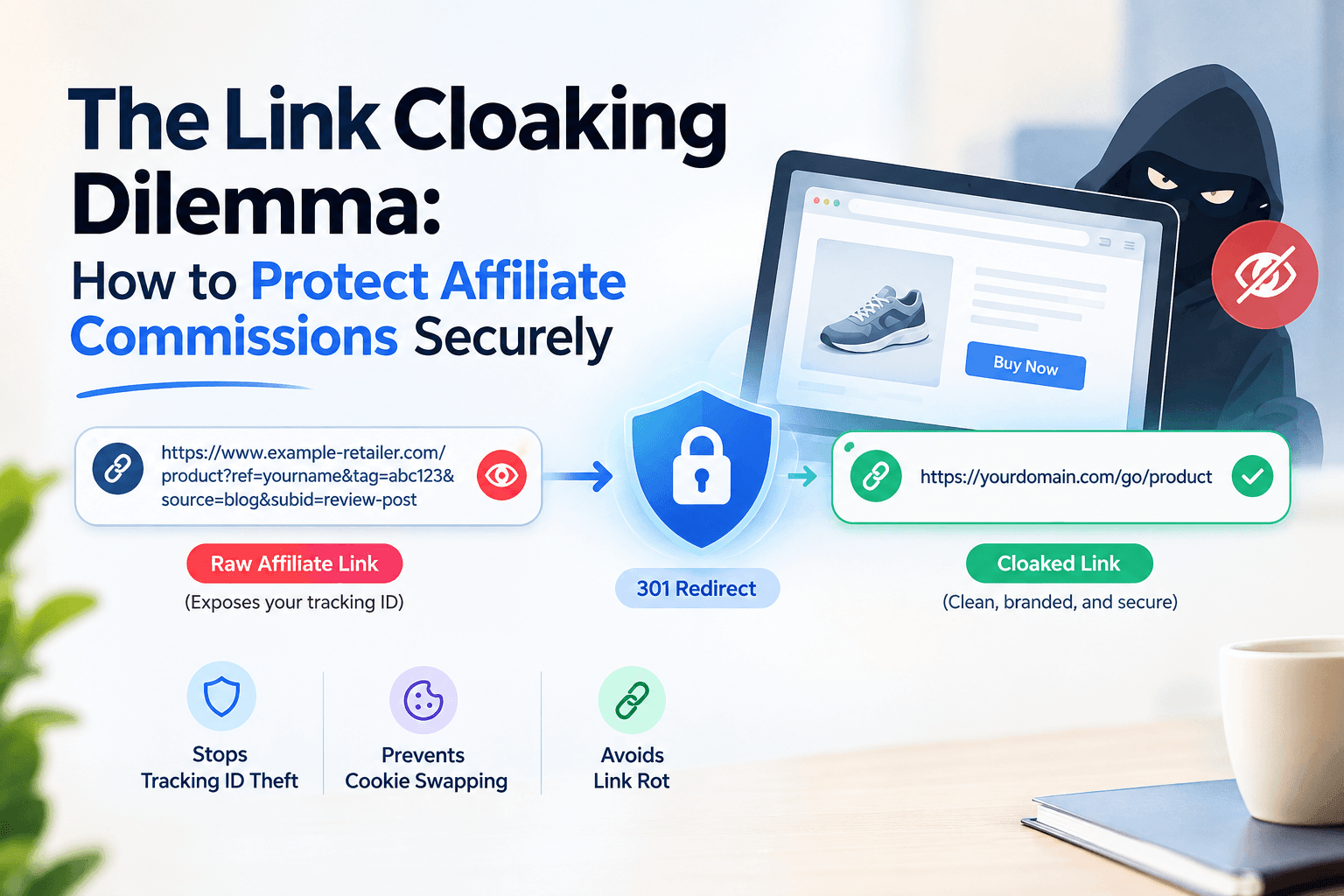
This architecture is especially powerful for teams that do not control the destination (affiliate links, partner pages, external resources). The link becomes the tracking layer, regardless of what the destination page does or does not implement.
If your team manages multiple campaigns or works across departments, the link management for teams guide covers how to organize pixel assignments, campaign folders, and access controls at scale.
Connecting Your API First Shortener to No-Code Automation Tools
Not every link-generation workflow lives inside a custom application. Many SaaS teams use no-code automation platforms like n8n, Zapier, or Make to orchestrate content distribution across channels. An API-first shortener plugs directly into these tools via HTTP request nodes, no custom code required.
A common pattern: a CMS publishes a new article. A webhook triggers an n8n workflow. The workflow calls the shortener API to create a branded short link. It then pushes that link to a Slack channel, a social scheduling tool, and an email newsletter draft, all in a single automated run.
For a complete walkthrough of this architecture, the n8n URL shortener automation workflow guide walks through the exact node configuration step by step.
No-code automation tools turn an API-first shortener into a content distribution engine. Every time a new piece of content is published, your workflow can generate, distribute, and track a short link across every channel simultaneously, without a developer touching the keyboard.
Getting Started with the HitURL API
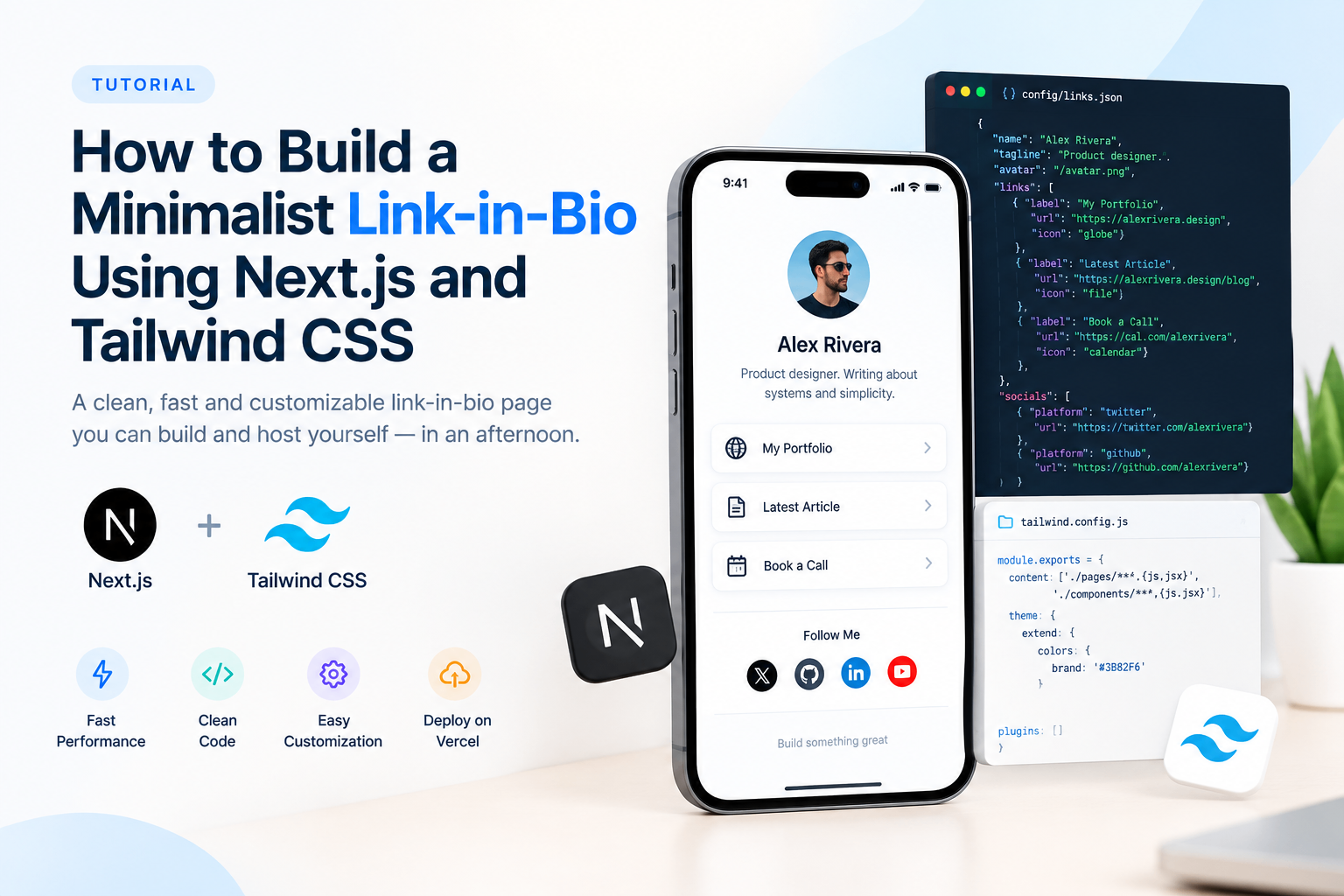
HitURL is built as an api first link management platform. Every feature you see in the dashboard, short link creation, custom aliases, retargeting pixels, geo targeting, device targeting, dynamic QR codes, link-in-bio pages, is available via the REST API.
The free tier gives you access to the API with no credit card required. For teams building at scale, the HitURL developer documentation covers authentication, endpoint reference, rate limits, and batch operations in full detail.
The integration path is straightforward: generate your API key in the dashboard, make your first POST request, and you have a working short link in under five minutes. From there, you extend the integration to match your pipeline's specific requirements.
Frequently Asked Questions
What is an API first url shortener?
An API-first URL shortener is a link shortening service designed to be used programmatically via HTTP requests. Unlike dashboard-only tools, every feature is accessible through the API, allowing your application to create, manage, and track short links without any human intervention.
How fast does a url shortener api need to be for production use?
For synchronous use inside a request pipeline, you need P95 response times under 100ms. For background or batch use cases, throughput (links per second) matters more than individual call latency. Always benchmark against your specific use case before integrating.
Can I fire retargeting pixels through a programmatic short link?
Yes. An API-first link management platform like HitURL lets you attach retargeting pixels (Facebook, Google, LinkedIn, Twitter, and others) to any short link via API parameters. The pixel fires when a user clicks the link, before they reach the destination page.
What is the difference between a single-link api call and a batch api call?
A single-link API call creates one short link per request. A batch API call accepts an array of URLs in a single request and returns a corresponding array of short links. Batch calls are more efficient for high-volume operations like programmatic SEO page generation or bulk email campaigns. See the bulk URL shortening guide for implementation details.
Do I need a developer to use an api first url shortener?
For custom application integrations, yes. But for no-code workflows, tools like n8n, Zapier, and Make can connect to an API-first shortener using HTTP request nodes, with no custom code required. The n8n automation workflow guide shows exactly how to set this up.
See how HitURL tracks every click, fires your pixels, and generates QR codes — free at hiturl.at.