


You're running cold traffic to a landing page. The visitor clicks your link, bounces before the page fully loads, and your Facebook Pixel never fires. They're gone, and you have no way to retarget them. This problem is exactly why attaching a facebook pixel url shortener to your campaigns is worth doing properly.
This guide walks you through the full setup: how pixel retargeting through short links works, how to configure it inside HitURL, and how to extend the same approach to all seven supported ad pixels. You'll also get the Cold Traffic Retargeting Loop framework to use across every channel.
Why Retargeting Through Short Links Works Differently
Standard Facebook Pixel placement sits on your website. It only fires when the browser loads your page's script. If a visitor clicks your link and leaves before the page renders, or if their browser blocks third-party scripts, the pixel misses them entirely.
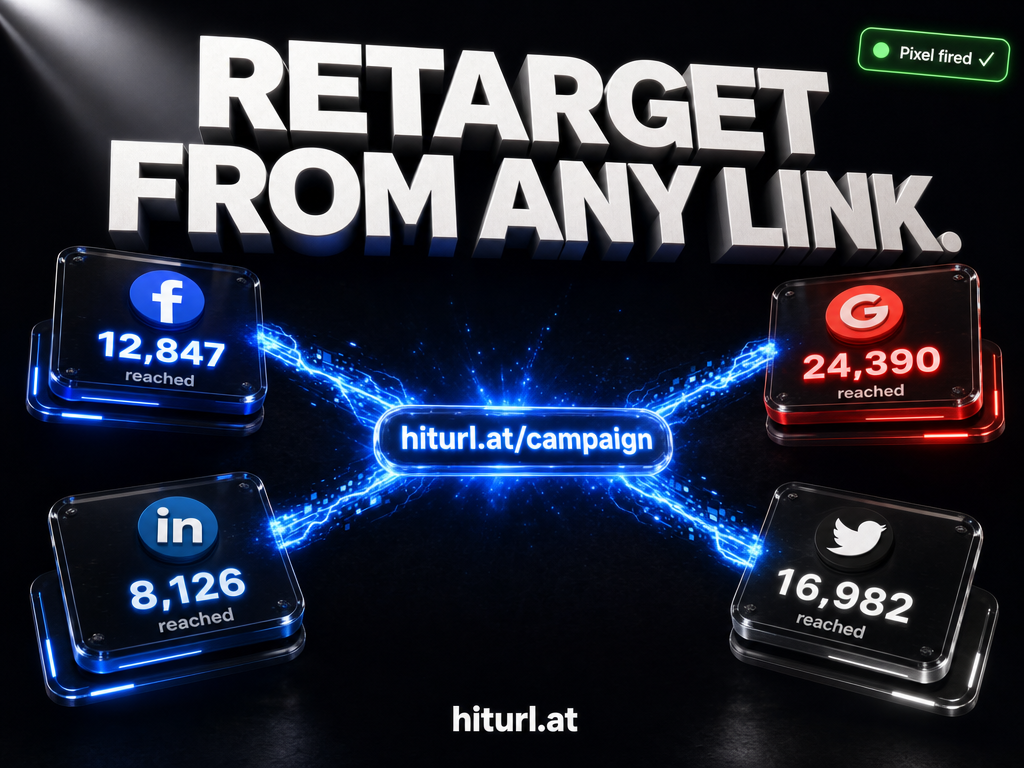
A pixel tracking link works at the redirect layer. When someone clicks your short link, the redirect page fires the pixel before the visitor ever reaches your destination URL. The pixel event triggers at the click, not at the page load.
Firing a retargeting pixel at the redirect layer means you capture the audience signal the moment someone clicks, regardless of whether they stay on your landing page long enough for your on-site script to load.
This approach is especially powerful for links you share outside your own domain: social posts, email campaigns, partner newsletters, bio links, and affiliate promotions. Anywhere you send traffic but don't control the destination page.
What You Need Before You Start
Before setting up your first pixel tracking link, gather these three things:
- Your Facebook Pixel ID. Find this inside Facebook Events Manager under your pixel settings. It's a 15-digit number.
- A HitURL account. Free to create at hiturl.at's link shortener. No credit card needed.
- The destination URL you want to send traffic to. This can be any page, even one you don't own.
You do not need to install any code on your website for this method. The pixel fires from HitURL's redirect infrastructure, not from your destination page.
How to Set Up a Facebook Pixel URL Shortener in HitURL
The setup takes under two minutes. Here's the exact flow:
- Create a new short link. Paste your destination URL into the link creation screen at HitURL. Add a custom alias if you want a branded slug.
- Open the Pixels tab. In the link settings panel, select the Pixels section. You'll see all seven supported pixel types listed.
- Select Facebook Pixel. Toggle it on and paste your 15-digit Pixel ID into the input field.
- Choose your event type. The default is PageView, which works for most retargeting audiences. You can also select ViewContent or a custom event name if your ad account uses event-based audiences.
- Save the link. Your short link now fires your Facebook Pixel on every click, before the redirect completes.
When you attach a Facebook Pixel ID to a HitURL short link, every click on that link fires a PageView event into your Facebook ad account audience. You build a retargeting audience from traffic that never touched your website.
Test your setup using the Facebook Pixel Helper browser extension. Click your short link in a test browser and confirm the event appears in Events Manager within a few minutes.
The Cold Traffic Retargeting Loop Framework
The Cold Traffic Retargeting Loop is a three-stage audience-building method built around pixel tracking links. It solves the problem of wasted cold traffic by turning every click into a retargetable signal, even when conversion doesn't happen on the first visit.
Stage 1: Seed the Audience
Run your cold traffic campaign with links that fire your pixel at the click. Every person who clicks, regardless of what they do next, enters your Facebook retargeting audience. You're seeding a warm pool from day one.
Stage 2: Segment by Behavior
Use separate short links for different placements: one for your Instagram bio, one for your email newsletter, one for your partner article. Each link carries the same pixel but a different UTM parameter configuration so you can identify which traffic sources produce the most engaged clickers.
Stage 3: Close With Retargeting
Run a separate retargeting campaign to the audience you've built. This audience clicked your content somewhere, which makes them significantly warmer than raw cold traffic. Your retargeting ad closes the loop by bringing them back with a specific offer.
The Cold Traffic Retargeting Loop turns every short link into a dual-purpose asset: it delivers traffic and simultaneously builds a retargeting audience, without requiring any on-site pixel installation at the destination.
This framework is particularly effective for affiliate marketers and content creators who send traffic to pages they don't own. For a deeper look at that use case, see how affiliate marketers use URL shorteners to track and retarget their traffic.
See how HitURL tracks every click, fires your pixels, and generates QR codes — free at hiturl.at.
Extending the Setup to All 7 Supported Pixels
Facebook is one of seven retargeting pixels you can attach to a single HitURL short link. You can fire multiple pixels simultaneously from the same link, which matters when you're running campaigns across multiple ad platforms.
Here's a reference for all seven:
- Facebook Pixel: Paste your Pixel ID. Fires a PageView or custom event on click. Builds custom audiences in Facebook Ads Manager.
- Google Ads (Remarketing Tag): Paste your Google Ads conversion ID and label. Builds remarketing lists for Google Display and Search campaigns.
- LinkedIn Insight Tag: Paste your LinkedIn Partner ID. Builds matched audiences for LinkedIn Campaign Manager. Best for B2B campaigns.
- Twitter (X) Pixel: Paste your Twitter Pixel ID. Builds tailored audiences for Twitter Ads. Useful for content amplification campaigns.
- AdRoll Pixel: Paste your AdRoll Advertiser ID. Enables cross-web retargeting across AdRoll's display network.
- Quora Pixel: Paste your Quora Pixel ID. Builds audiences from users who engage with Quora-distributed content. Strong for thought leadership campaigns.
- Google Tag Manager: Paste your GTM container ID. This routes your click event through GTM, where you can trigger any tag in your container. For advanced configurations, read the full guide on using Google Tag Manager with a URL shortener.
Running all seven simultaneously on a single link adds negligible load to the redirect. The pixel scripts fire asynchronously during the brief redirect interval.
How Does Pixel Firing Through a Short Link Affect Audience Quality?
Audience quality stays high because the signal is a genuine click, not an impression or a modeled event. A person who clicks your link chose to engage with your content. That intent signal is the same signal you'd capture from an on-site PageView.
Facebook's ad delivery system weights click-based audience signals appropriately. In practice, audiences built through pixel tracking links perform comparably to on-site audiences for retargeting campaigns, particularly at the top of the retargeting funnel.
A click-based pixel event captured at the redirect layer carries the same audience-building weight as an on-site PageView event. The signal source is a real human action, not a proxy or modeled behavior.
One practical difference: you won't capture time-on-site or scroll depth from the redirect layer. For that level of segmentation, you still need on-site pixel placement. Use both in combination for the most complete audience picture.
Tracking, Attribution, and Team Workflows
Pixel firing is one part of the attribution picture. Every HitURL short link also tracks raw click volume, geographic data, device type, and referral source. You see all of this in your link analytics dashboard alongside your pixel event confirmation.
For teams running multiple campaigns, HitURL's campaign grouping lets you organize links by campaign, assign them to team members, and report on click performance at the campaign level. If you manage links across a marketing team, the guide on link management for teams covers the organizational setup in detail.
If you need to automate link creation with pixels attached, HitURL's REST API supports pixel parameters on link creation endpoints. The URL shortener API code examples show exactly how to pass pixel IDs programmatically. The full API reference lives at hiturl.at/developers.
Common Setup Mistakes to Avoid
Three mistakes account for most failed pixel setups:
- Entering the wrong ID format. Facebook Pixel IDs are numeric only. If you paste your ad account ID instead of your pixel ID, the event fires to a non-existent pixel and builds no audience.
- Not verifying the event in Events Manager. Always test with Facebook Pixel Helper before publishing your campaign link. An unverified setup means silent data loss for the entire campaign duration.
- Using a single link across all placements. When you use one link for every channel, you can't segment your retargeting audiences by traffic source. Create one link per placement and use UTM parameters to keep your attribution clean.
FAQ: Facebook Pixel Retargeting Through a URL Shortener
Does firing a Facebook Pixel through a short link require installing code on my website?
No. When you attach a Pixel ID to a HitURL short link, the pixel fires from HitURL's redirect infrastructure. You don't need to add any code to your destination page or domain.
Can I fire multiple pixels from the same short link?
Yes. HitURL supports up to seven pixels simultaneously on a single link: Facebook, Google Ads, LinkedIn, Twitter, AdRoll, Quora, and GTM. All fire during the redirect, before the visitor reaches your destination URL.
What Facebook Pixel events can I trigger from a short link click?
HitURL supports PageView by default. Depending on your account configuration, you can also specify ViewContent or a custom event name to match your existing audience definitions in Facebook Ads Manager.
Will pixel tracking through a short link work on links I share to pages I don't own?
Yes. This is one of the main advantages of redirect-layer pixel firing. You can build a Facebook retargeting audience from clicks on affiliate links, partner content, external articles, or any URL, regardless of whether you control the destination page.
How do I verify that my Facebook Pixel is firing correctly through my short link?
Install the Facebook Pixel Helper Chrome extension. Click your HitURL short link in a browser with the extension active. You should see a PageView event fire during the redirect. You can also confirm the event appears in your Facebook Events Manager within a few minutes of the test click.
You've now got the full setup: pixel ID configuration, the Cold Traffic Retargeting Loop, all seven supported pixels, and the attribution workflow to tie it together. The next step is connecting it to a live campaign.
See how HitURL tracks every click, fires your pixels, and generates QR codes — create your free account at hiturl.at. No credit card needed.