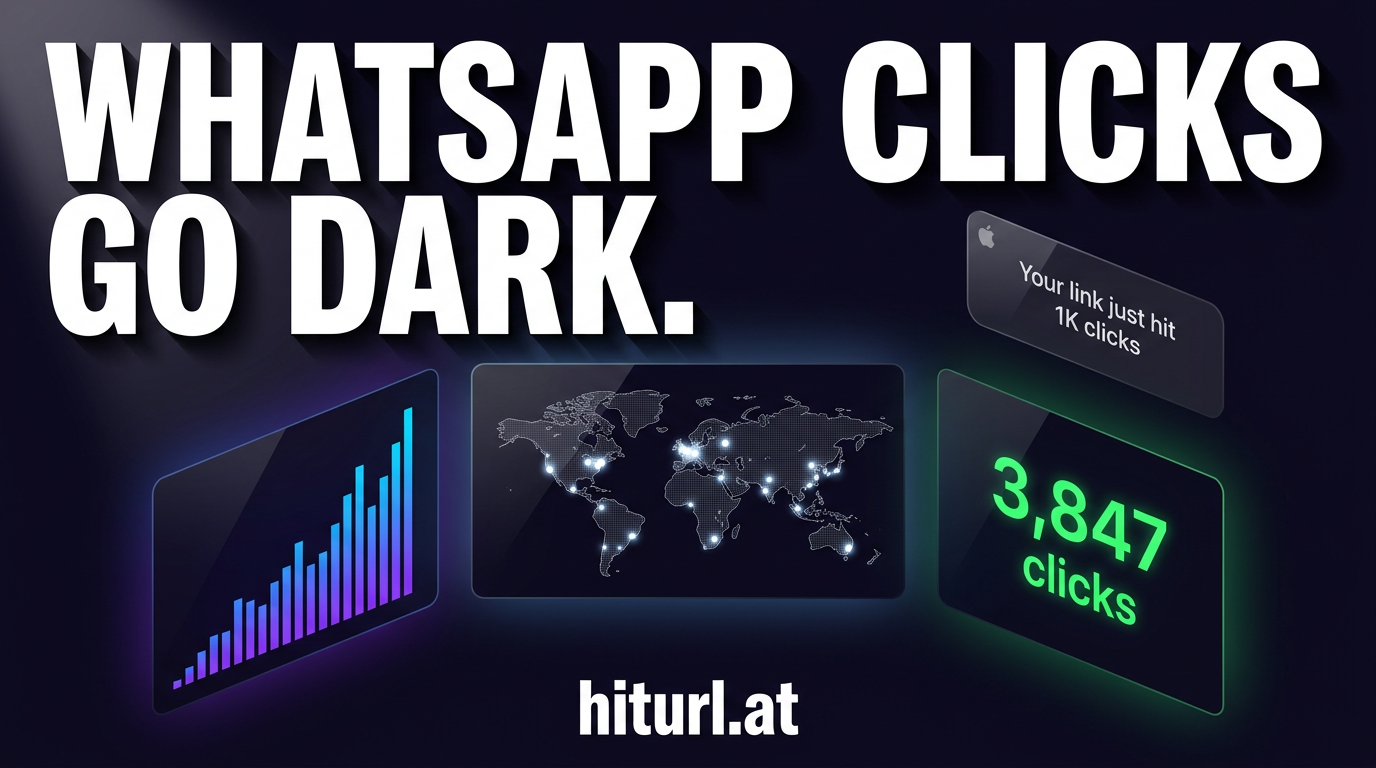
WhatsApp Gives You Zero Click Data. Here's the Fix.
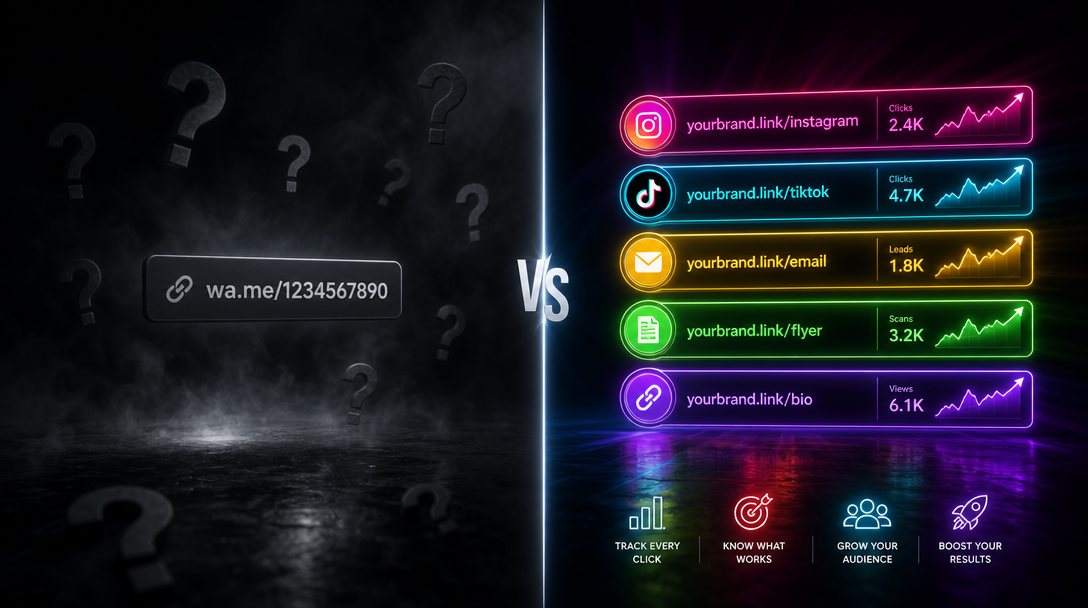
You send a broadcast to 500 contacts, drop in a link, and wait. The message gets delivered. But did anyone click? WhatsApp will never tell you. If you need to track WhatsApp link clicks, you are working completely blind without the right setup. No native analytics, no click counts, no location data, nothing.
This guide walks you through exactly how to fix that: from creating trackable links for WhatsApp broadcasts to firing retargeting pixels on every click. By the end, you have a repeatable system you can apply to every campaign.
Why WhatsApp Has No Built-In Link Analytics
WhatsApp is built around privacy. End-to-end encryption means the platform itself cannot read message content, which is a genuine user protection. The side effect for marketers is that WhatsApp Business gives you message delivery and read receipts, but nothing about what happens after a recipient taps your link.
There is no dashboard, no link report, and no way to know whether your call to action converted. That gap is where most WhatsApp marketing falls apart.
WhatsApp confirms message delivery and read status, but the moment a recipient taps a link, all tracking stops. Every click after that tap is invisible unless you instrument the link before you send it.
The WhatsApp Link Audit Framework
Before you set up tracking, audit every link you currently send on WhatsApp. This process, which you can call the WhatsApp Link Audit, takes about 15 minutes and reveals exactly how much data you have been losing.
- List every link type you send. Product pages, wa.me contact links, lead forms, blog posts, promotional landing pages. Write them all down.
- Check each link for UTM parameters. Open each URL and look for
utm_source,utm_medium, andutm_campaignin the query string. If they are missing, you cannot attribute traffic in Google Analytics. - Check each link for a retargeting pixel. Does your destination page fire a Facebook or Google pixel? If someone clicks but does not convert, can you reach them again?
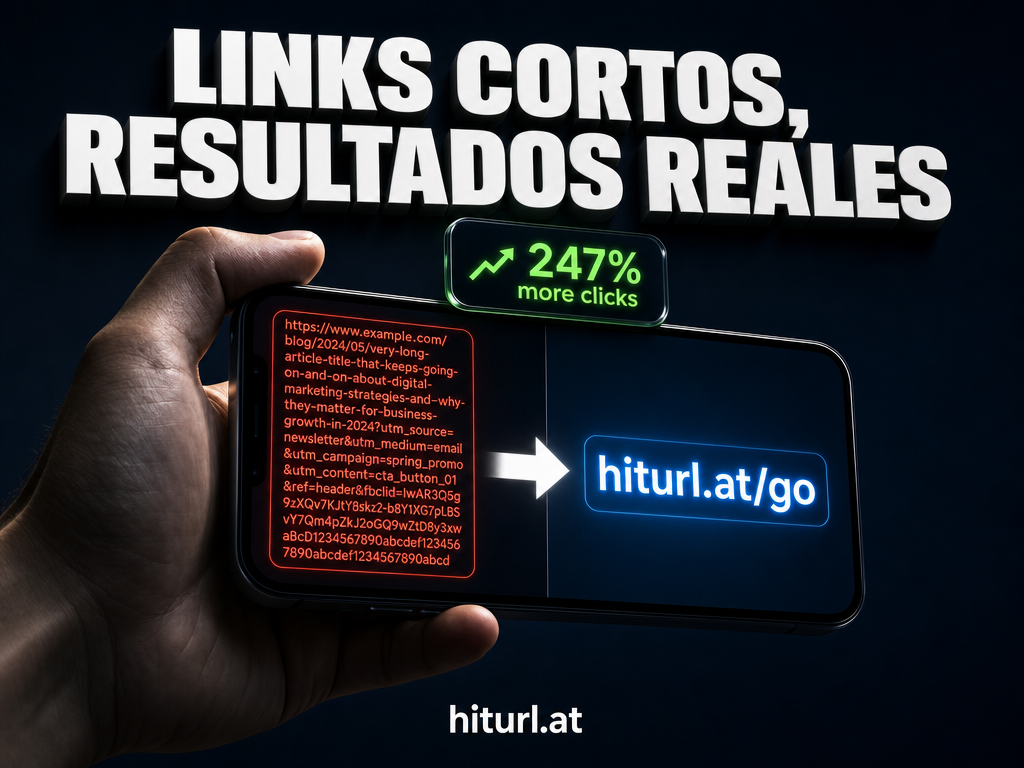
- Note link length. Long URLs look suspicious in WhatsApp previews and often break across lines in plain-text messages.
- Score each link. A fully instrumented link has: a short alias, UTM parameters, a pixel firing on the destination, and a branded domain. Any link missing two or more of these is a gap you are closing today.
Most marketers discover they are scoring two out of five on almost every link. That means they have no attribution, no retargeting audience, and no click data at all.
How to Create a Trackable Short Link for WhatsApp
The core mechanic is straightforward. You replace the raw destination URL with a short link that records every click before forwarding the visitor onward. The short link is your instrumentation layer.
Here is the step-by-step process:
- Build your destination URL with UTM parameters. Add
utm_source=whatsapp,utm_medium=broadcast, andutm_campaign=your-campaign-nameto the destination URL. If you are new to this, the guide on tracking link clicks with UTM parameters and a URL shortener covers the full approach. - Shorten the URL. Paste the full UTM-tagged URL into HitURL. Assign a custom alias that matches your campaign (for example,
hiturl.at/summer-sale). A readable alias builds trust in WhatsApp previews. The guide on creating short links with custom aliases walks through every option. - Add a retargeting pixel to the short link. In your HitURL dashboard, attach your Facebook Pixel, Google Ads tag, or any supported pixel to the short link. Every visitor who clicks the WhatsApp link fires that pixel, even if they never reach your destination page. More on this in the next section.
- Test the link before broadcasting. Send it to yourself, click it, and confirm the UTM parameters appear in your analytics platform and the pixel fires in your browser's developer tools.
- Drop the short link into your WhatsApp message. WhatsApp generates a link preview automatically. A short, branded link looks clean and trustworthy compared to a long URL with tracking parameters exposed.
A short link is not decoration. It is the measurement layer between your WhatsApp message and your destination. Without it, you are broadcasting in the dark.
For a broader look at short link best practices across messaging channels, the article on URL shortener best practices for social media is worth reading alongside this one.
See how HitURL tracks every click, fires your pixels, and generates QR codes — free at hiturl.at.
How to Create and Shorten a wa.me Link
A wa.me link is WhatsApp's official format for click-to-chat URLs. The structure is https://wa.me/[country code][phone number], with an optional pre-filled message parameter. For example: https://wa.me/14155552671?text=I%20want%20to%20book%20a%20demo.
These links are useful in ad campaigns, email footers, and website buttons. But they are long and carry no tracking data by default.
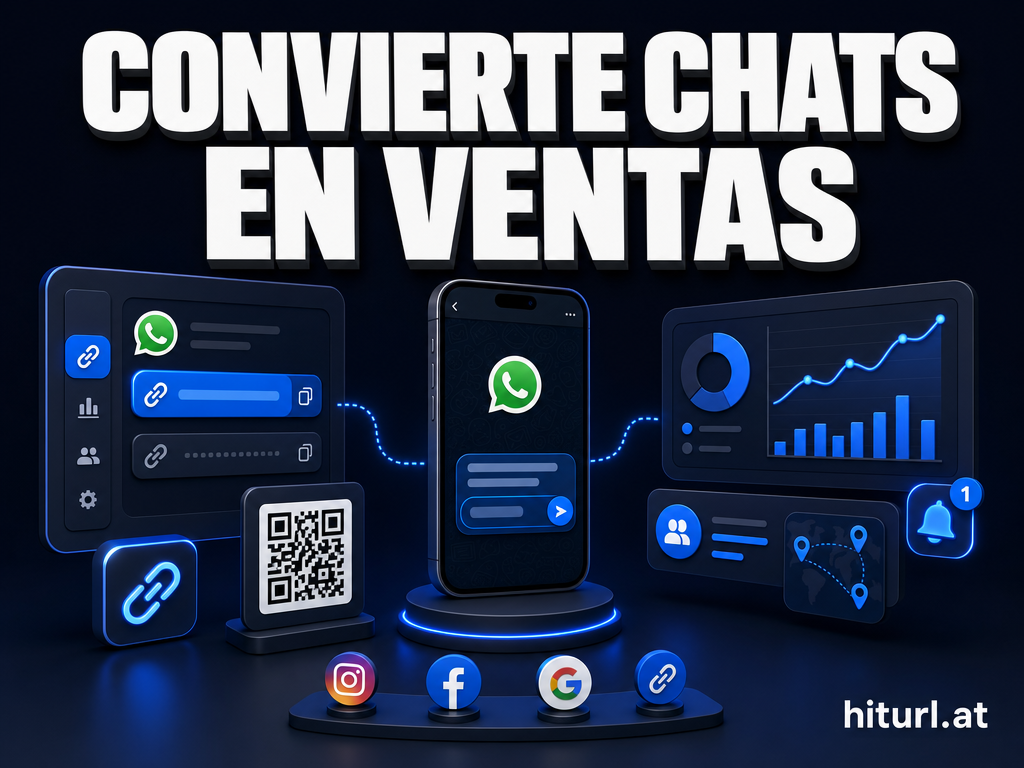
Shortening a wa.me link follows the same process as any other URL. Paste it into HitURL's link shortener, set a custom alias (something like hiturl.at/chat), and you now have a short link that records every click before opening WhatsApp on the recipient's device. You see click counts, geographic data, device types, and referrer information. The wa.me link itself receives no modification; you are measuring the approach path.
This setup is particularly powerful in email marketing. If you are sending wa.me links in email campaigns, the article on using a URL shortener for email marketing shows how to combine both channels into a single attribution model.
Can You Fire Retargeting Pixels Through WhatsApp Links?
Yes. This is one of the most underused strategies in WhatsApp marketing.
When you attach a retargeting pixel to a short link, the pixel fires the moment someone clicks the link, before they reach your destination. That means anyone who taps your WhatsApp broadcast link gets added to your retargeting audience on Facebook, Google, LinkedIn, or any other supported platform, regardless of what they do on your site afterward.
Retargeting pixels attached to short links fire on click, not on page load. This means you build an audience from your WhatsApp broadcast list without needing access to their email addresses or phone numbers.
HitURL supports Facebook Pixel, Google Ads, LinkedIn Insight Tag, Twitter Pixel, AdRoll, Quora Pixel, and Google Tag Manager. You attach the pixel once to your HitURL account, then assign it to any link. The full breakdown of how pixel firing works through short links is covered in the article on Facebook Pixel retargeting through a URL shortener.
The practical result: someone clicks your WhatsApp link, does not buy, and then sees your retargeting ad on Instagram the next day. You closed the loop on a channel that WhatsApp itself provides no tools to close.
What Data Do You Actually Get From a WhatsApp Short Link?
When you use a tracked short link in WhatsApp, each click logs the following data points:
- Total clicks and unique clicks
- Click timestamp, so you can see when in the broadcast window people engaged
- Geographic location by country and city, based on IP address
- Device type: mobile, tablet, or desktop
- Operating system: Android, iOS, Windows
- Referrer: confirms traffic originated from WhatsApp versus another source
Combined with UTM parameters, this data flows into Google Analytics as a named campaign. You see sessions, conversions, bounce rate, and revenue attributed directly to your WhatsApp broadcast. That is the same attribution depth you get from email or paid social.
Short link analytics fill the gap that WhatsApp's privacy model creates. You are not tracking inside WhatsApp; you are tracking the moment the visitor leaves it. That distinction matters for compliance and for data accuracy.
How to Scale WhatsApp Link Tracking Across Multiple Campaigns
Once the single-link setup works, the next step is systematizing it across your entire WhatsApp operation.
Use a naming convention for your custom aliases. For example: wa-[campaign]-[month]. This keeps your HitURL dashboard readable and makes campaign comparison straightforward. Group links by campaign in HitURL so you can see aggregate click performance across all links in a single broadcast series.
If you are building or managing WhatsApp tracking at scale and need to create links programmatically, HitURL's REST API for developers lets you create, update, and retrieve short link data without touching the dashboard. This is useful for teams sending high-volume broadcasts where links are generated dynamically per contact or segment.
For teams using multiple channels alongside WhatsApp, the same short links work across SMS, email, and in QR codes. A dynamic QR code, one where the destination URL can be changed after the code has been printed or published, can be generated directly from any HitURL short link. Update the destination once and all existing QR codes follow automatically.
Frequently Asked Questions
Can WhatsApp detect link shorteners?
WhatsApp does not flag or block reputable link shorteners. The platform scans links for known malicious destinations, not for the use of URL shortening services. A branded short link from a trusted domain like hiturl.at behaves the same as any other HTTPS link in a WhatsApp message.
Does click tracking in WhatsApp violate any privacy rules?
Tracking clicks on links you send is standard analytics practice, no different from tracking clicks in an email campaign. The tracking occurs when the recipient visits your link, not inside the WhatsApp platform itself. Follow the same disclosure practices you would for email: include a privacy policy on your destination and disclose retargeting use in your terms.
Why does my UTM source show "direct" instead of WhatsApp in Google Analytics?
This usually happens because the destination URL is missing UTM parameters, or because the link is opening in WhatsApp's in-app browser, which strips referrer headers. The fix is to attach UTM parameters directly to the short link's destination URL. The source will then read as whatsapp regardless of the browser used to open the link.
Can I use one short link in multiple WhatsApp broadcasts?
You can, but you should not if you want per-campaign attribution. Create a new short link for each broadcast with a unique UTM campaign value. This lets you compare performance across sends: open rates, click-through rates, and conversion rates per campaign rather than a blended total.
Do retargeting pixels fire when WhatsApp previews a link?
No. WhatsApp generates link previews by fetching open graph metadata from the destination URL on the server side. This server-side fetch does not execute JavaScript, so your retargeting pixel does not fire. The pixel fires only when a real user clicks the link and loads the page in a browser.
Start Measuring Every WhatsApp Click
WhatsApp is one of the highest-engagement channels available to marketers right now. Sending links without tracking them means you are making decisions based on read receipts alone, which tells you almost nothing about business impact.
The setup takes under ten minutes: UTM-tag your destination URL, shorten it with a custom alias, attach your retargeting pixel, and broadcast. Every click from that point forward is a data point you own.
See how HitURL tracks every click, fires your pixels, and generates QR codes — free at hiturl.at. No credit card needed to get started.