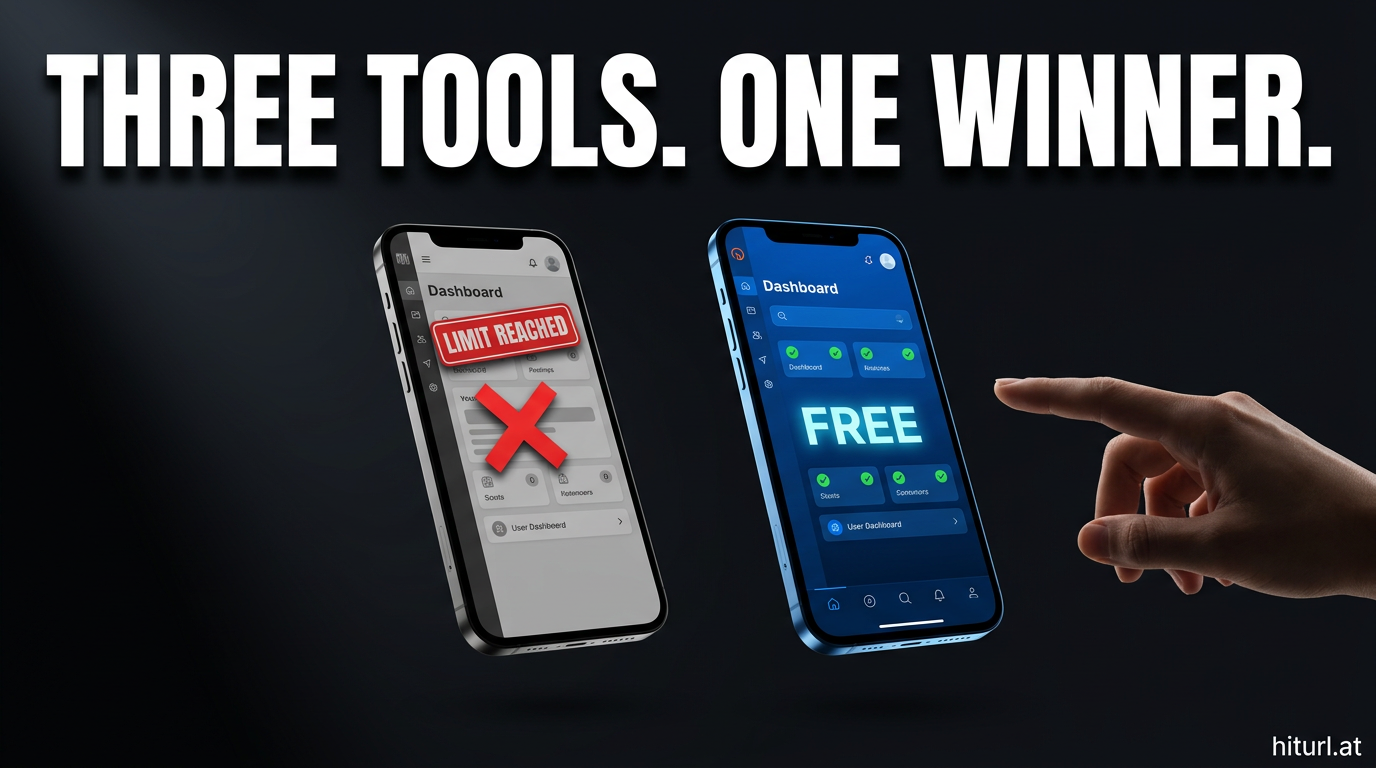
The TinyURL vs Bitly debate has been running for years. Now there's a third contender worth putting in the same sentence. Before you commit to a URL shortener in 2026, you need to know exactly what each platform gives you for free, where each one draws the line, and which tool actually fits the way you work.
This article gives you a full three-way feature comparison, a free tier reality check, and a clear recommendation based on your use case. No filler, no vague summaries.
Why the TinyURL vs Bitly Comparison Still Matters in 2026
Both platforms have been around long enough to build serious brand recognition. TinyURL launched in 2002. Bitly followed in 2008. But brand age is not the same as best value, especially when free tiers have been getting quietly squeezed every year.
According to URL shortener usage statistics for 2026, the majority of new users choose a shortener based on free tier limits before they ever evaluate analytics depth. That means the free plan is the product for most people. And that is exactly where the three platforms diverge most sharply.
The free tier is the real product for most URL shortener users. Comparing paid plans without first auditing the free limits gives you an incomplete picture of the true cost of adoption.
Full Feature Matrix: TinyURL vs Bitly vs HitURL
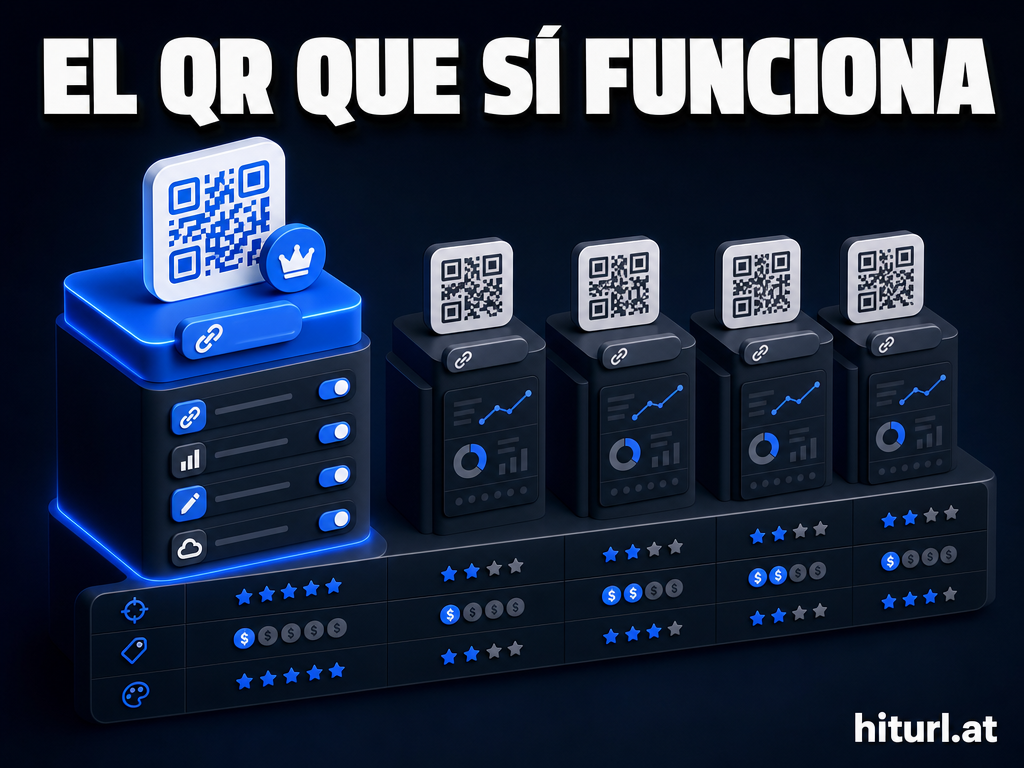
Here is how the three platforms stack up across the features that matter most to marketers, creators, and developers.
| Feature | TinyURL | Bitly | HitURL |
|---|---|---|---|
| Free plan available | Yes | Yes (limited) | Yes |
| Sign-up required | No (basic links) | Yes | No (basic links) |
| Custom aliases | Paid only | Limited on free | Yes, free |
| Click analytics | Paid only | Limited on free | Yes, free |
| Retargeting pixels | No | No | Yes (FB, Google, LinkedIn, Twitter, AdRoll, Quora, GTM) |
| Geo targeting | No | No | Yes |
| Device targeting | No | No | Yes |
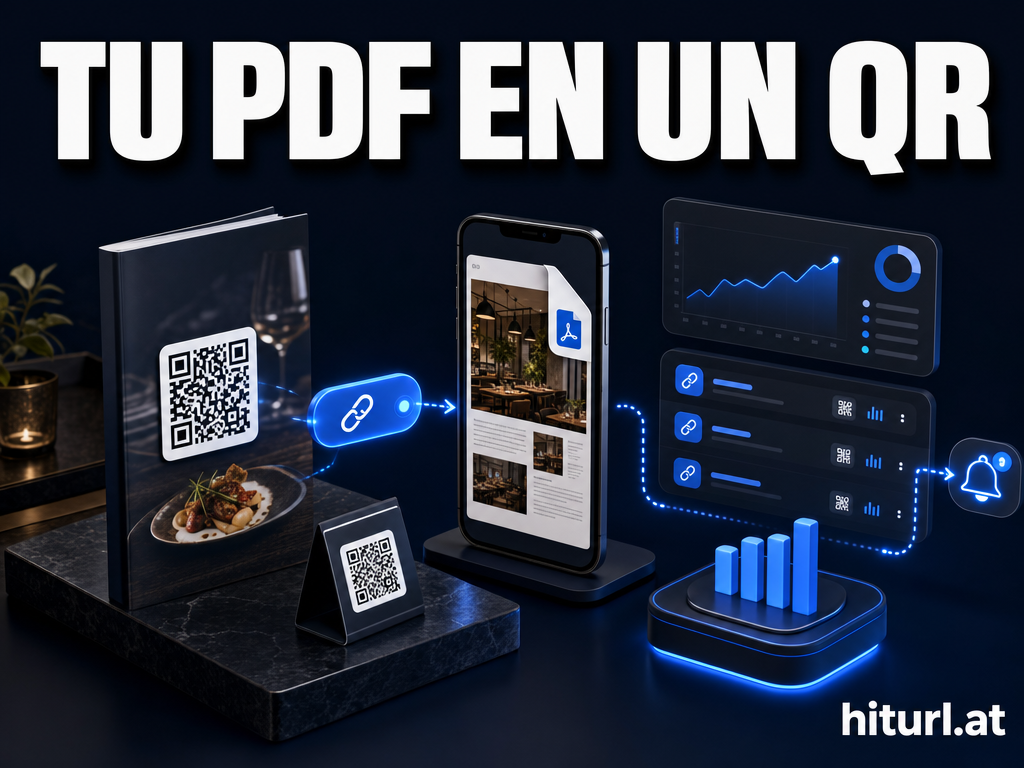
| Dynamic QR codes | No | Paid only | Yes, free |
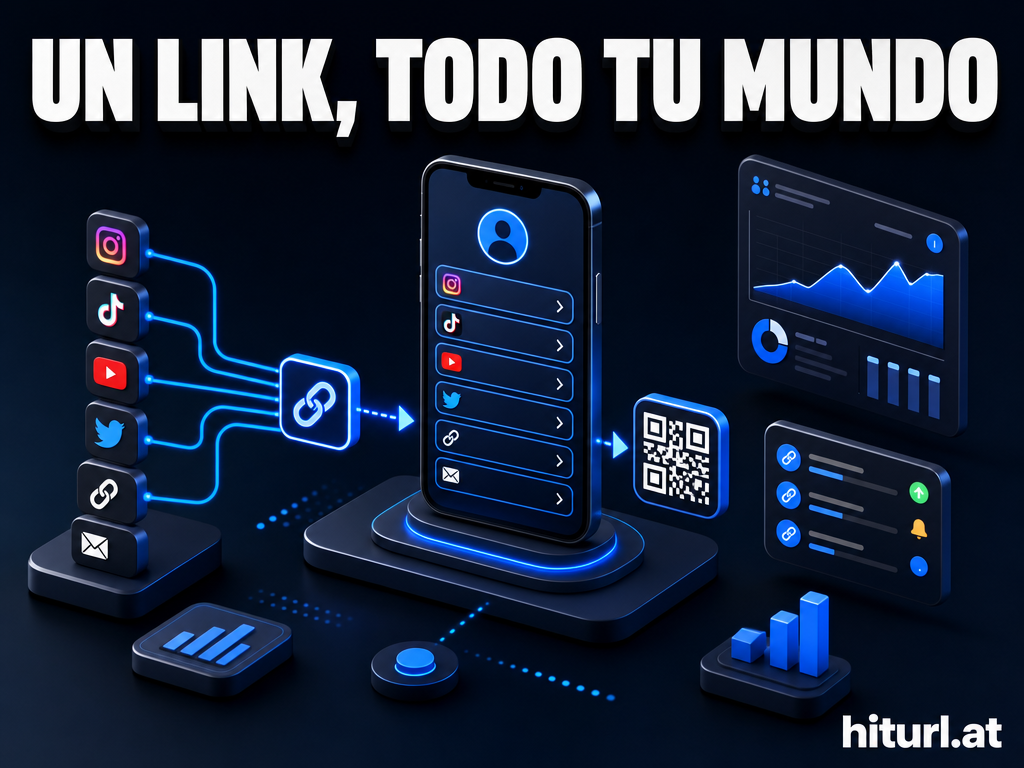
| Link-in-bio pages | No | Paid only | Yes |
| Custom branded domain | Paid only | Paid only | Yes |
| REST API access | Paid only | Paid only | Yes |
| Campaign management | No | Paid only | Yes |
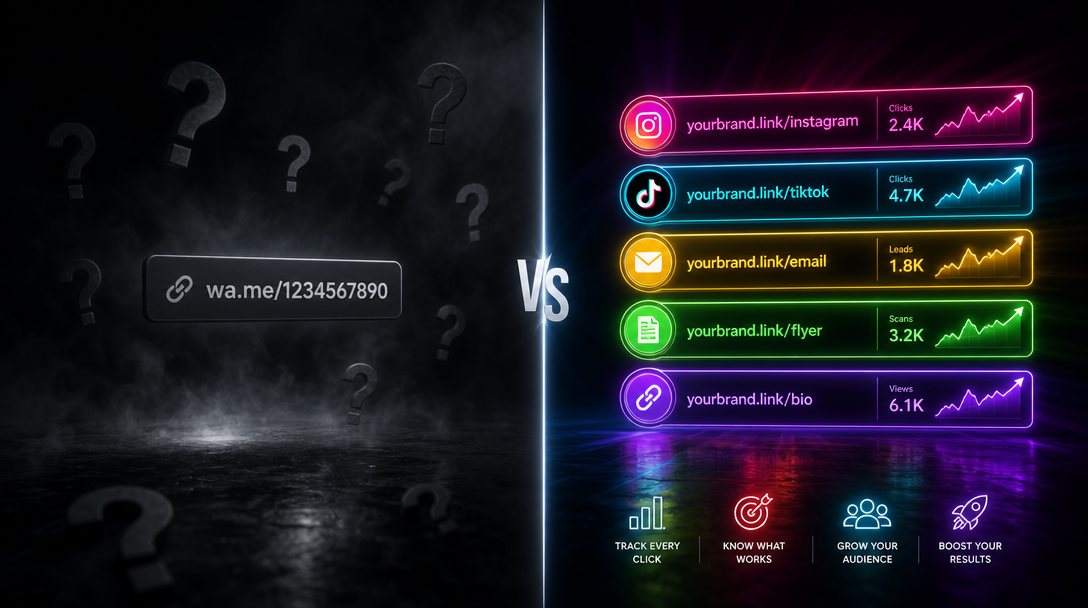
The gap is significant. TinyURL keeps analytics and custom aliases locked behind a paywall. Bitly unlocks a few features on its free plan but throttles them heavily. HitURL gives you the full feature set from the moment you create your first short link.
The Free Tier Reality Check
Free plans are where shorteners tell you the truth about their business model. Here is exactly what you get on each platform without spending a dollar.
TinyURL Free Plan
TinyURL lets you shorten URLs without creating an account. That is its strongest free feature. But every link uses TinyURL's own domain, you get no analytics, no custom aliases, and no retargeting. It is a one-trick tool for the free tier.
The moment you want to know who clicked your link, or send mobile users to a different page than desktop users, you hit a wall. That wall has a price tag on the other side.
Bitly Free Plan
Bitly's free plan requires account creation and limits you to 10 links per month with basic analytics. Custom domains, retargeting pixels, QR codes, and link-in-bio pages are all paid features. According to a 2024 review published by G2, users consistently cite Bitly's pricing as a top complaint, with many feeling the free tier is too restrictive for real marketing use.
Bitly's free plan caps you at 10 links per month. For any marketer running campaigns across multiple channels, that ceiling is hit in a single afternoon.
Bitly's paid tiers start at $8/month, but the features marketers actually need, including retargeting and branded domains, live on higher tiers. You can see a detailed breakdown of this in the full Bitly vs HitURL comparison.
HitURL Free Plan
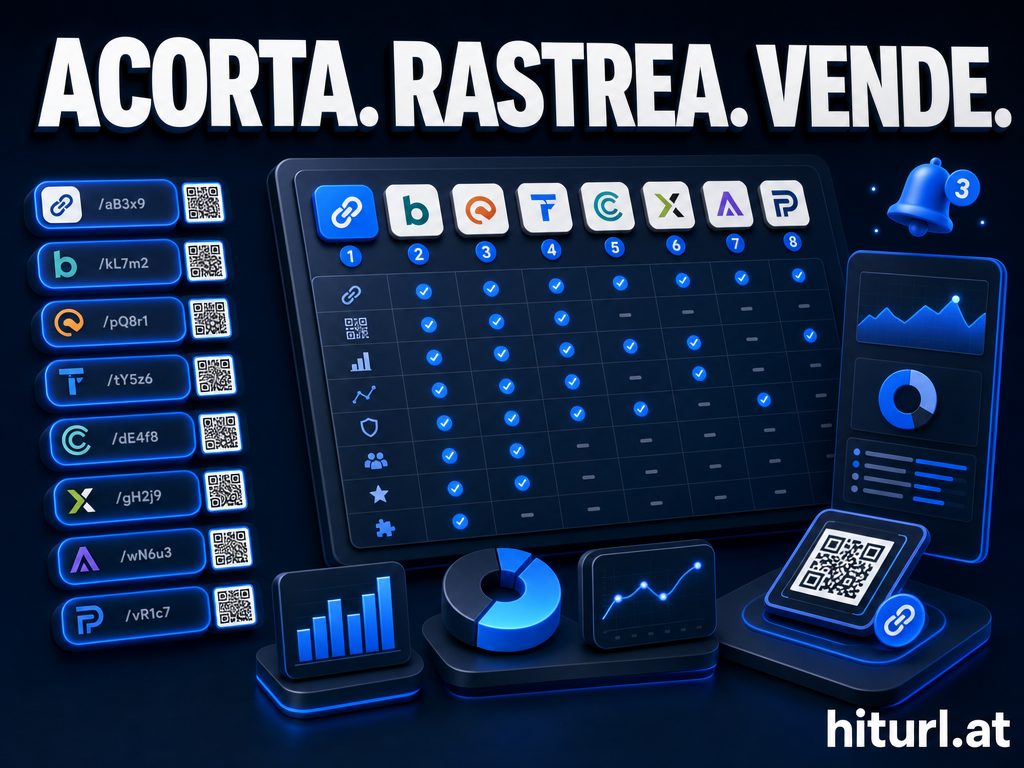
HitURL's free plan is structured differently. You get custom aliases, click analytics, retargeting pixel support for seven major platforms (Facebook, Google, LinkedIn, Twitter, AdRoll, Quora, and Google Tag Manager), geo targeting, device targeting, dynamic QR codes, link-in-bio pages, campaign management, and REST API access. All free.
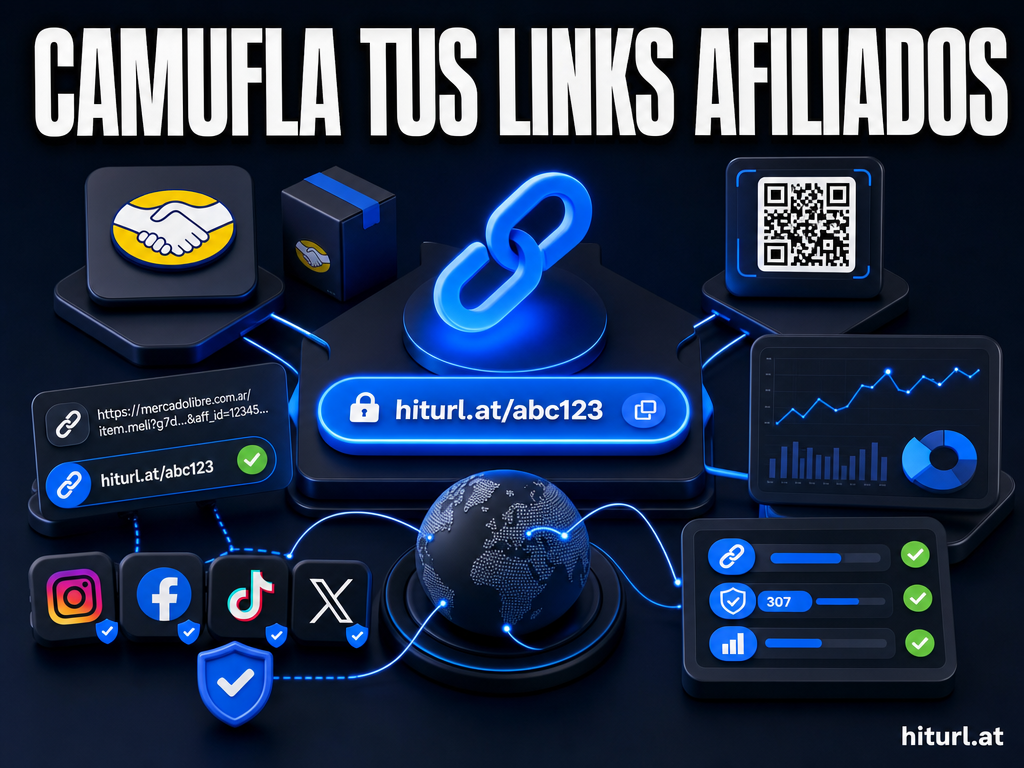
A dynamic QR code, meaning one where the destination URL can be changed after the code is printed or published, is included at no cost. That alone is a feature Bitly locks behind a paid tier.
HitURL includes retargeting pixel support for seven ad platforms on its free plan. That means every link you shorten can silently build your remarketing audience, without an extra tool or an extra invoice.
Check the HitURL pricing page for the full breakdown of what is included at each tier.
Which Tool Is Right for You? The Ideal User Guide
Not every tool fits every user. Here is a straight answer on who should use what.
Use TinyURL if...
- You need a one-off short link in under 10 seconds with no account.
- You do not care about analytics, branding, or retargeting.
- You are sharing a link in a chat message and nothing more.
TinyURL is a utility, not a platform. It does one thing well. The moment your use case involves tracking, branding, or conversion optimization, it runs out of road.
Use Bitly if...
- You work at an enterprise with an existing Bitly contract.
- Your team already has Bitly integrated into a broader marketing stack.
- You are on a paid plan and the pricing is not a concern.
Bitly is a mature platform with solid integrations. But for new users and small teams, the price-to-value ratio on paid plans is hard to justify when free alternatives offer the same features. For a platform-to-platform breakdown, see the best URL shorteners for 2026 guide.
Use HitURL if...
- You run paid ads and want to fire retargeting pixels from every link you share.
- You manage multiple campaigns and need geo or device targeting built in.
- You want branded short links and dynamic QR codes without a monthly invoice.
- You need a link-in-bio page that connects to real analytics.
- You are a developer who needs REST API access on a free plan.
HitURL fits marketers, content creators, agencies, and developers who need a full link management toolkit, not just a shortening tool. It competes directly with premium platforms on features while starting free.
Switch to HitURL today. Free to start, and you keep every feature that matters. Create your account at hiturl.at.
How Does the TinyURL vs Bitly vs HitURL Comparison Play Out for Retargeting?
Retargeting is the feature that separates link management tools from simple shorteners. It is also the feature that exposes the biggest gap in this three-way comparison.
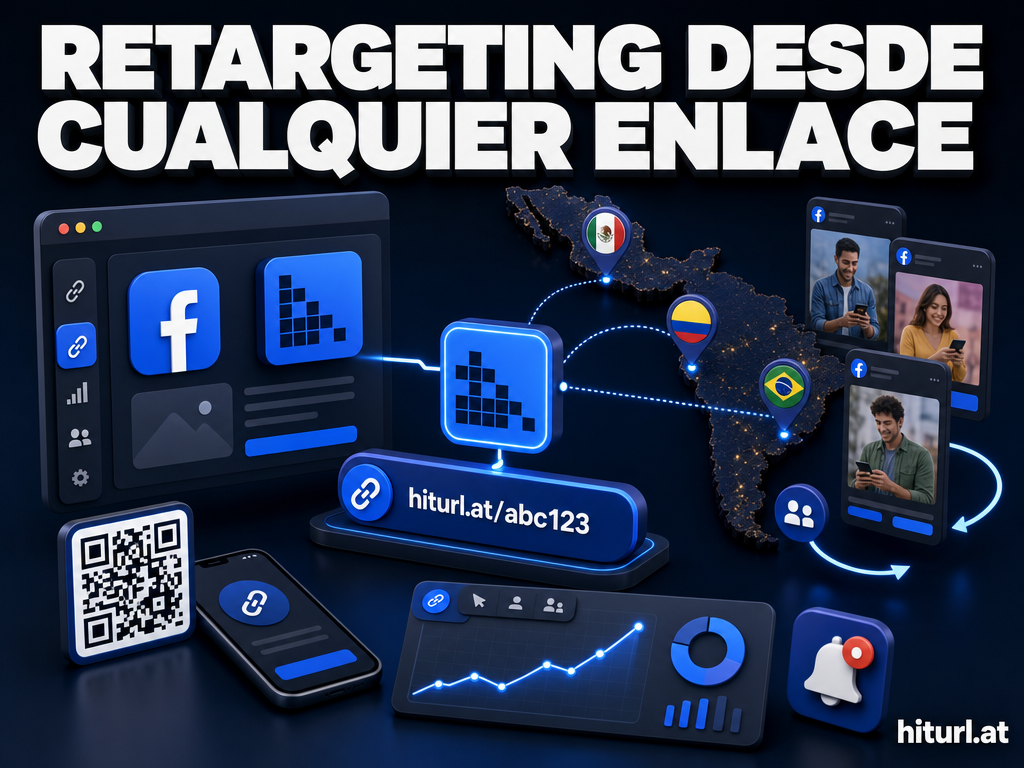
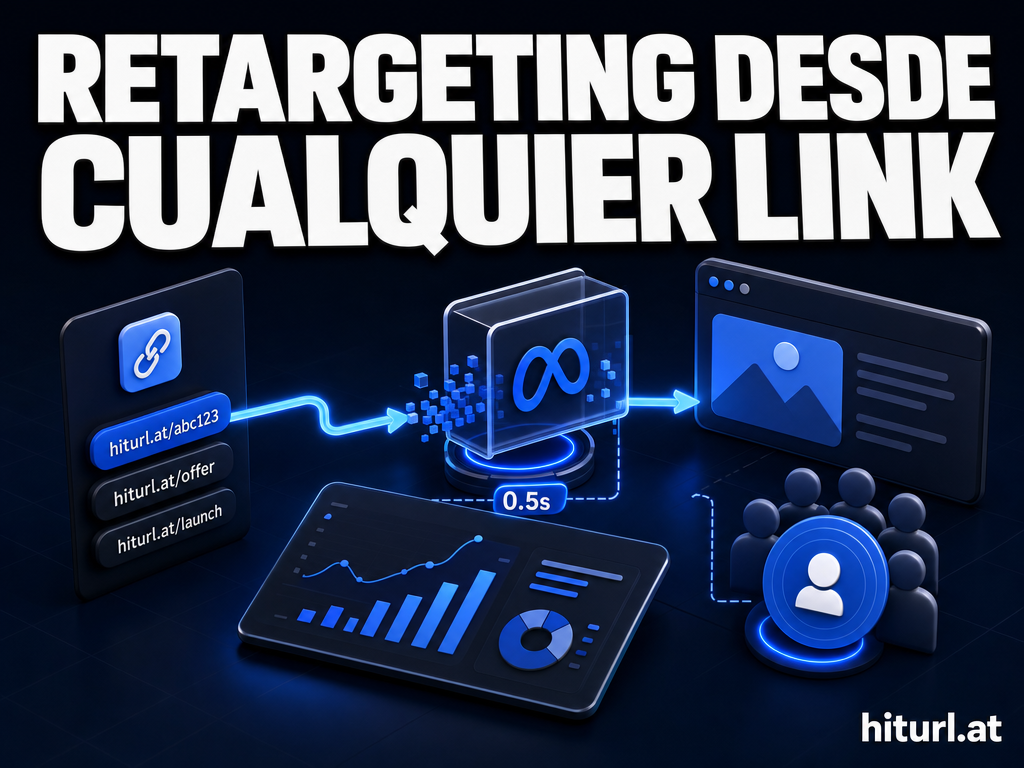
TinyURL does not support retargeting pixels at all. Bitly does not offer retargeting on any plan. HitURL fires your retargeting pixel on every click, across Facebook, Google, LinkedIn, Twitter, AdRoll, Quora, and Google Tag Manager.
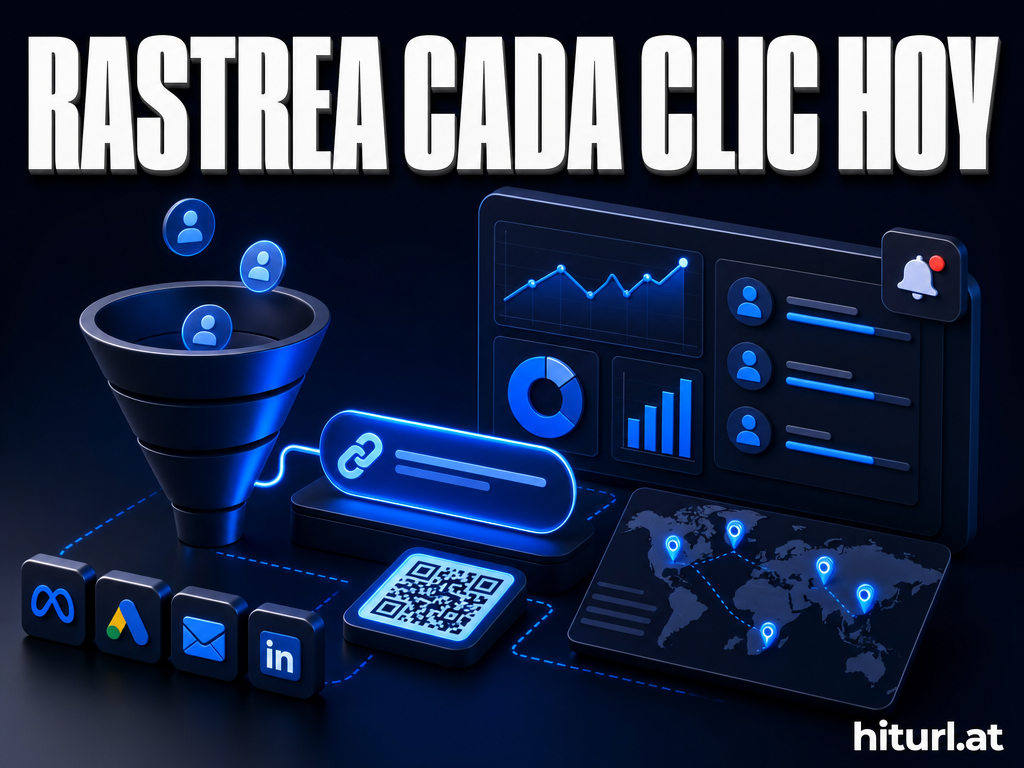
A retargeting pixel fires when a visitor clicks your short link, adding them to your ad audience automatically. With HitURL, every link you share becomes a passive audience-building tool, regardless of whether the visitor converts on the destination page.
For any marketer running paid campaigns, this is not a minor feature difference. It changes the return on every piece of content you distribute. A single shared article link, a bio link, a QR code in a print ad, all of them build your audience in the background when retargeting is active.
What About TinyURL Alternatives Beyond These Three?
If you are exploring the full landscape before deciding, there are other platforms worth knowing. Rebrandly and Short.io are two that come up regularly in comparison searches. Both offer branded domains and analytics, but their free tier limits follow a similar pattern to Bitly.
You can read the full Rebrandly vs HitURL comparison and the Short.io vs HitURL comparison for side-by-side breakdowns of those platforms. For a broader overview of what makes a URL shortener worth using, the guide to what a URL shortener actually is is a useful starting point.
Applying The Free Tier Audit Method Before Choosing a Shortener
The Free Tier Audit Method is a framework for evaluating any SaaS tool before committing. Apply these four checks to any URL shortener you consider.
- Check what requires a credit card. Some tools call a plan "free" but require payment details upfront.
- Identify the first hard limit you will hit. For Bitly, it is 10 links per month. For TinyURL, it is the absence of analytics. Know your ceiling before you build a workflow around the tool.
- Test the feature you care most about on the free plan. Do not assume analytics or retargeting are included. Create a test link and verify.
- Calculate the upgrade cost for the one feature you need. If that feature costs $29/month on Bitly and is free on HitURL, the comparison is settled.
Running this audit takes less than 20 minutes. It prevents you from investing time in a platform only to discover the feature you need is two pricing tiers away.
FAQ: TinyURL vs Bitly vs HitURL
Is TinyURL free to use?
Yes. TinyURL lets you shorten links without an account and without paying. But free links use TinyURL's domain, include no analytics, and support no custom aliases. Analytics and branded links require a paid plan.
What does Bitly's free plan actually include?
Bitly's free plan includes account creation, up to 10 shortened links per month, and basic click analytics. Custom domains, QR codes, retargeting, and link-in-bio pages all require a paid subscription. See the current limits on the Bitly pricing page.
Does HitURL require a sign-up to shorten links?
No. You can shorten a link on HitURL without creating an account. Creating a free account unlocks custom aliases, click analytics, retargeting pixels, geo and device targeting, dynamic QR codes, link-in-bio pages, campaign management, and REST API access.
Which URL shortener is best for marketers running paid ads?
HitURL. It fires retargeting pixels from every short link you create, across seven ad platforms including Facebook, Google, and LinkedIn. TinyURL and Bitly do not offer retargeting on any plan.
Is there a URL shortener that works without sign-up and still tracks clicks?
Basic anonymous shortening exists on both TinyURL and HitURL, but click tracking requires an account on all three platforms. HitURL's free account gives you full analytics with no link volume caps, making it the strongest option for users who want both convenience and data.
The comparison is clear. TinyURL is a quick utility. Bitly is a paid platform dressed in a free plan. HitURL gives you the full toolkit from day one. Switch to HitURL today. Free to start, and you keep every feature that matters. Get started at hiturl.at.