You share a link on social media and lose the audience the moment they click it. That is the core problem every marketer faces, and it is why the debate around sniply vs linktree keeps coming up. Both tools promise to solve link-sharing for social channels, but they solve fundamentally different problems. And for bootstrapped founders and indie SaaS teams watching every dollar, picking the wrong tool costs more than money.
This article breaks down Sniply, Linktree, and HitURL across four dimensions that actually matter: overlay CTA customization, mobile loading speed, link optimization controls, and pricing scalability. By the end, you will know exactly which platform fits your workflow.
What Each Tool Actually Does
Before comparing features, it is worth being precise about what each platform is built to do. They are not competing for the same job.
Sniply is an overlay CTA tool. When you share someone else's article or any external URL, Sniply wraps the destination page in an iframe and injects a small call-to-action bar at the bottom of the screen. The visitor reads the content, and your brand stays visible throughout. It is a clever strategy for content curators who want to keep their audience engaged even when linking offsite.
Linktree is a bio-link grid builder. It creates a single landing page that houses multiple links, designed specifically for platforms like Instagram and TikTok where you only get one clickable URL. Visitors land on a simple page and choose where to go next. There is no CTA overlay, no link tracking depth, and no retargeting capability built in.
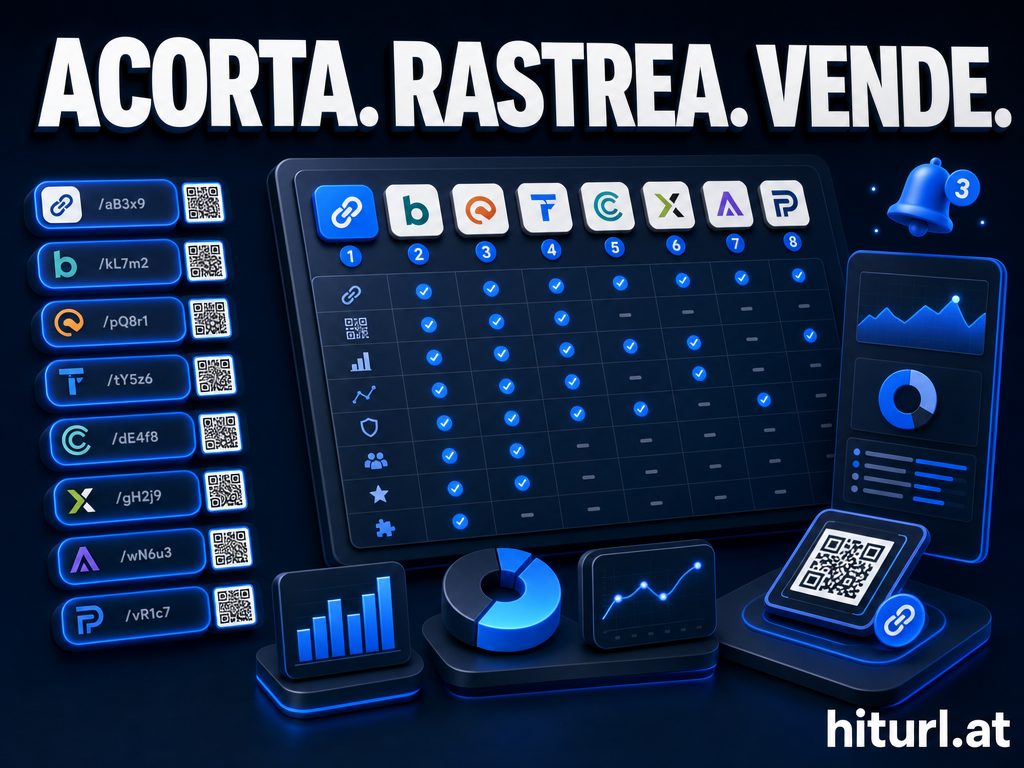
HitURL sits in a different category: it is a full link management platform. It shortens URLs, creates custom-aliased branded links, builds link-in-bio pages that compete directly with Linktree, fires retargeting pixels on every click, and generates dynamic QR codes. For teams that need both the bio-link functionality and serious tracking, it covers both use cases without requiring two separate subscriptions.
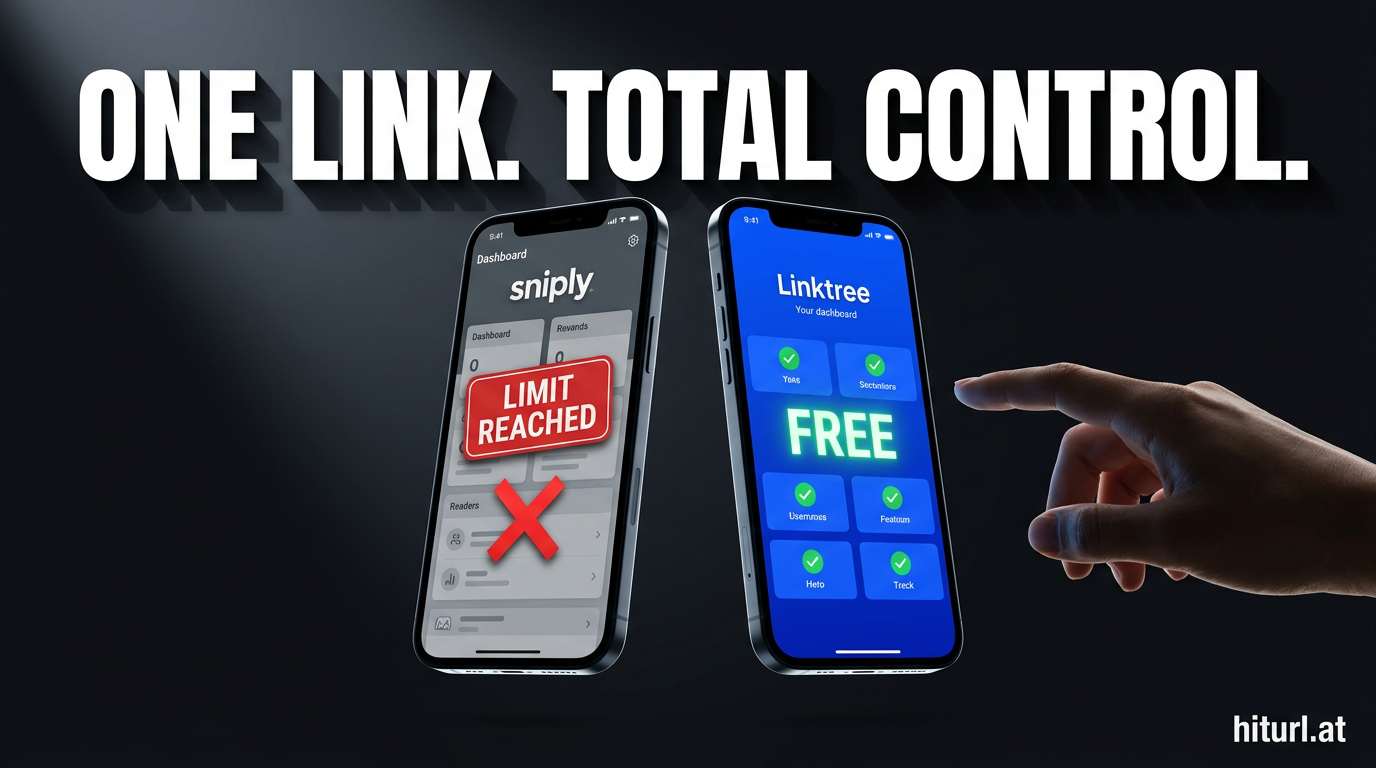
Sniply keeps your brand on someone else's content. Linktree organizes your own links for bio pages. HitURL does link management end-to-end, including the bio page, the tracking, and the retargeting pixel, all from one platform.
Overlay CTA vs Bio-Link Grid: Which Approach Wins for Social Sharing?
The right answer depends entirely on what you are sharing and where your traffic comes from.
The overlay CTA approach Sniply uses works best when you are curating third-party content: newsletter roundups, Twitter threads linking to industry articles, or LinkedIn posts sharing research. Your CTA rides along without requiring the destination to cooperate. The weakness is that iframing third-party sites breaks on pages that set X-Frame-Options headers, which a growing number of major publishers now do. When that happens, Sniply falls back to a redirect, and you lose the overlay entirely.
Linktree's bio-link grid is the right tool if your primary problem is the single-link constraint on Instagram or TikTok. It is fast to set up and widely recognized by audiences. But the grid format is passive. You are giving visitors a menu and hoping they pick correctly. There is no pixel firing, no geo-targeting, no device-based routing, and no click data beyond basic analytics on paid plans.
A bio-link page that cannot fire a retargeting pixel is a missed opportunity. Every visitor who clicks your link is a warm lead, and sending them forward without capturing that signal means you cannot reach them again with paid ads.
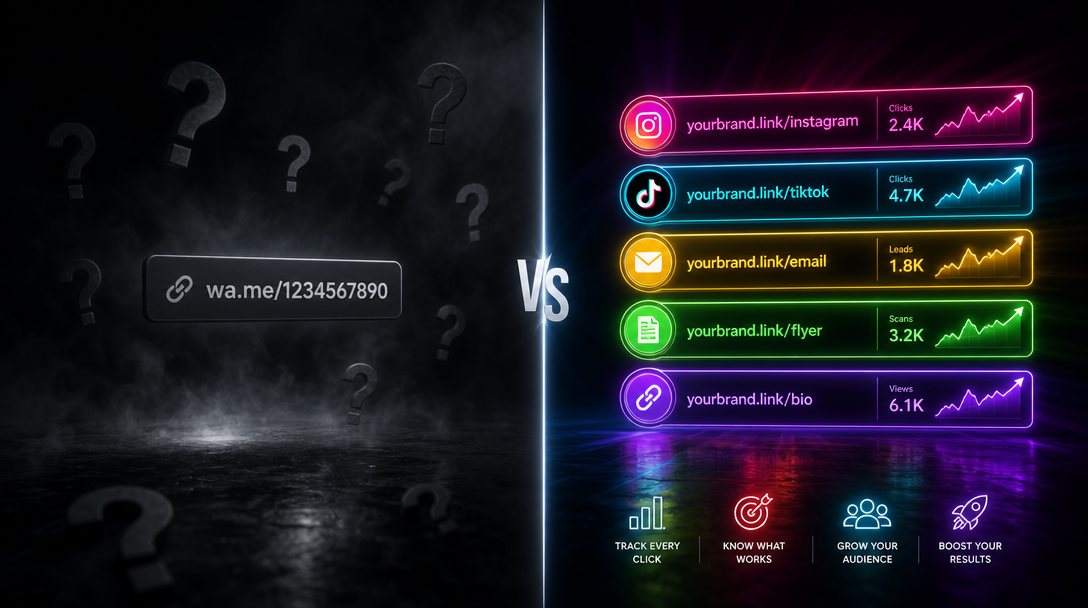
For social sharing specifically, the strongest setup is a branded short link that fires your retargeting pixel on click, routes mobile visitors differently from desktop visitors, and still leads to a bio-link page if needed. That is a combination neither Sniply nor Linktree offers on its own. You can read more about how to structure links for Instagram specifically in this guide to shortening links for Instagram bio and Stories.
Mobile Loading Speed: A Comparison You Cannot Ignore
Social traffic is overwhelmingly mobile. According to Statista, mobile devices account for roughly 60% of global web traffic. On slower 4G connections common in emerging markets and rural areas, every extra millisecond of redirect latency kills conversions.
Sniply's iframe-wrapping architecture adds a measurable layer of overhead. The destination page loads inside a frame, and the CTA overlay is injected on top. On fast broadband this is imperceptible, but on mobile networks with higher latency, users often see a blank screen for a second longer than a clean redirect. That gap increases bounce rates.
Linktree's landing pages are lightweight by design. The grid loads fast because it is a simple HTML page with minimal assets. However, some Linktree pages on paid plans that include video backgrounds or animated elements can slow down noticeably on older Android devices.
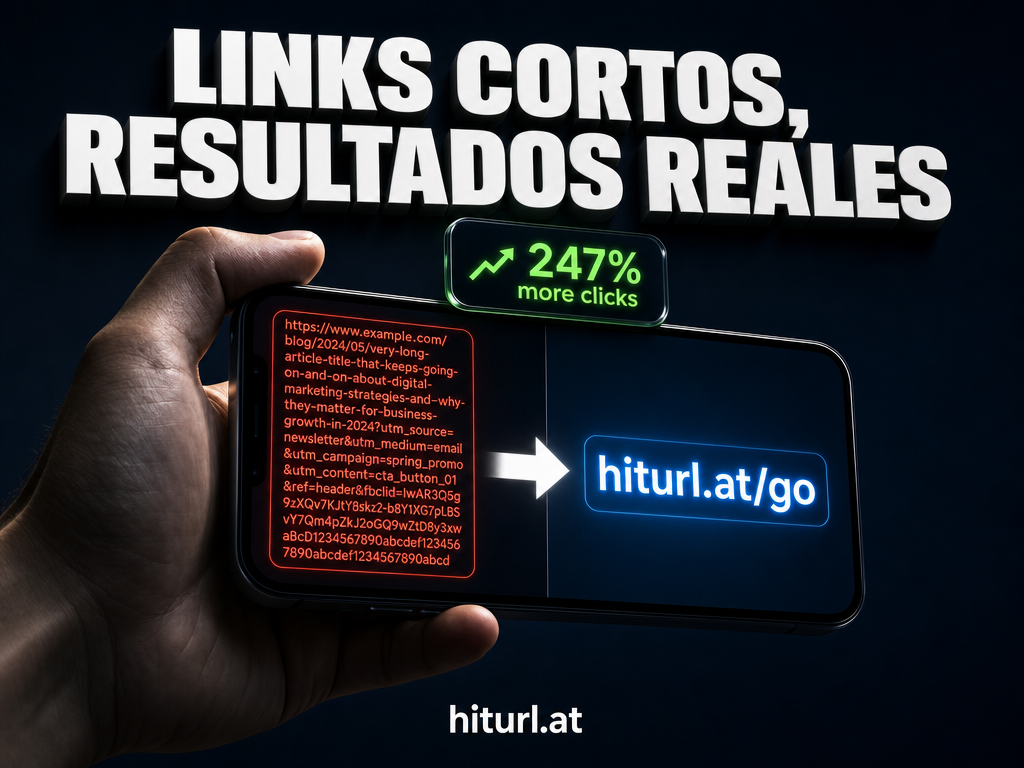
HitURL's short links use single-step 301 or 302 redirects with no iframe wrapping. The redirect resolves quickly, and the bio-link pages are built for performance. For teams targeting audiences in bandwidth-constrained regions, this architecture matters. You can also apply device targeting at the link level, so mobile users go to a mobile-optimized destination automatically, without any extra setup for the visitor.
Call-to-Action Customization: How Deep Does Each Tool Go?
Sniply's core value proposition is the CTA overlay, so it is no surprise this is where it shines. You can customize the text, the button color, the position (bottom bar, modal, or button), and the destination URL of the CTA. On higher plans you can add form captures and remove Sniply branding. For content curators, this level of control is genuinely useful.
Linktree offers CTA customization at the bio-link page level: button styles, background colors, fonts, and link thumbnails. But once a visitor clicks a link and leaves, Linktree has no mechanism to follow them. There is no CTA that persists onto the destination page. What you see on the bio-link grid is all you get.
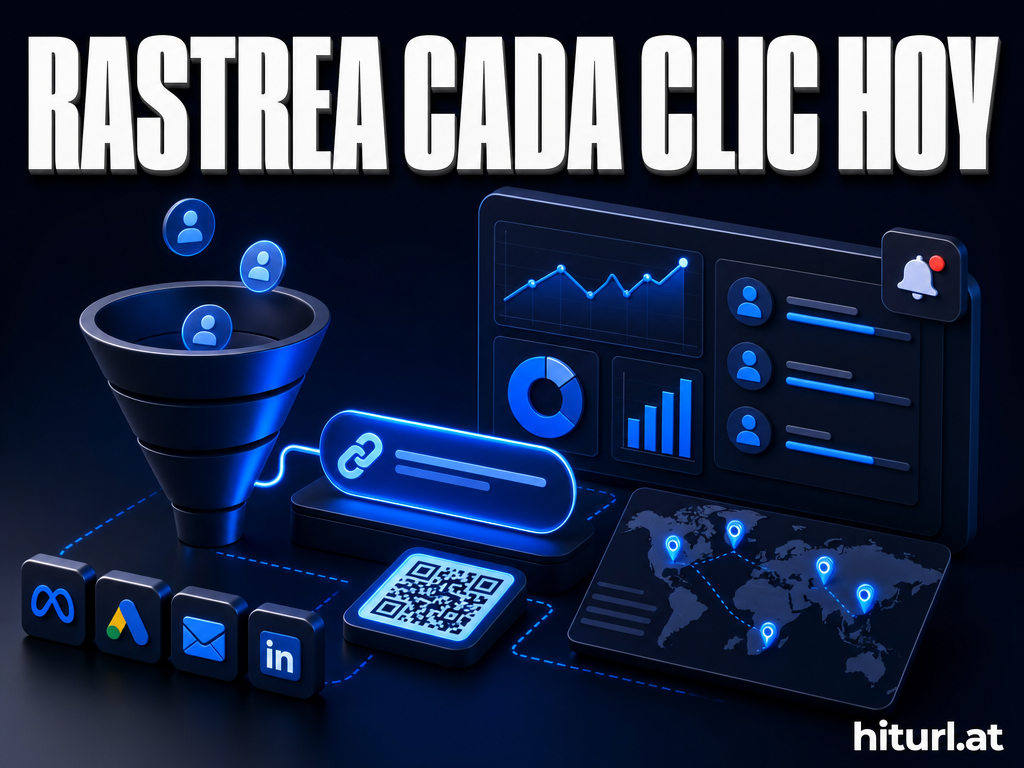
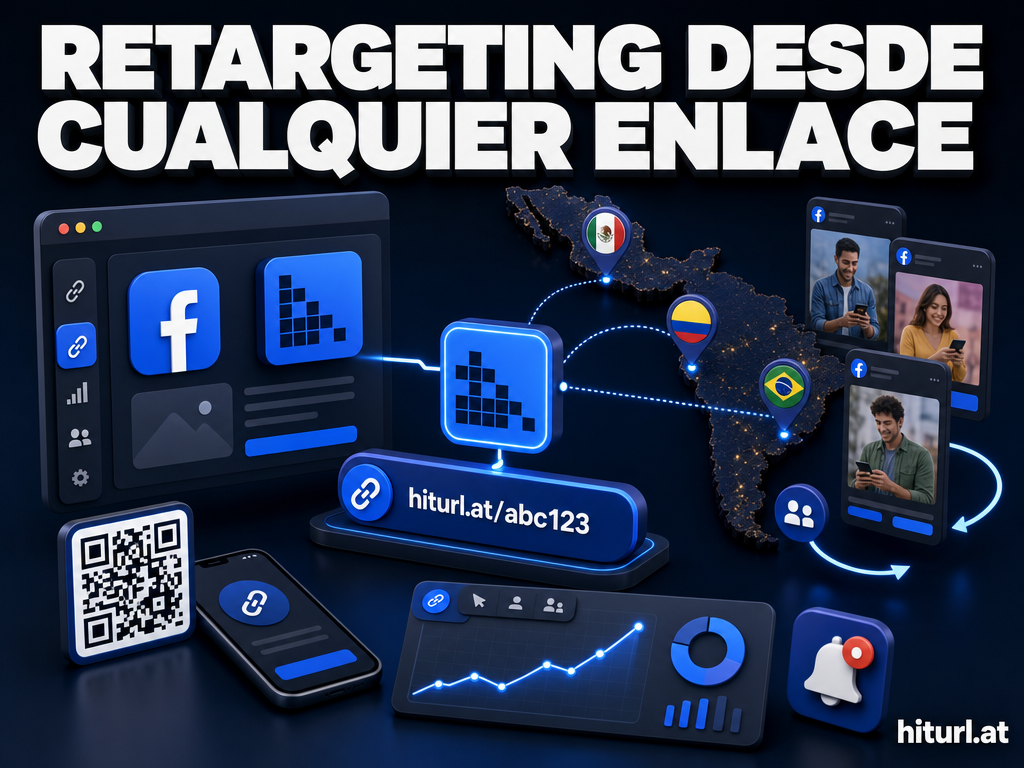
HitURL approaches CTA differently. Instead of overlaying a message on a destination page, it fires your existing retargeting pixels, including Facebook Pixel, Google Ads, LinkedIn Insight Tag, Twitter Pixel, AdRoll, Quora Pixel, and Google Tag Manager, the moment someone clicks your link. That means your CTA is not a static text box on an iframe. It is a targeted ad that follows the user across the web. For paid advertisers, that is a fundamentally more powerful form of call-to-action than any overlay bar.
Firing a retargeting pixel on link click turns every social share into the start of an ad campaign. You do not need the visitor to convert immediately; you need to capture the signal so you can reach them again when they are ready.
If you are comparing the full landscape of link management tools before making a decision, the best URL shorteners for 2026 breakdown covers the wider competitive field in detail.
Pricing Scalability for Indie Founders and Bootstrapped SaaS Teams
Pricing is where these tools diverge most sharply, and where the choice becomes a business decision rather than a feature decision.
Sniply's pricing starts at $29 per month for the Basic plan, which includes 1,000 snips per month and one team member. The Pro plan runs $79 per month and includes more snips, custom domains, and form CTAs. For a solo founder sending moderate volume, $29 per month is acceptable. But as your audience grows and you push toward 10,000 snips monthly, you are looking at their higher tiers, which scale steeply.
Linktree's pricing starts with a free plan that covers the basics: unlimited links, one bio page, and basic analytics. The Pro plan is $9 per month, and the Premium plan is $24 per month. For bio-link functionality alone, this is competitive. The problem is that even the highest Linktree plan does not include retargeting pixels, geo-targeting, or custom short links with analytics depth.
HitURL starts free. The free tier includes short links, custom aliases, basic analytics, and QR code generation. Paid plans add retargeting pixels, geo and device targeting, campaign management, link-in-bio pages, and API access. You can review the full breakdown on the HitURL pricing page.
For a bootstrapped SaaS team, the math looks like this: replacing Sniply with a retargeting pixel strategy through HitURL costs less per month while providing broader targeting capability. Replacing Linktree with HitURL's bio profiles means you gain retargeting, geo-targeting, and branded short links without adding a new tool. The consolidation argument is strong.
For indie founders managing tools on tight margins, paying for two separate platforms when one covers both use cases is a cash flow problem disguised as a feature preference. Consolidating bio-link and link tracking into a single tool typically costs less and creates cleaner data.
The Bitly vs HitURL comparison covers similar pricing trade-offs for teams currently on Bitly who are evaluating their options.
The Link Optimization Stack: UTM, Geo, and Device Targeting
Link optimization goes beyond where a URL points. The UTM Stack Method is a framework for tagging every link with campaign source, medium, campaign name, content variant, and keyword data before it ever gets shared. Combined with geo and device targeting, it gives you a complete picture of which channels and audiences convert.
Sniply does not offer native UTM parameter management, geo-targeting, or device-based routing. You can append UTM parameters manually to the destination URL before creating a snip, but there is no interface-level support for it. Geo and device targeting are not part of the product at all.
Linktree offers no UTM support, no geo-targeting, and no device targeting at any plan level. It routes all visitors to the same bio page regardless of where they are or what device they use.
HitURL supports UTM parameters at link creation, geo-targeting by country, and device-based routing. You can send Android users to the Google Play Store and iOS users to the App Store from the same short link. You can send visitors from specific countries to localized landing pages. These are not niche features; they are table stakes for any performance marketing workflow. If you want to understand the full scope of what a link-in-bio page can do when built on this kind of infrastructure, the guide on what a link-in-bio is and how to make one is worth reading.
Switch to HitURL today. Free to start, and you keep every feature that matters.
Create your account at hiturl.at and replace two tools with one.
Head-to-Head Feature Comparison Table
| Feature | Sniply | Linktree | HitURL |
|---|---|---|---|
| Overlay CTA on third-party pages | Yes | No | No |
| Bio-link page builder | No | Yes | Yes |
| Branded short links with custom alias | No | No | Yes |
| Retargeting pixel on click | No | No | Yes (Facebook, Google, LinkedIn, Twitter, AdRoll, Quora, GTM) |
| Geo-targeting by country | No | No | Yes |
| Device-based routing | No | No | Yes |
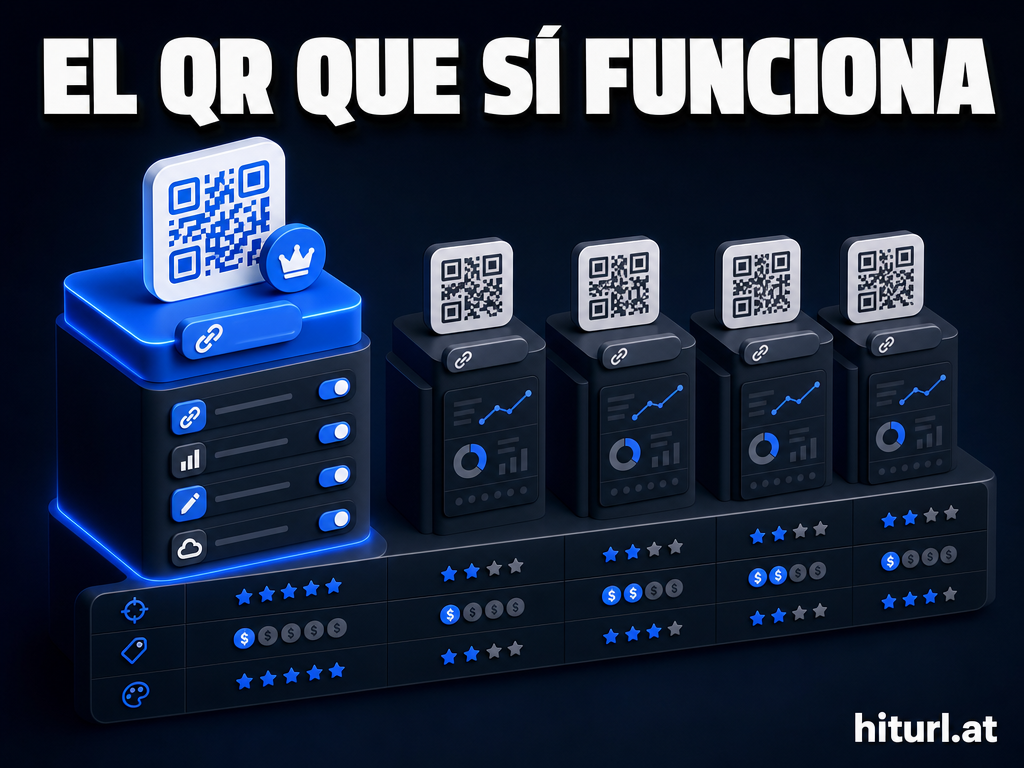
| Dynamic QR codes | No | No | Yes |
| Free plan available | No | Yes (limited) | Yes |
| Starting paid price | $29/month | $9/month | Free to start |
| REST API | Yes (higher plans) | No | Yes |
Which Tool Should You Actually Use?
The answer depends on your primary use case.
Choose Sniply if your core workflow is curating third-party content and you want your brand visible while readers consume it. It solves that specific problem well, and the overlay CTA is genuinely differentiated. Accept that it breaks on X-Frame-Options sites and that it does not offer retargeting, geo-targeting, or bio pages.
Choose Linktree if you need a bio-link page fast, have no interest in tracking depth or retargeting, and want the lowest possible cost for basic link aggregation. It is a fine starting point for creators who are not yet running paid ads.
Choose HitURL if you are a marketer, indie founder, or SaaS team that needs branded short links, a bio-link page, retargeting pixels, geo and device targeting, dynamic QR codes, and a clean REST API, without paying for two or three separate platforms. The free tier gets you started immediately, and the paid plans scale at a fraction of what combining Sniply and Linktree would cost.
Frequently Asked Questions
Is Sniply better than Linktree for marketers?
They solve different problems. Sniply overlays your CTA on third-party pages you share; Linktree organizes your own links on a bio page. For performance marketers who need retargeting and tracking depth, neither covers the full need as well as a dedicated link management platform does.
Can HitURL replace both Sniply and Linktree?
For most use cases, yes. HitURL builds bio-link pages that replace Linktree, and its retargeting pixel feature replaces the conversion intent that Sniply tries to create with overlay CTAs. The one thing HitURL does not replicate is the iframe overlay on third-party content, which is Sniply's specific niche.
Does Linktree fire retargeting pixels?
No. Linktree does not support retargeting pixels at any plan level. If retargeting your social traffic is part of your paid media strategy, Linktree is not built for that workflow.
Is HitURL free to start?
Yes. HitURL has a free tier that includes short link creation, custom aliases, basic analytics, and QR code generation. Retargeting pixels, geo-targeting, and bio-link pages are available on paid plans. There is no credit card required to create an account.
What is a dynamic QR code?
A dynamic QR code is one where the destination URL can be changed after the code has been printed or published. Unlike static QR codes that are permanently linked to one URL, dynamic QR codes let you update the destination without reprinting any materials. HitURL generates dynamic QR codes tied to your short links automatically.