

Your Automated Content Pipeline Has a Link Problem
If you run an automated content workflow on OpenRouter, you already know the output is fast. Dozens of newsletter drafts, social posts, or product descriptions generated in minutes. But buried inside that output are raw, untracked, ugly destination URLs that go straight to your audience with zero analytics attached.
OpenRouter API tracking links is not a feature the model handles for you. That step lives in your pipeline, between generation and publishing. This article shows you exactly how to build it.
You will learn a repeatable pipeline pattern that extracts URLs from raw model output, shortens them through a link management API, and publishes clean, tracked redirects without touching a single link by hand.
Why Raw URLs From Model Output Hurt Your Distribution
When a language model generates a newsletter or a social caption, it produces URLs in their original form: long, parameter-heavy, often branded with affiliate IDs or UTM strings that look cluttered in plain text. Sending those directly to readers creates three problems.
- No click data: You cannot see which link in a newsletter drove the most traffic without a tracking layer in front of it.
- No retargeting: A raw URL fires no pixels. Everyone who clicks it is invisible to your ad platforms.
- No control after send: Once published, a raw URL is permanent. If the destination changes, you cannot update it.
A short, tracked redirect solves all three. The question is how to insert that step automatically at scale.
Every URL that leaves your pipeline without a tracking layer is a missed data point. At scale, those missed points add up to blind spots across your entire content distribution strategy.
How the OpenRouter Content Pipeline Works
OpenRouter's API gives you a unified endpoint to call dozens of language models. You send a prompt, you get text back. The typical automated content workflow looks like this:
- A trigger fires (a schedule, a webhook, a new RSS item).
- Your script sends a prompt to the OpenRouter API with source material, context, and formatting instructions.
- The model returns a completed draft: a newsletter section, a tweet thread, a product description.
- Your pipeline publishes that draft to an email tool, a CMS, or a social scheduler.
Step 4 is where most builders stop. The link tracking step belongs between steps 3 and 4, in a URL extraction and replacement pass before the content ever touches a publishing endpoint.
The Extract-Shorten-Replace Framework
This is the core method. Call it the Extract-Shorten-Replace (ESR) Framework. It has three discrete operations that run on every piece of model output before publishing.
Step 1: Extract All URLs From the Output
Use a regular expression to find every URL in the model's text output. A reliable pattern for most use cases:
https?://[^\s<>"']+
Run this against the full text string. Collect every match into a deduplicated array. If the same URL appears twice, you only need to shorten it once and replace all instances.
Step 2: Shorten Each URL via the HitURL API
For each URL in your array, make a POST request to the HitURL REST API. You pass the destination URL, an optional custom alias, and any UTM parameters you want to attach. The API returns a short link immediately.
If you want practical code examples for this call in Python, JavaScript, and PHP, the HitURL API code examples guide covers every language with copy-ready snippets.
The key fields in your POST body:
url: the destination URL extracted from the model outputalias: optional custom slug for cleaner linksutm_source,utm_medium,utm_campaign: pass these if your downstream analytics depend on UTM attribution
Step 3: Replace Original URLs in the Output String
With your map of original URL to short URL, run a string replacement pass over the model output. Every raw URL becomes its tracked equivalent. The text is now ready to publish.
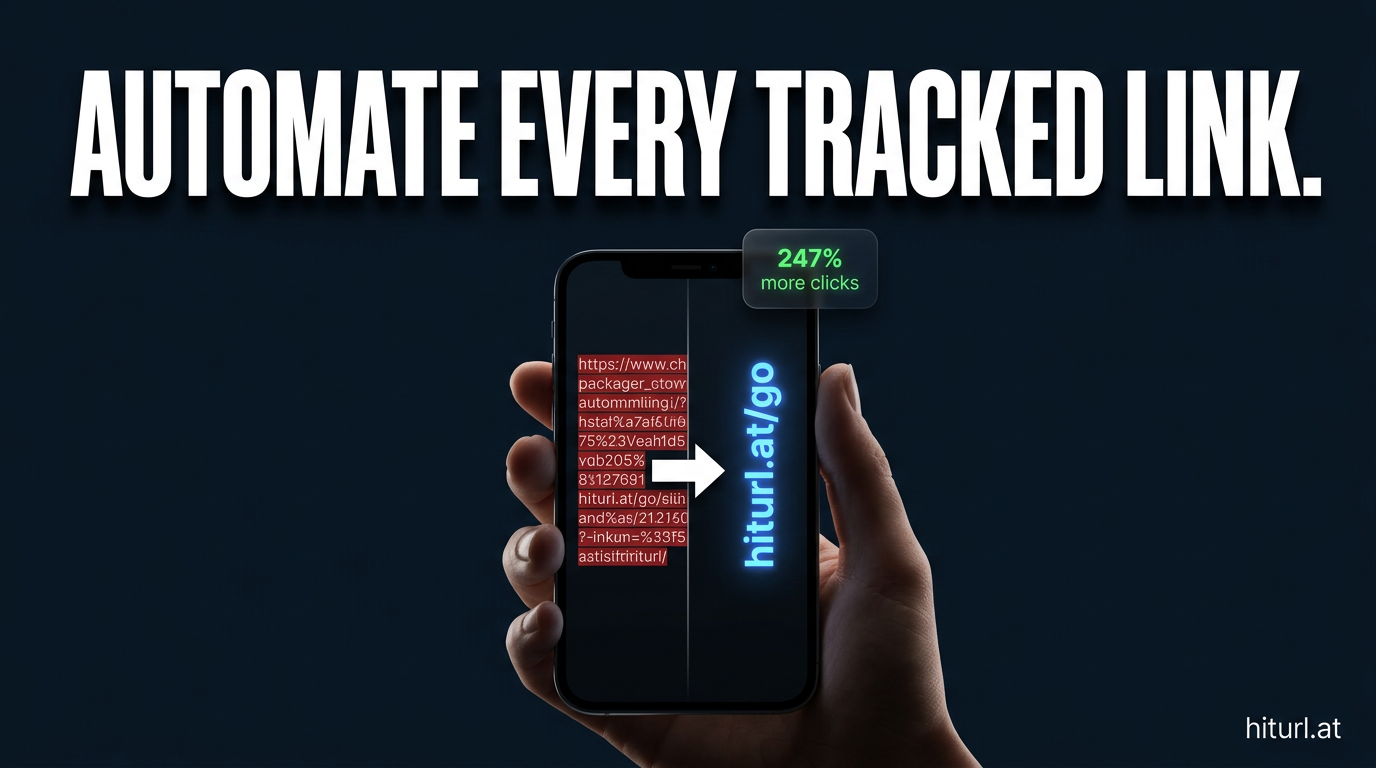
The Extract-Shorten-Replace Framework treats link tracking as a pipeline stage, not a manual task. Once it is in your workflow, every piece of content you publish carries full click analytics by default.
What a Real Implementation Looks Like in Python
Here is a minimal working pattern. This is not production code, but it shows the structure clearly.
import re
import requests

OPENROUTER_API_KEY = "your_openrouter_key"
HITURL_API_KEY = "your_hiturl_key"

# 1. Get model output from OpenRouter
response = requests.post(
    "https://openrouter.ai/api/v1/chat/completions",
    headers={"Authorization": f"Bearer {OPENROUTER_API_KEY}"},
    json={
        "model": "openai/gpt-4o",
        "messages": [{"role": "user", "content": "Write a newsletter section about content marketing trends. Include 3 source links."}]
    }
)
content = response.json()["choices"][0]["message"]["content"]

# 2. Extract URLs
urls = list(set(re.findall(r'https?://[^\s<>"]+', content)))

# 3. Shorten each URL via HitURL
url_map = {}
for url in urls:
    shorten_response = requests.post(
        "https://hiturl.at/api/v1/links",
        headers={"Authorization": f"Bearer {HITURL_API_KEY}"},
        json={"url": url, "utm_source": "newsletter", "utm_medium": "email"}
    )
    short_url = shorten_response.json()["short_url"]
    url_map[url] = short_url

# 4. Replace in content
for original, short in url_map.items():
    content = content.replace(original, short)

print(content)  # Ready to publish
The structure is the same whether you are calling GPT-4o, Claude, Mistral, or any other model available through OpenRouter. The model choice does not affect the link processing step.
See how HitURL tracks every click, fires your pixels, and generates QR codes — free at hiturl.at.
How Do You Add UTM Parameters to Automated Links?
Pass them as fields in your HitURL API request at shortening time. You do not need to append them manually to every destination URL.
This is the cleanest approach for automated pipelines because the UTM values come from your pipeline logic, not from the model output. You decide the source, medium, and campaign at the time the content is processed. If you want a deeper look at UTM strategy for tracked links, read the guide on tracking link clicks with UTM parameters.
When you set UTM parameters at the shortening layer rather than appending them to raw URLs, you keep your destination URLs clean and your attribution consistent across every channel your pipeline touches.
Can You Fire Retargeting Pixels Through Shortened Links?
Yes. This is one of the most underused features in link management for automated pipelines.
When you create a short link with a retargeting pixel attached, anyone who clicks that link gets cookied by your ad platform. That works whether the link appears in a newsletter, a social post, or a landing page. The pixel fires on click, before the visitor ever reaches the destination.
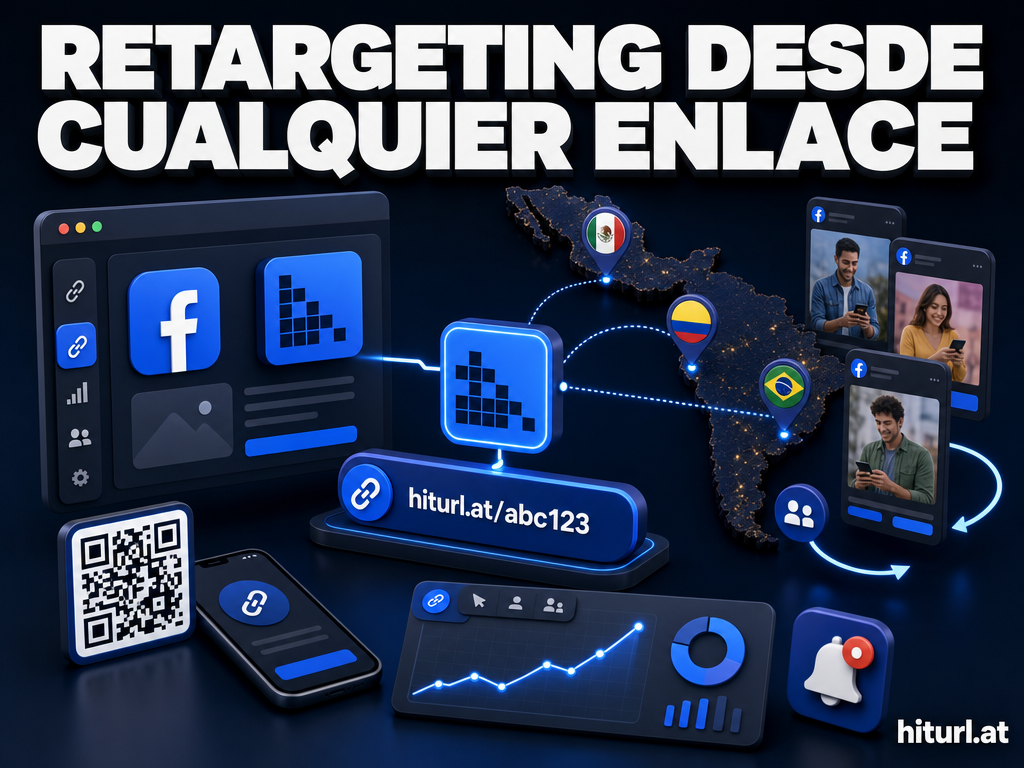
HitURL supports pixels from Facebook, Google, LinkedIn, Twitter, AdRoll, Quora, and Google Tag Manager. You attach a pixel to a link once in your dashboard or via the API, and it fires on every click automatically. For a newsletter pipeline that generates hundreds of links per month, this turns every outbound URL into a retargeting asset.
According to WordStream research, retargeted audiences convert at rates up to 70% higher than cold traffic. Attaching pixels to your pipeline links is one of the lowest-effort ways to build those audiences from content you are already publishing.
Automating the Full Pipeline With a No-Code Layer
Not every team wants to write and maintain Python scripts. If your workflow lives in a no-code automation tool, the same ESR Framework applies. You use a regex text processing node to extract URLs, an HTTP request node to call the HitURL API for each one, and a text replacement node to swap the originals out.
The step-by-step n8n URL shortener automation workflow guide walks through exactly this pattern inside n8n, with node configurations you can copy directly. The same logic works in Make (Integromat) or Zapier with their equivalent HTTP and text nodes.
Whether your pipeline runs in Python, n8n, or Make, the link tracking step is always the same three operations: extract, shorten, replace. The tool changes; the framework does not.
What Else Should You Know About the HitURL API?
The HitURL developer documentation covers the full REST API, including endpoints for creating links, retrieving click analytics, managing campaigns, and generating dynamic QR codes programmatically.
A dynamic QR code, one where the destination URL can be changed after the code is printed or published, is particularly useful for content pipelines that feed into physical or hybrid channels. You generate the code once, attach it to a short link, and update the destination any time without reprinting or republishing.
For developers building on top of OpenRouter workflows, the API is designed to be called inline during content processing. Rate limits on the free tier are generous enough for newsletter-scale pipelines, and authentication is a standard Bearer token.
According to HubSpot's marketing data, email newsletters that include tracked CTAs generate measurably higher attribution accuracy than those using raw destination URLs, because click-level data ties directly to downstream conversions. Adding a tracking layer to your automated output is not optional if you want to prove ROI on content.
FAQ: OpenRouter API and Automated Link Tracking
Does OpenRouter shorten or track links in its API output?
No. OpenRouter returns plain text from the model. Any link tracking, shortening, or pixel attachment has to happen in your pipeline after you receive the model's output, before you publish it.
What is the best way to extract URLs from model output reliably?
A regex pattern like https?://[^\s<>"']+ catches the vast majority of URLs in plain text output. For HTML output from the model, parse the DOM and extract href attribute values instead. Always deduplicate before processing to avoid redundant API calls.
Can I use a custom alias for each shortened link in an automated pipeline?
Yes. Pass an alias field in your HitURL API request. For automated pipelines, consider generating aliases programmatically from a slug of the destination domain or the content campaign name to keep your link dashboard readable.
How do I handle rate limits when shortening many links at once?
Process your URL array with a short delay between requests, or batch your API calls. Deduplication helps significantly: if the same URL appears ten times in a single piece of content, you only need one API call. Store the result in a cache keyed by the original URL to avoid repeat calls across multiple pieces of content in the same run.
Is the HitURL API free to use?
HitURL is free to start, with no credit card required. The free tier includes link shortening, click analytics, and API access, which covers most newsletter and social automation pipelines. You can review the full feature set and API reference at hiturl.at/developers.
Start Tracking Every Link Your Pipeline Produces
Every URL that leaves your OpenRouter workflow untracked is a gap in your data. The Extract-Shorten-Replace Framework closes that gap in three steps, and once it is in your pipeline, it runs without any manual work.
See how HitURL tracks every click, fires your pixels, and generates QR codes — free at hiturl.at. Create your account, grab your API key, and your next automated content run will have full analytics from the first link.