


You already have a Next.js app. You need short links that redirect cleanly, fire analytics on every click, and stay under your control. Building a Next.js link shortener as a dedicated microservice is the most direct path to that goal. This guide shows you exactly how to wire it up using Next.js API routes and a Supabase backend, from the database schema to the redirect handler.
By the end, you have a working /api/shorten endpoint, a /api/[slug] redirect handler, and a clear picture of where to extend the service when your requirements grow.
Why Build a Link Shortener as a Next.js Microservice?
Most teams reach for a third-party shortener first. That works until you need to fire a custom analytics event on every redirect, preserve campaign query strings, or store click data inside your own database. Off-the-shelf tools make those things harder than they should be.
Running the service inside your Next.js project means the short-link logic lives next to your application code. You deploy once, you own the data, and you control the redirect logic completely. There is no external rate limit standing between you and scale.
A Next.js API route gives you a serverless function that runs at the edge or on a Node.js runtime, making it an ideal host for short-link redirect logic. You get sub-100ms response times without managing any infrastructure.
The tradeoff is real: you are responsible for uptime, schema migrations, and abuse prevention. If you want production-grade link management without the maintenance overhead, HitURL's REST API handles all of that and connects cleanly to any Next.js project. For teams that want full ownership, the build-it-yourself path below is solid.
Architecture Overview: The Two-Route Pattern
The microservice needs two things: a way to create short links and a way to resolve them. Everything else, analytics, expiry, geo-targeting, is an extension on top of this core.
- POST /api/shorten: Accepts a long URL, generates a slug, stores the mapping in Supabase, returns the short URL.
- GET /[slug]: Resolves the slug to the original URL, logs the click, returns a 301 or 302 redirect.
Notice that the redirect lives at the root level, not inside /api. That keeps your short URLs clean: yourdomain.com/abc123 instead of yourdomain.com/api/abc123. In the Next.js App Router, you implement this with a Route Handler inside app/[slug]/route.ts.
Setting Up the Supabase Backend
Supabase gives you a Postgres database with a REST and real-time API on top. The Supabase documentation covers client setup in detail. Here is the minimal schema for your link shortener.
Run this SQL in the Supabase SQL editor:
create table links (
  id uuid primary key default gen_random_uuid(),
  slug text unique not null,
  destination text not null,
  created_at timestamptz default now(),
  click_count integer default 0
);

create index on links (slug);

create table clicks (
  id uuid primary key default gen_random_uuid(),
  link_id uuid references links(id),
  clicked_at timestamptz default now(),
  referrer text,
  user_agent text,
  country text
);
The links table stores the mapping. The clicks table stores every event with enough metadata to reconstruct a basic analytics view. The index on slug is not optional. Every redirect hits that column, and a missing index turns a 10ms lookup into a 200ms table scan at volume.
Indexing the slug column in your links table is the single most impactful performance decision in a custom link shortener. Without it, redirect latency scales linearly with your link count.
Building the /api/shorten Endpoint
Create app/api/shorten/route.ts. This handler accepts a POST request with a url in the body, generates a slug, and writes the record to Supabase.
import { createClient } from '@supabase/supabase-js';
import { NextResponse } from 'next/server';
import { nanoid } from 'nanoid';

const supabase = createClient(
  process.env.SUPABASE_URL!,
  process.env.SUPABASE_SERVICE_ROLE_KEY!
);

export async function POST(request: Request) {
  const { url, customSlug } = await request.json();

  if (!url || !isValidUrl(url)) {
    return NextResponse.json({ error: 'Invalid URL' }, { status: 400 });
  }

  const slug = customSlug ?? nanoid(7);

  const { data, error } = await supabase
    .from('links')
    .insert({ slug, destination: url })
    .select('slug')
    .single();

  if (error) {
    const status = error.code === '23505' ? 409 : 500;
    return NextResponse.json({ error: error.message }, { status });
  }

  const shortUrl = `${process.env.NEXT_PUBLIC_BASE_URL}/${data.slug}`;
  return NextResponse.json({ shortUrl }, { status: 201 });
}

function isValidUrl(str: string) {
  try { new URL(str); return true; }
  catch { return false; }
}
A few details worth explaining. The nanoid(7) call produces a 7-character URL-safe string with enough entropy to avoid collisions at most usage scales. Error code 23505 is Postgres's unique-constraint violation, so you return a 409 Conflict when a custom slug is already taken instead of a generic 500.
Use the SUPABASE_SERVICE_ROLE_KEY only in server-side code. Never expose it to the browser. For client-side calls, use the anon key with Row Level Security enabled.
Writing the Redirect Handler
Create app/[slug]/route.ts. This is the hot path. Every click goes through here, so keep it lean.
import { createClient } from '@supabase/supabase-js';
import { NextResponse } from 'next/server';

const supabase = createClient(
  process.env.SUPABASE_URL!,
  process.env.SUPABASE_SERVICE_ROLE_KEY!
);

export async function GET(
  request: Request,
  { params }: { params: { slug: string } }
) {
  const { slug } = params;

  const { data: link } = await supabase
    .from('links')
    .select('id, destination')
    .eq('slug', slug)
    .single();

  if (!link) {
    return NextResponse.redirect(
      new URL('/404', request.url)
    );
  }

  // Log the click without blocking the redirect
  const referrer = request.headers.get('referer') ?? '';
  const userAgent = request.headers.get('user-agent') ?? '';

  supabase.from('clicks').insert({
    link_id: link.id,
    referrer,
    user_agent: userAgent,
  }); // intentionally not awaited

  // Preserve any query strings appended to the short URL
  const destination = new URL(link.destination);
  const incoming = new URL(request.url);
  incoming.searchParams.forEach((value, key) => {
    destination.searchParams.set(key, value);
  });

  return NextResponse.redirect(destination.toString(), { status: 302 });
}
The click-logging insert is intentionally not awaited. The redirect fires immediately. The analytics write happens in the background. This keeps your redirect latency independent of your database write latency.
The query-string merging block is important for campaign traffic. If someone clicks yourdomain.com/summer?ref=newsletter, that ref parameter gets forwarded to the destination URL. Your UTM tracking stays intact.
Preserving query strings on redirect is non-negotiable for campaign measurement. A link shortener that silently drops UTM parameters corrupts your attribution data at the source.
You have a working custom short-link service built for Next.js API routes. If you want to explore how a managed API compares to this approach, the URL shortener API code examples on the HitURL blog show integration patterns for both self-hosted and managed services.
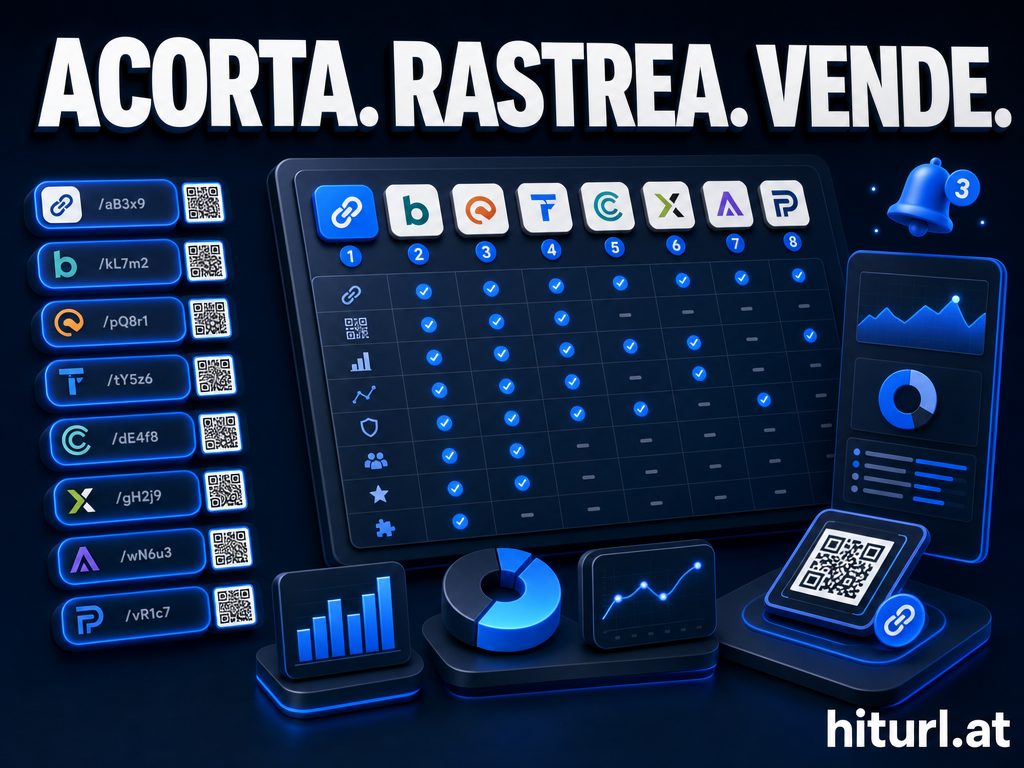
Want to skip the infrastructure work? HitURL gives you short links, retargeting pixels, QR codes, and a full REST API in one platform. Switch to HitURL today. Free to start, and you keep every feature that matters. Get started at hiturl.at.
How Do You Add Analytics Without Slowing Down Redirects?
You fire and forget. The pattern shown above does not await the analytics insert, so the redirect response goes out before the database write completes. This is the right tradeoff for a redirect handler where latency is the primary concern.
For richer analytics, consider the Double-Write Pattern: write the click event to a fast key-value store like Redis or Upstash synchronously, then batch-flush those events to Postgres on a schedule. This gives you real-time counters without the write amplification of inserting one row per click into a relational table at high volume.
You can also use Supabase Edge Functions or database webhooks to trigger downstream processing. The article on Supabase webhooks and dynamic QR code generation covers how to chain those events into additional workflows, useful when a new short link should automatically generate a printable QR code.
Slug Generation: Strategies and Tradeoffs
The slug is the core of any link shortener. You have four realistic options.
- Random short ID (nanoid, 6-8 chars): Fast to generate, low collision probability, no predictability. Best default choice.
- Custom alias: User-defined slugs like
/summer-sale. Great for branded links. Requires a uniqueness check and conflict handling. - Sequential integer encoded as base62: Completely collision-free, but exposes your total link count. Not recommended for public services.
- Hash of the destination URL: Deterministic, so shortening the same URL twice returns the same slug. Useful for deduplication, but collisions are possible with truncated hashes.
For most Next.js link shortener projects, nanoid with a custom-alias override covers 95% of use cases. Start there.
Is a Custom Short Link Service Better Than a Branded Domain Plan?
It depends on what you are optimizing for. Building your own service gives you complete control over logic, storage, and pricing at scale. A managed service with a custom domain gives you that same branded URL without the engineering maintenance.
The real question is whether short-link infrastructure is a core competency for your team. If you are building a developer tool where URL management is a product feature, building it yourself makes sense. If you are a marketing team that needs branded short links on a custom domain without owning the infrastructure, a managed platform is the faster path.
The build-vs-buy decision for a link shortener comes down to one question: is redirect logic a feature of your product, or a tool your product uses? Build it if it's a feature. Use a managed service if it's a tool.
Securing the /api/shorten Endpoint
An open shorten endpoint is a spam and abuse vector. Add these protections before going to production.
- API key authentication: Require an
Authorization: Bearerheader. Validate the token against a secrets table in Supabase before processing any request. - Rate limiting: Use the
@upstash/ratelimitpackage with a Redis backend. Set a per-IP limit of 10-20 requests per minute as a starting point. - Domain blocklist: Before inserting, check the destination URL against a known-malicious domain list. You can use a free API like Google Safe Browsing for this check.
- Max slug length: Enforce a maximum length on custom slugs (32-64 characters) to prevent oversized inputs.
None of these are optional if the endpoint is public-facing. A single weekend of unprotected exposure is enough to fill your database with spam links.
Extending the Service: Geo Targeting and Device Routing
Once the core redirect loop works, extensions are incremental. Geo targeting means reading the x-vercel-ip-country header (on Vercel deployments) or a similar header from your edge provider, then querying a routing table in Supabase to find the right destination for that country code.
Device routing follows the same pattern. Parse the User-Agent header to detect mobile vs. desktop, then look up a device-specific destination in your routing table. Store rules as a JSONB column on the links table to avoid extra joins on the redirect path.
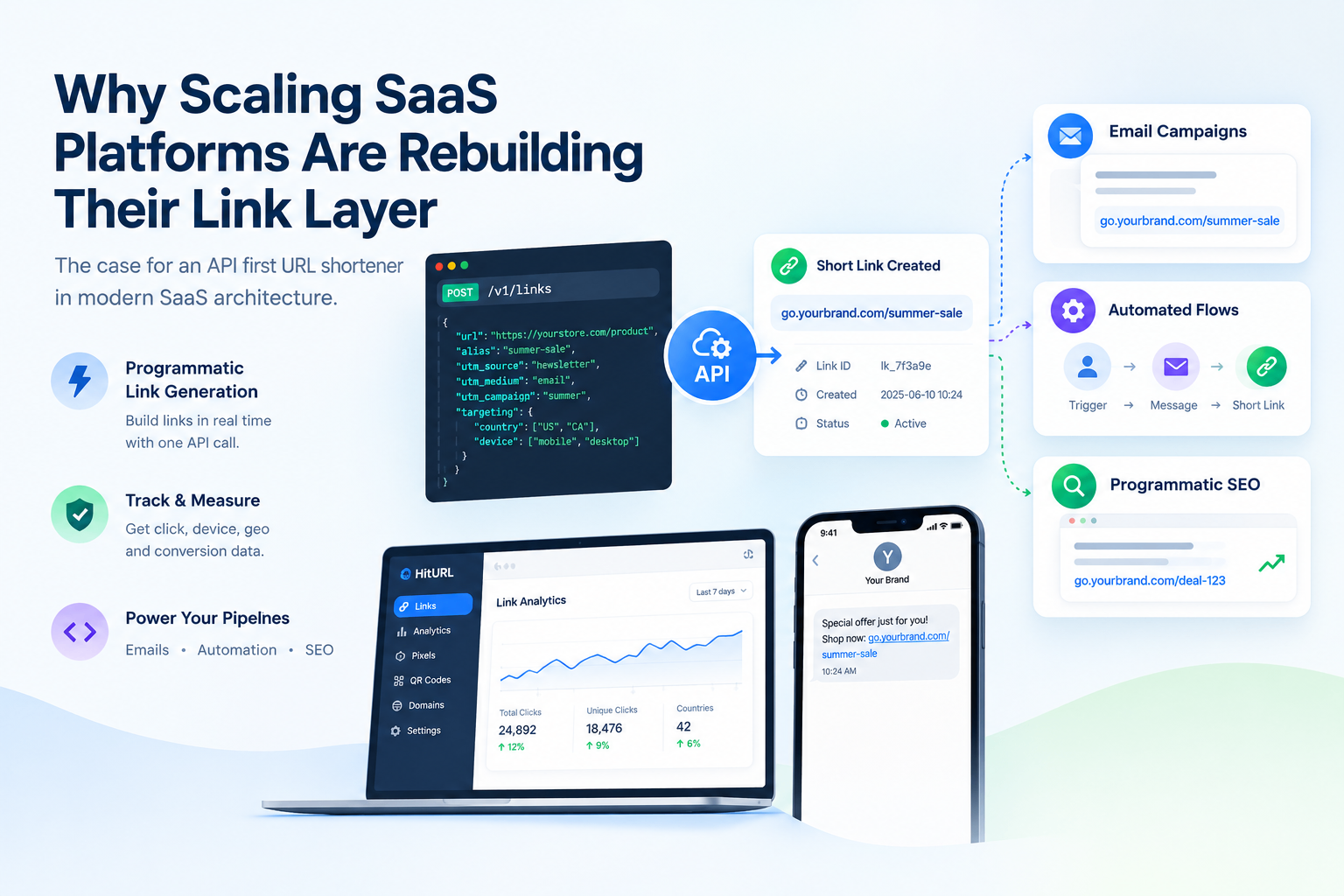
Both of these patterns ship as standard features on managed platforms. If your team needs them quickly, compare the build time against using a service that has them ready. The HitURL platform includes geo and device targeting on all plans, accessible through the same developer API you would use to create and manage links programmatically.
FAQ
Can I run this Next.js link shortener on Vercel's free tier?
Yes. The two API routes are serverless functions that run on Vercel's free tier with no configuration changes. Supabase also has a free tier that covers the database. For low-to-medium traffic, this stack costs nothing to run.
Should I use a 301 or 302 redirect for short links?
Use 302 (temporary redirect) by default. A 301 is cached permanently by browsers, meaning destination changes do not propagate to users who have already visited the link. Use 301 only for links you are certain will never change destinations.
How do I handle slug collisions with nanoid?
A 7-character nanoid with 64 possible characters gives you over 4 trillion combinations. Collisions are statistically negligible below tens of millions of links. If you hit a 409 response from Supabase (error code 23505), retry the insert with a newly generated slug. Two retries cover any realistic scenario.
How do I preserve UTM parameters through the redirect?
The redirect handler shown above merges query parameters from the incoming short URL onto the destination URL before redirecting. Any UTM tags appended to the short link are forwarded automatically. This is the standard approach for campaign measurement.
What is the difference between building my own link shortener and using HitURL's API?
Building your own gives you complete control but requires you to maintain infrastructure, handle security, and build features like retargeting pixels and QR codes yourself. HitURL provides all of those features through a REST API, so your Next.js app can create and manage branded short links without owning the backend. It is free to start at hiturl.at.
Where to Go From Here
You now have a working custom short-link service built on Next.js API routes and Supabase. The core is small: a shorten endpoint, a redirect handler, an indexed database table, and non-blocking analytics writes. Everything else is an extension of that pattern.
If you reach a point where maintaining the infrastructure costs more than it is worth, the managed path is ready. Switch to HitURL today. Free to start, and you keep every feature that matters. Create your free account at hiturl.at.