
Your LinkedIn post has three seconds to earn a fourth. Most posts fail not because the idea is weak, but because the text sits in a dense, unbroken block that readers skip before they even start. LinkedIn breakout text formatting is the visual approach that changes that: short lines, deliberate white space, and a structure that pulls the eye down the page.
This guide walks you through the exact formatting layouts that creators use to generate high click-through rates on LinkedIn, including how clean link presentation fits into the whole picture.
What Is LinkedIn Breakout Text Formatting?
LinkedIn breakout text is a copywriting layout style where each idea gets its own line, or even its own standalone sentence. Instead of writing in traditional paragraphs, you break the text into visual chunks that are easy to scan on a mobile screen.
The result looks like a vertical rhythm: a hook at the top, one idea per line in the body, and a clear call to action at the bottom. LinkedIn's feed renders line breaks, so you can use them as a formatting tool in a way you cannot in email or a PDF.
LinkedIn breakout text works because it mirrors how people actually read on mobile: they scan vertically, stop on contrast, and only read full sentences when something already caught their eye.
Why Does Text Layout Affect LinkedIn CTR?
CTR on LinkedIn posts depends on two things: the hook and the continuation rate. The hook earns the click on "see more." The continuation rate is how far down people read before they bounce.
According to LinkedIn's own feed guidance, the first two to three lines of a post are visible before the "see more" cutoff. That makes the opening the single highest-leverage real estate in any post you write.
Dense paragraphs suppress continuation rates. When readers see a wall of text after clicking "see more," many stop reading immediately. Breakout formatting signals that the content is scannable and worth their time.
Posts that use single-sentence lines and deliberate white space generate stronger continuation rates because they reduce the perceived reading effort before a single word is processed.
The 4-Part Breakout Layout Framework
Most high-performing LinkedIn posts follow what you can call The 4-Part Breakout Stack. Here is how each section works:
- The Hook Line: One sentence, max 10 words. State a problem, a counterintuitive fact, or a direct result. This is your only job before the "see more" cut.
- The Setup Block: Two to four single-line sentences that add context. Each line stands alone. No conjunctions that bleed into the next idea.
- The Value Body: Your actual insight, tip, or story told in short punchy lines. Use numbered or bulleted structures if you have multiple points. White space between each item.
- The CTA Line: One direct sentence telling the reader what to do next. If you are linking out, this is where the link goes.
This structure works because it respects the reader's attention as a finite resource. You earn each additional line by delivering value on the previous one.
How to Write a Hook That Forces "See More" Clicks
The hook is not a headline. It is a doorway. The goal is not to summarize your post; it is to make skipping it feel like a loss.
Three hook formats that consistently outperform generic openers:
- The Specific Outcome Hook: "I rewrote my LinkedIn summary in 20 minutes. My inbound went up 40%."
- The Counterintuitive Statement: "Shorter posts outperform longer ones. Except when they don't. Here's the difference."
- The Direct Address Hook: "If your LinkedIn posts get under 10 reactions, read this before you post again."
Notice what all three have in common: they are specific, they create a gap between what the reader knows and what they could know, and they fit in two lines before the cut.
The best LinkedIn hook does not describe the post. It creates a specific, believable tension that only resolves if the reader clicks "see more."
Visual Text Tricks That Make Breakout Formatting Work
The formatting itself carries meaning. Here are the visual text approaches that work best inside LinkedIn's character limits:
Single-Sentence Lines
Write one idea per line. Press Enter after every sentence. This forces white space between ideas and gives each point its own visual weight. Readers naturally pause at line breaks, so each pause is a micro-commitment to keep reading.
The Em-Space Separator
A blank line between sections signals a new idea. Use it generously between your setup block and your value body. It acts like a chapter break in a short format.
Numerical or Symbolic Anchors
Numbers, arrows (→), and checkmarks (✓) act as visual anchors. They tell the eye where a new item begins. Use them in list sections to guide the reader through multiple points without the content feeling like a wall.
The Single-Word Punch Line
Occasionally, a one-word line carries the weight of a paragraph. "Wrong." or "Here's why." stops the eye completely. Use it once per post for maximum effect.
How Short Links Fit Into a High-CTR LinkedIn Post
Every formatting decision you make in the body of a post can be undermined by one thing: a raw URL that breaks the visual line.
A link like https://www.yourwebsite.com/blog/category/post-title?utm_source=linkedin&utm_medium=social spills across two or three lines, disrupts the breakout rhythm, and looks unprofessional. A branded short link fits on a single line and reinforces your credibility.
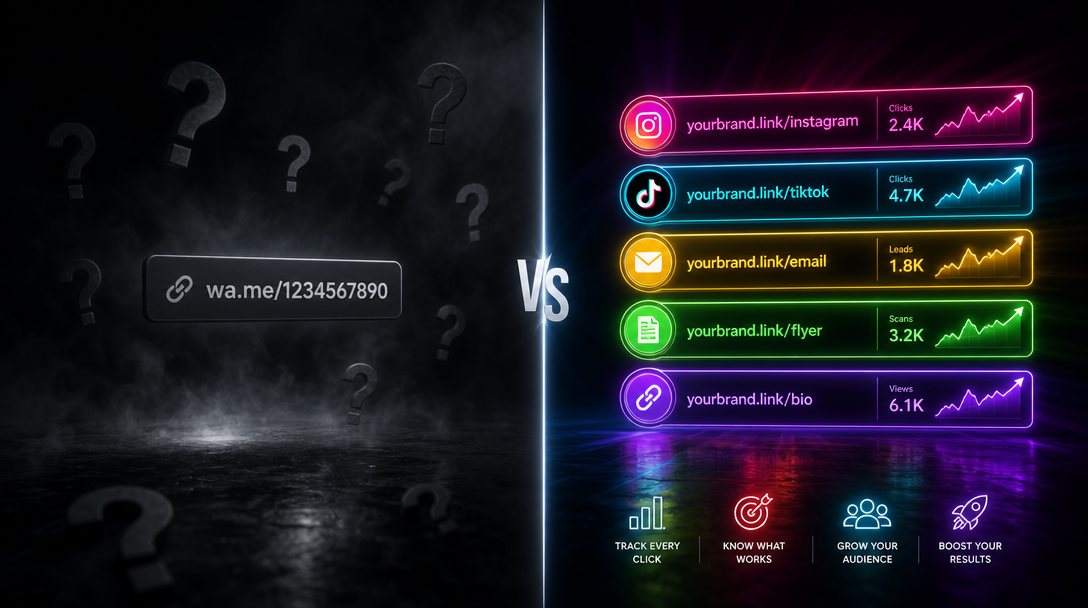
More importantly, a short link is trackable. You know exactly how many clicks your post generated, which post format drove the most traffic, and which hook-to-CTA combination converted. That data makes every future post smarter. Learn more about URL shortener best practices for social media to see how this fits into a broader content strategy.
If you are including links regularly in your LinkedIn content, create a free short link with HitURL to keep your formatting clean and your click data visible.
Start shortening links for free at hiturl.at. No credit card needed.
What Should You Put in Your LinkedIn CTA Line?
The CTA line is the last thing a reader sees. It determines whether they click, comment, or scroll on.
A weak CTA is vague: "Let me know your thoughts." A strong CTA is specific and action-oriented: "Grab the full checklist at the link below." or "Read the full breakdown: [short link]."
Three CTA formats that work well in breakout-formatted posts:
- The Direct Link CTA: "Full guide here: [branded short link]" Works best when the content teases something the post cannot fully deliver.
- The Comment Trigger: "Drop a 1 in the comments if you want the template." Boosts engagement signals without requiring a click.
- The Profile CTA: "More on this in my bio." Works when your link-in-bio page consolidates multiple resources in one place. This is especially effective if you post consistently across topics and want readers to explore your broader content library.
The CTA line should feel like a natural next step, not a sales pitch bolted onto the end of your post.
How to Optimize Your LinkedIn Profile Link for Breakout Posts
Your post content does not live in isolation. Readers who engage with your posts often visit your profile to learn more. That means your profile URL and the link in your contact section are part of the same conversion path.
A long, generic profile URL or a cluttered website link in your profile header undercuts the professional impression your breakout-formatted posts create. A clean, branded short link in your profile contact section completes the picture. For a step-by-step walkthrough on this, read our guide on how to use a short link in your LinkedIn profile URL.
Breakout text formatting earns attention in the feed, but your profile link is where that attention converts. A branded short link in your contact section keeps the reader experience consistent from post to profile.
A 5-Step Process for Writing Your Next High-CTR LinkedIn Post
Here is a repeatable process you can use today:
- Write the idea first. Draft the full thought in plain prose. Do not format yet.
- Extract the hook. Find the single most surprising or specific sentence in your draft. Move it to line one.
- Break every paragraph into single lines. Hit Enter after each sentence. Read each line alone and ask: does this earn the next line?
- Cut 20% of the words. Breakout formatting exposes weak sentences. Remove anything that does not add new information or forward momentum.
- Add your CTA and short link last. Place the link on its own line. Keep the CTA to one sentence. Use a branded short link so the URL does not break your visual rhythm.
This process works for any content type: tips, stories, case studies, or opinion pieces. The format is consistent even when the content changes.
Frequently Asked Questions
What is LinkedIn breakout text formatting?
LinkedIn breakout text formatting is a copywriting layout style where each sentence or idea appears on its own line, separated by white space. It creates a scannable vertical rhythm that encourages readers to continue past the "see more" cut.
Does LinkedIn penalize posts with external links?
LinkedIn's algorithm historically gives lower organic reach to posts with external links in the body text. Many creators put links in the first comment instead of the post body, or use a profile CTA that directs readers to their bio link. Regardless of placement, a branded short link keeps the URL clean and trackable.
How long should a breakout-formatted LinkedIn post be?
Most high-performing breakout posts fall between 150 and 300 words. The line-break structure makes shorter posts feel substantial. Posts that go beyond 400 words need a very strong setup block to justify the length.
Can I use breakout formatting for LinkedIn articles as well as feed posts?
Yes, but the mechanics differ. LinkedIn articles support full rich-text editing with headers and bold text. Feed posts rely entirely on line breaks and spacing. For feed posts, breakout formatting is the primary visual tool available to you.
How do I track which LinkedIn posts drive the most clicks?
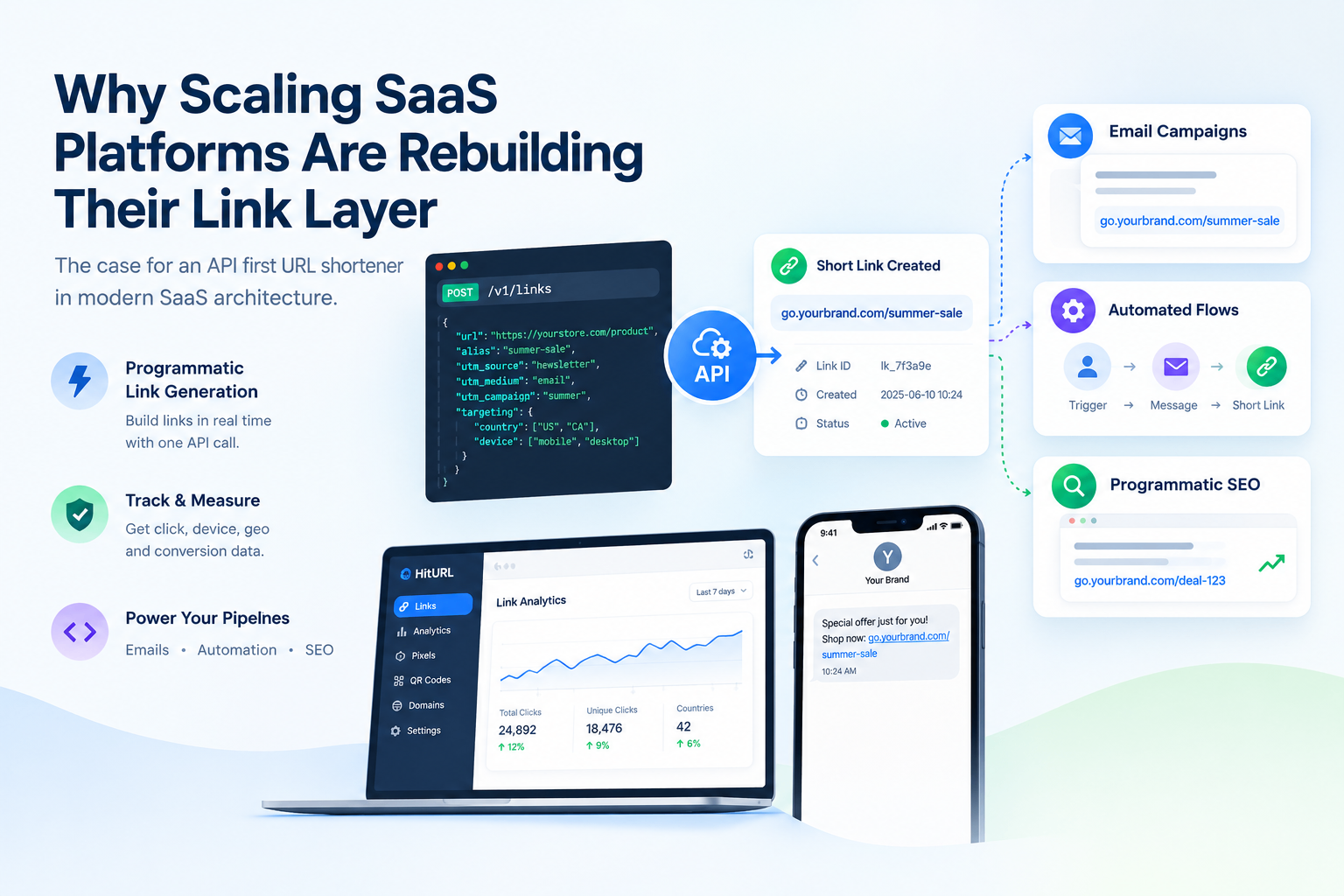
Use a short link with click tracking for every post that includes an external URL. A platform like HitURL gives you click counts, device data, and geographic data for each link. Over time, you can match post formats and hooks to click volumes and refine your approach based on real data. See the social media URL shortener best practices guide for a full breakdown of how to set this up.