
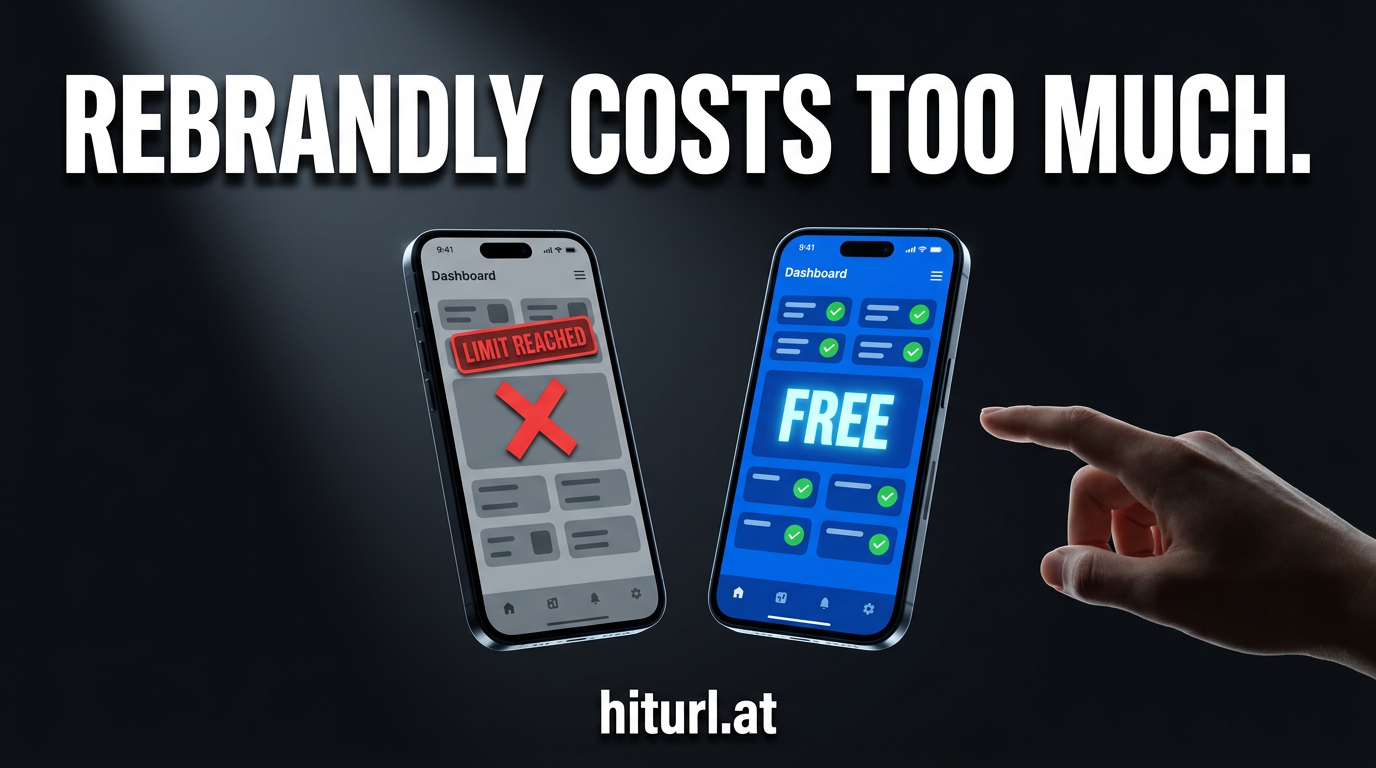
Rebrandly's pricing page hits different when you realize you're paying $99/month just to unlock retargeting pixels and decent analytics. If you've been searching for a solid rebrandly alternative that doesn't charge enterprise rates for features that should be standard, you're in the right place.
This article breaks down Rebrandly vs HitURL across every feature that matters: branded domains, analytics, QR codes, pixel support, API quality, and pricing. You'll also get a step-by-step migration guide so switching takes minutes, not days.
Why Rebrandly Users Start Looking for Alternatives
Rebrandly built a strong product. Branded short links, custom domains, team workspaces — it covers the basics well. But its pricing structure forces you into expensive tiers the moment you need anything beyond the bare minimum.
According to Rebrandly's own pricing page, retargeting pixels are locked behind the Pro plan at $99/month. QR codes, deeper analytics, and API access follow a similar pattern. For a solo marketer or small team, that math is hard to justify.
The most common complaints from Rebrandly users come down to three things: the feature-to-price ratio feels off, the free plan is too restrictive to be useful, and onboarding a branded domain requires more steps than it should.
When a URL shortener locks retargeting pixels behind a $99/month plan, it stops being a tool and starts being a tax on your marketing stack. Marketers need pixel firing on every link, not just the ones they can afford.
Rebrandly vs HitURL: Feature Matrix
Here is a direct side-by-side comparison of the features that actually move the needle for marketers, creators, and developers.
| Feature | Rebrandly | HitURL |
|---|---|---|
| Custom branded domain | Yes (paid plans) | Yes (free plan) |
| Custom link aliases | Yes | Yes |
| Click analytics | Limited on free | Full analytics included |
| Retargeting pixels (Facebook, Google, LinkedIn, Twitter, AdRoll, Quora, GTM) | Pro plan ($99/mo) | Included |
| Dynamic QR codes | Paid plans only | Included |
| Geo targeting | Higher-tier plans | Included |
| Device targeting | Higher-tier plans | Included |
| Link-in-bio pages | Not available | Included |
| REST API access | Paid plans | Included |
| Campaign management | Yes | Yes |
| Free plan | Very restricted | Generous, fully featured |
The pattern is hard to miss. Rebrandly gates the features that power real campaigns behind its highest tiers. HitURL makes those same features available from the start. If you want a deeper look at how this compares across multiple platforms, check out our best URL shorteners of 2026 roundup.
How Does Branded Domain Setup Compare?
Connecting a custom domain to your short links is the single biggest factor in building link trust and brand recall. Both platforms support it, but the experience is different.
Rebrandly walks you through a DNS configuration process that requires adding CNAME and A records. It works, but their free plan limits you to one custom domain and restricts the number of branded links you can create. On paid plans, the process becomes more flexible, but you're already paying before you've proven the value.
HitURL lets you connect a branded domain without forcing you into a paid tier first. The setup process involves the same DNS steps, but the path from domain connection to your first branded short link is shorter. Our dedicated guide on setting up a branded short link with a custom domain walks through every step in detail.
A branded short link does two things at once: it protects your domain authority and trains your audience to recognize your URLs on sight. Getting that set up should take minutes, not a billing conversation.
What About Retargeting Pixel Support?
This is where the Rebrandly vs HitURL comparison gets decisive. Retargeting pixels fire tracking code when someone clicks your link, adding them to your ad audience automatically. No landing page required, no extra redirect needed.
Rebrandly supports retargeting pixels, but only on its Pro plan at $99/month. That means every click-through from a free or Lite plan link goes untracked in your ad platforms.
HitURL fires retargeting pixels from Facebook, Google, LinkedIn, Twitter, AdRoll, Quora, and Google Tag Manager on every link. You set the pixel once in your account settings, and every short link you create automatically builds your retargeting audience. That feature is included, not upsold.
For comparison, we covered how Bitly handles this same gap in our Bitly vs HitURL breakdown. The story is similar: pixel support is treated as a premium feature by legacy platforms.
Are QR Codes Dynamic or Static?
A dynamic QR code, one where the destination URL can be changed after printing, is fundamentally different from a static one. Static QR codes are permanent: once printed, the destination is locked. Dynamic QR codes let you update the destination without reprinting anything.
Rebrandly generates QR codes on paid plans only. If you need QR codes as part of a print campaign, event, or product packaging, you're committing to a paid subscription before you've even tested the channel.
HitURL generates dynamic branded QR codes on every link, including free accounts. You can update the destination URL at any time, track scans alongside clicks, and download the QR code in formats ready for print or digital use. For marketers running cross-channel campaigns, this matters enormously.
Dynamic QR codes eliminate the single biggest risk in print marketing: the dead link. When your destination changes, the QR code stays current. No reprint, no wasted materials, no broken experience for your audience.
Is the HitURL API Ready for Developers?
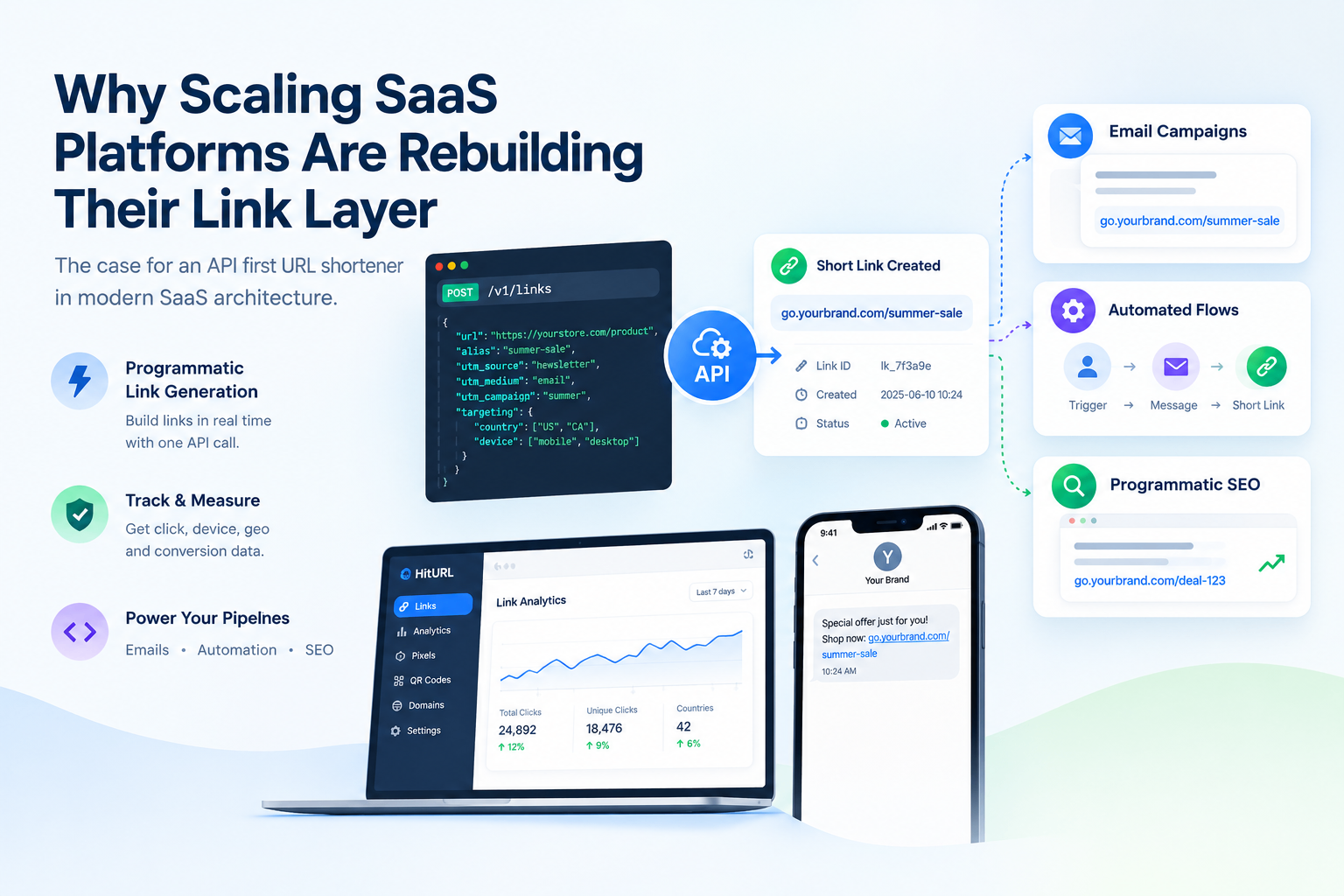
Yes. The HitURL REST API is documented, functional, and accessible without a paid plan.
Rebrandly does offer an API, but access is tied to paid tiers. If you're a developer building a tool that needs link shortening, pixel firing, or QR generation at scale, you hit a paywall before you can prototype.
HitURL's API covers link creation, custom aliases, pixel assignment, QR generation, and click data retrieval. The developer documentation at hiturl.at includes endpoint references and authentication details. If you want to see it in action, our URL shortener API code examples article covers real implementation scenarios in multiple languages.
For teams embedding link management into internal dashboards, CRMs, or publishing workflows, having API access without a billing prerequisite changes the build vs. buy calculation entirely.
Switch to HitURL today. Free to start, and you keep every feature that matters. Create your free account at hiturl.at.
Rebrandly Pricing 2026: What You Actually Pay
Rebrandly's pricing in 2026 follows a tiered model where nearly every advanced feature sits behind a higher plan. The Lite plan gives you branded links in limited quantities. The Pro plan at $99/month unlocks pixels and deeper analytics. Enterprise pricing requires a conversation with their sales team.
For a small business running retargeting campaigns, creating QR codes for events, and using the API to automate link creation, you're looking at the Pro tier or above. That's over $1,000 per year for features that should be standard in any serious link management tool.
HitURL's pricing is built differently. The free tier is genuinely functional, covering branded domains, pixels, QR codes, geo and device targeting, link-in-bio, and API access. Paid plans extend limits and add team features, but they don't hold core capabilities hostage. See the full breakdown on the HitURL pricing page.
Paying $99/month to unlock retargeting pixels in a URL shortener is not a pricing strategy. It is a penalty for actually using the product the way it was designed to be used.
For a broader context on how URL shortener pricing stacks up across platforms, our comparison of TinyURL vs Bitly vs HitURL covers the full competitive landscape.
How to Migrate from Rebrandly to HitURL
Switching platforms sounds harder than it is. Follow these steps and you can complete the migration in under an hour.
- Export your Rebrandly links. In your Rebrandly dashboard, go to Settings and look for the data export option. Download your links as a CSV. The file includes your short link slugs, destination URLs, and creation dates.
- Create your HitURL account. Go to hiturl.at and sign up. No credit card required.
- Connect your branded domain. In your HitURL dashboard, navigate to the domain settings and add your custom domain. Update the DNS records at your registrar as instructed. Propagation typically takes under 30 minutes.
- Import or recreate your links. Use the HitURL bulk import feature to upload your exported CSV, or recreate your highest-traffic links manually. For links embedded in live campaigns, prioritize those first.
- Set up your retargeting pixels. In HitURL account settings, add your pixel IDs for Facebook, Google, LinkedIn, or whichever platforms you use. Every link you create from that point fires those pixels automatically.
- Test your links. Click through a sample of your migrated links and confirm the destinations resolve correctly. Check your ad platform pixel helper tools to confirm pixel fires are registering.
- Update your live assets. Replace Rebrandly short links in your email campaigns, social bios, and printed materials with your new HitURL branded links. For printed materials with QR codes, generate new dynamic QR codes in HitURL and update the destination to match.
The UTM Stack Method applies here: before migrating, audit your existing UTM parameters in Rebrandly and make sure they carry over cleanly to your HitURL destinations. Map every source, medium, and campaign tag so your analytics data stays consistent across the transition.
Frequently Asked Questions
Is HitURL actually free, or does the free plan have major restrictions?
HitURL's free plan includes branded domains, retargeting pixels, dynamic QR codes, geo and device targeting, link-in-bio pages, and API access. It is not a stripped-down trial. Paid plans increase limits and add team features, but the core capabilities are available from day one.
Can I keep my existing branded domain when switching from Rebrandly to HitURL?
Yes. You connect your existing custom domain to HitURL through a DNS update at your domain registrar. The domain itself stays with you, and the switch does not require purchasing a new domain.
Does HitURL support all the same retargeting pixels as Rebrandly?
HitURL supports Facebook, Google, LinkedIn, Twitter, AdRoll, Quora, and Google Tag Manager. Rebrandly supports a smaller set on its Pro plan. HitURL's pixel support is broader and available without a paid plan.
What happens to my Rebrandly links after I migrate?
Your Rebrandly links continue to work as long as your Rebrandly account is active. After migrating to HitURL, you update your live campaigns, social profiles, and other assets to use your new HitURL branded links. There is no forced cutover.
Is the HitURL API suitable for high-volume link creation?
Yes. The REST API supports programmatic link creation, alias assignment, pixel configuration, and click data retrieval. Rate limits apply and scale with your plan. Full documentation is available at the HitURL developer portal.
Make the Switch
Rebrandly is a capable tool. But paying $99/month to access pixels, QR codes, and analytics that should come standard is a cost that compounds every year. If your link management stack is costing you more than it returns, the answer is not a better budget. It is a better platform.
HitURL gives you branded short links, retargeting pixels across seven platforms, dynamic QR codes, geo and device targeting, a link-in-bio page, campaign management, and a full REST API. Free to start, and every feature stays available as you scale.
Switch to HitURL today. Free to start, and you keep every feature that matters. Create your free account at hiturl.at. No credit card needed.