
Instagram Has a Link Problem. Here Is How to Fix It.
You post, you engage, you drive traffic. Then someone has to type a 90-character URL into their browser because Instagram still refuses to make links clickable everywhere. If you want to shorten link Instagram surfaces the right way, this guide covers all four placement zones: your bio, Stories link stickers, DMs, and Reels captions.
By the end, you will have a working framework called The Instagram Link Stack and a clear method for tracking which surface actually sends you traffic.
Why Short Links Matter on Instagram Specifically
Instagram is a visual platform with very little space for text that works. Long URLs break in captions, look cluttered in DMs, and are impossible to type from a Story screenshot. A short URL for your Instagram bio is not a cosmetic choice. It is a functional one.
According to Instagram's own link guidance, the bio is still the only clickable link in a standard post. That one slot has to carry a lot of weight across your entire content strategy.
A long, unbranded URL in your Instagram bio signals low trust and wastes the only clickable real estate you get on every post. A short, recognizable link does the opposite.
Short links also give you something a raw URL never can: click data. When you know which Instagram surface drives the most traffic, you stop guessing and start optimizing.
The Instagram Link Stack Framework
The Instagram Link Stack is a structured approach to assigning one unique short link to each Instagram surface. Instead of dropping the same URL everywhere, you create surface-specific links that look identical to visitors but carry different tracking parameters under the hood.
Here is the stack:
- Bio link: Your primary destination or a link-in-bio page. This is the anchor of your entire Instagram traffic strategy.
- Stories link sticker: A separate short link, ideally tied to the specific Story content or campaign running that day.
- DM link: A short link you paste when replying to questions or running a "comment to receive" campaign.
- Reels caption mention: A short, memorable branded link you can ask viewers to type or search. Since captions are not clickable, the link needs to be worth copying manually.
Each link in the stack uses a different UTM source parameter so your analytics separate the traffic cleanly. You can read more about how UTM parameters work with a URL shortener to understand the full setup.
The Instagram Link Stack works because it treats each placement as a separate traffic channel, not a single undifferentiated feed. Surface-level tracking is the difference between knowing Instagram works and knowing exactly what on Instagram works.
How to Set Up Your Instagram Short Links in HitURL
Creating your Link Stack takes about ten minutes. Here is the step-by-step process using HitURL's free link shortener.
- Create your base link. Paste the destination URL into HitURL. Add a custom alias that reflects your brand or campaign, for example hiturl.at/yourshop. For a deeper look at custom aliases, see the guide on how to create a short URL with a custom alias.
- Duplicate for each surface. Create three more versions of the same link. Keep the destination identical but change the alias slightly: /yourshop-bio, /yourshop-story, /yourshop-dm.
- Add UTM parameters to each. In HitURL, append UTM tags before shortening:
utm_source=instagram&utm_medium=biofor the bio version,utm_medium=storyfor the Story version, and so on. - Check your analytics dashboard. Every click on every surface now shows up as a separate data stream. You see which surface converts, not just which platform.
This approach also applies well beyond Instagram. The broader principles of URL shortener best practices for social media are worth reviewing if you run links across multiple platforms.
Ready to build your stack? Start shortening links for free at hiturl.at. No credit card needed.
Where to Use Short Links on Each Instagram Surface
Bio
Your bio link is your homepage on Instagram. Most creators and brands point it to a link-in-bio page that houses multiple destinations: a new post, a product, a newsletter signup. If you are not using a dedicated page here, you are leaving traffic on the table. Learn more about what a link-in-bio page is and how to make one that actually converts.
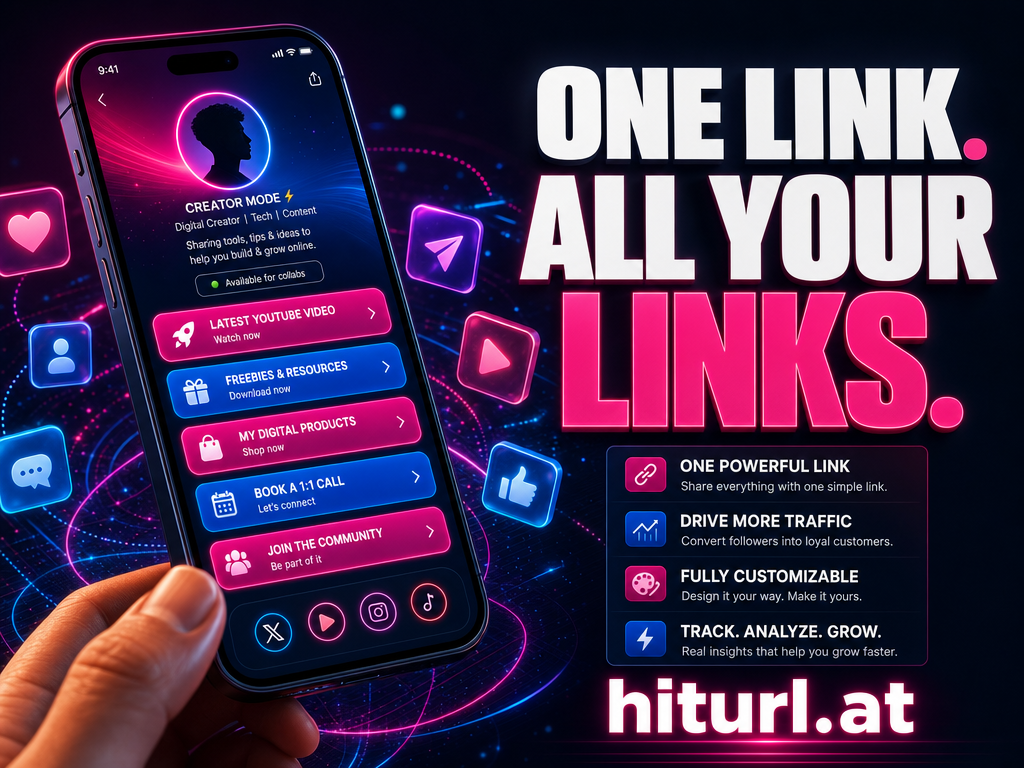
HitURL's bio profile pages let you build a branded, multi-link landing page without a separate tool. You get one short URL in your bio and full click tracking on every link inside the page.
Stories Link Sticker
The Stories link sticker is available to all Instagram accounts regardless of follower count. It replaces the old swipe-up feature and works for any destination URL. Using a short link here keeps the sticker text clean and ensures your UTM tracking fires correctly. A 200-character tracking URL crammed into a sticker label looks unprofessional and can get cut off on smaller screens.
Direct Messages
DMs are underrated as a link surface. When someone replies to your Story or sends a question, dropping a short branded link into the reply looks deliberate and trustworthy. A raw affiliate URL or a bloated query string looks like spam. Short links in DMs also track clicks, so you can measure how many people actually click after asking.
Reels Captions
Reels captions are not clickable. The workaround is a branded short link that is short enough to type or copy. Think hiturl.at/youroffer rather than a full product page URL. Mention it verbally in the Reel itself and repeat it in the caption. Some creators also add it to their on-screen text for maximum visibility.
In Reels, the link in your caption is not a clickable element. It is a call to action. The shorter and more branded the URL, the more likely a viewer is to act on it.
What Does Good Click Tracking on Instagram Actually Look Like?
Good tracking tells you more than total clicks. It answers specific questions: Did my Story drive more traffic than my bio this week? Did the DM campaign convert better than the Reels mention? With The Instagram Link Stack in place, your analytics dashboard separates all of this automatically.
Here is what to look for in your HitURL dashboard:
- Click volume by link alias: Which surface sent the most traffic overall.
- Click timing: Whether Story clicks spike immediately after posting and drop within 24 hours, which is typical behavior for ephemeral content.
- Device breakdown: Instagram is almost entirely mobile, so a high desktop ratio on one of your links might indicate a different source is sharing your URL.
- Geographic data: Useful if you run geo-targeted offers or regional campaigns.
Pair this with the UTM data flowing into Google Analytics or your preferred analytics tool and you have a complete picture of Instagram's contribution to your funnel.
Is a Branded Short Link Worth It for Instagram?
Yes. Branded short links consistently outperform generic ones on click-through rate. A branded short link signals that what is behind the URL is intentional and trustworthy, not an auto-generated redirect.
Branded short links get more clicks than generic shortened URLs because they look like a destination, not a detour. On a platform where trust is visual, the URL itself is part of the pitch.
For Instagram specifically, a branded domain in your bio, Story sticker, or DM reply reinforces your overall brand presence every time someone sees it. It is a small detail with a measurable impact on conversion.
According to research cited by Bitly, branded links can increase click-through rates by up to 34% compared to generic short URLs. That difference compounds across every post and Story you publish.
Setting Up Your Link-in-Bio Page the Right Way
If you use a single short URL in your bio, it should point to a page that does more than one job. A link-in-bio page is a lightweight landing page that lists your top destinations and lets visitors choose where to go.
The common mistake is building a link-in-bio page with too many options. Four to six links is the practical ceiling. More than that and visitors leave without clicking anything.
Your link-in-bio page should include:
- Your current top priority: a product, a post, a limited offer.
- Your evergreen destination: your homepage, shop, or newsletter.
- One social proof element: a testimonial link, a press mention, or a featured piece of content.
- A contact or booking option if relevant to your business.
Track each individual link on the page separately. That data tells you which destination your Instagram audience actually wants, not which one you assume they want.
Frequently Asked Questions
Can I use a short link in an Instagram post caption?
You can include a short link in a caption, but it will not be clickable. Instagram does not make URLs in captions into hyperlinks. The value of a short link in a caption is readability and brand recognition, not direct click-through.
Does Instagram penalize posts that contain links?
Instagram has stated it does not reduce reach based on the presence of a URL in a caption. However, many marketers report anecdotally that posts directing users to "link in bio" perform better than those with a URL in the caption. Test both approaches with your audience.
How many links can I put in my Instagram bio?
Instagram allows one clickable URL in your bio. To share multiple destinations, use a link-in-bio page and point your single bio link to it. This is the standard approach for creators, brands, and businesses managing multiple destinations.
What is the difference between a short link and a link-in-bio page?
A short link is a condensed URL that redirects to a single destination. A link-in-bio page is a landing page with multiple links on it. You typically use a short link to point to your link-in-bio page, combining the two tools into one seamless setup.
How do I track which Instagram surface drives the most clicks?
Create a separate short link for each surface (bio, Stories, DMs, Reels) using different UTM parameters or different aliases. Use a tool like HitURL to track clicks per link. Your analytics will show exactly which surface sends the most traffic without any guesswork.
Build Your Instagram Link Stack Today
The Instagram Link Stack is not a complicated system. It is four short links, each with its own alias and UTM tag, each pointing to the right destination for its surface. That structure gives you real data on where your Instagram traffic comes from and what it does next.
Stop treating Instagram as one undifferentiated traffic source. Break it into surfaces, assign each surface a link, and let the analytics do the work.
Start shortening links for free at hiturl.at. No credit card needed.